Design saved in USB memory
186
Chapter 7
2-2. To sort a design (Design sort "USB")This function sorts designs in the machine memory
by turns from the front. The folder is displayed in advance of design.
2-2-1. Screen
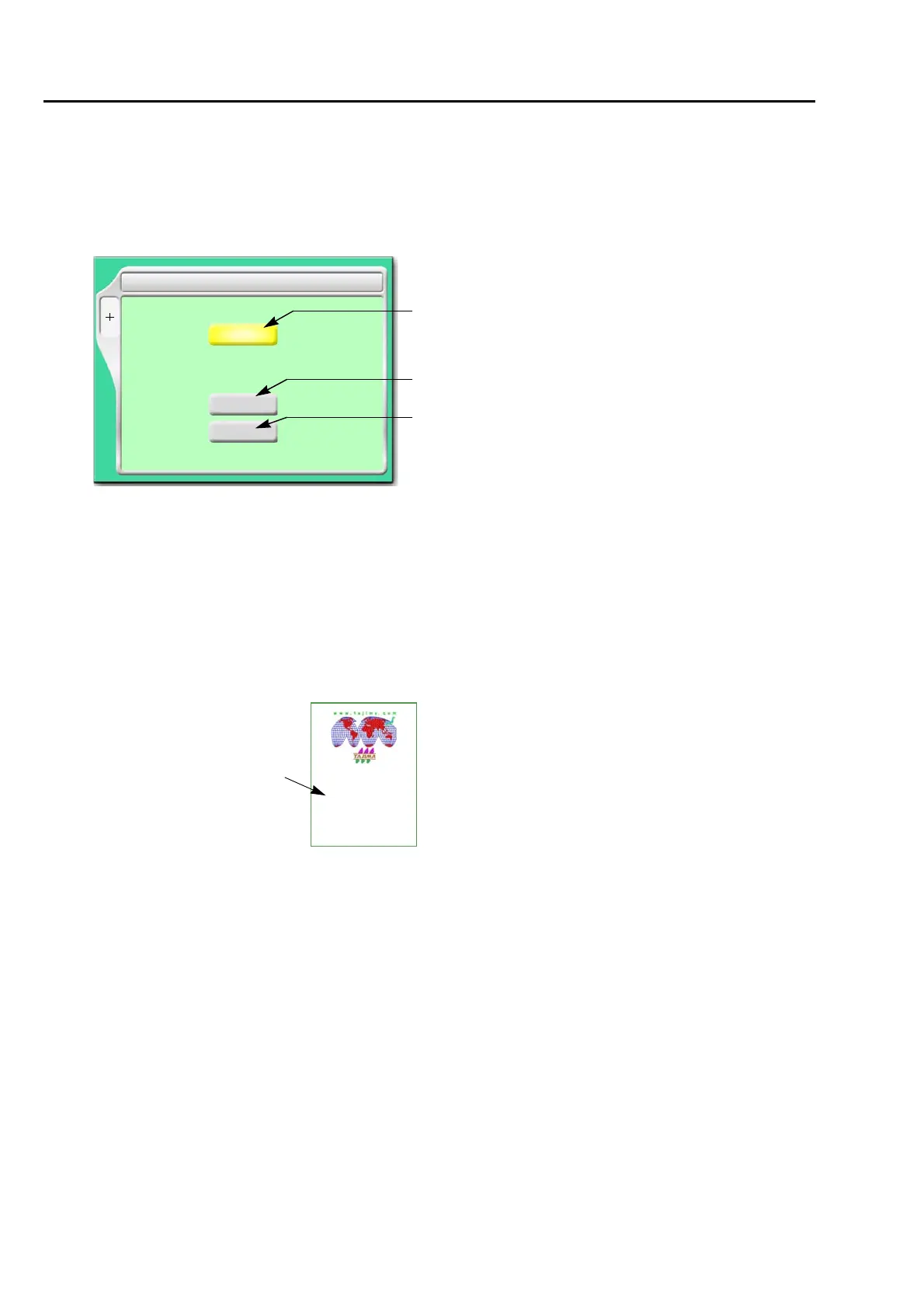
[a] Priority to sort
Time
It gives priority to updated time. When selecting "Time", perform the setting of the following
[b].
File name
Give priority to the file name of the design. When selecting "File", perform the following
setting [c].
[b] Sorting method in "Time"
Up: Old → New
Down: New → Old
[c] Sorting method in "File Name"
Up: Digit/Symbol → ABC
Down: ABC → Digit/Symbol
4 Design sort (USB)
Up/Down
Up
SET
A
Priority
Time/File name
Time
Up/Down
Up
File name
Time
[a]
[b]
[c]
G001.TBF
TAJIMA_W
14117
2
File name



 To Next Page