To make optional device available for use
194
Chapter 8
(3) To press F3 key
(4) Input a design with "Normal"
1-4. Lochrose embroidery device
This setting makes Lochrose embroidery device available for use. For details of the device, refer to the
separate manual "Lochrose embroidery device".
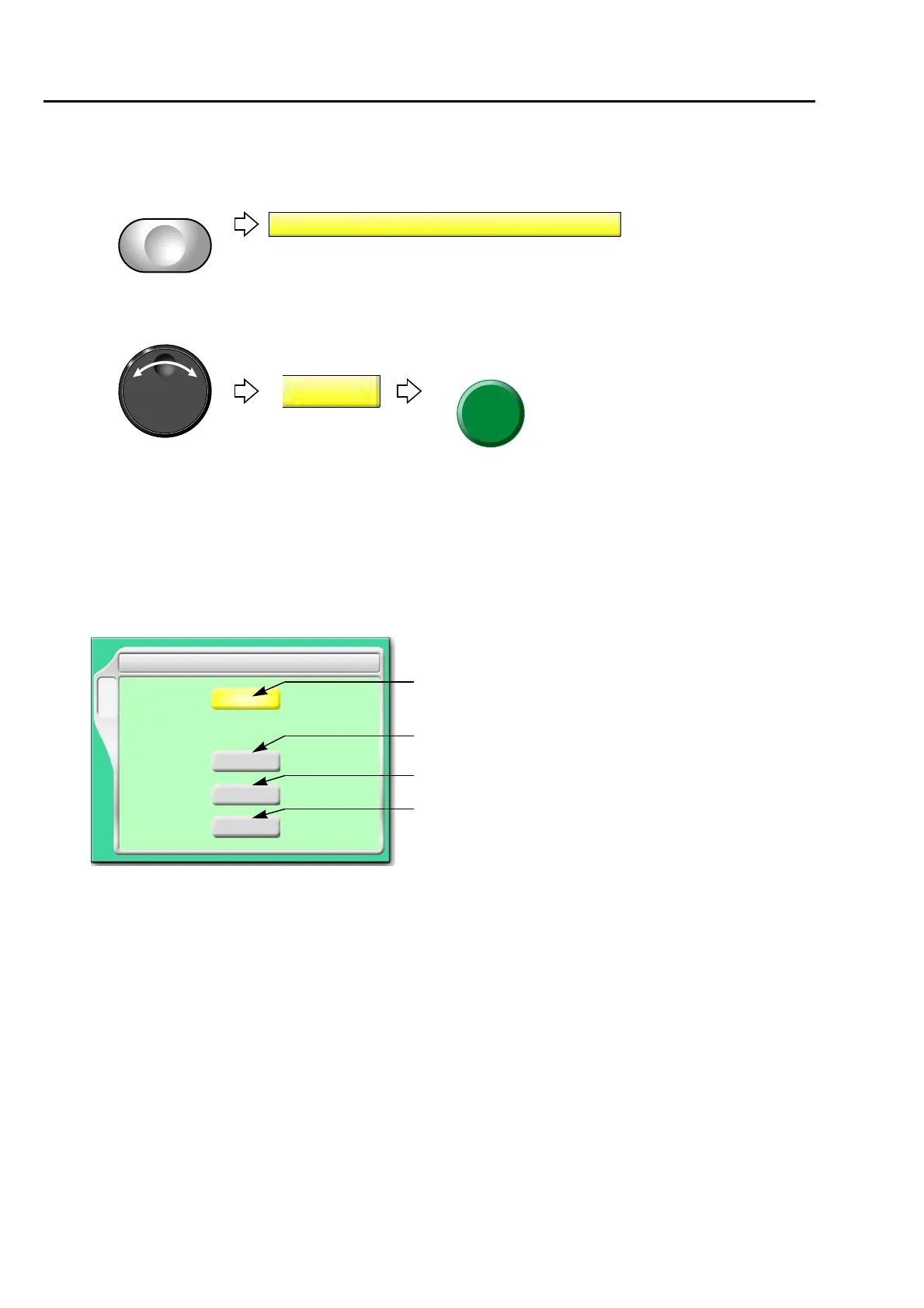
1-4-1. Screen
[a] Type of device
L: Equipped to left side
R: Equipped to right side
L+R: Equipped to left and right side
NO: Not to equip
[b] Insert jump before feeding material
Setting whether or not to insert a non-data jump code automatically before feeding out beads
YES: To insert
When beads can not be sewn effectually, select "YES". However, productivity will be
decreased.
NO: Not to insert
YES/NO
F3
10 Lochrose embroidery device
NO
YES/NO
YES
Device Up
YES/NO
L
YES
NO/L/R/L+R
Jump Insertion
Before feed
Jump Insertion
After feed
[a]
[b]
[c]
[d]
at frame stepping



 To Next Page