Necessary works after replacing the frame
155
Chapter 6
1
2
3
4
5
6
7
8
9
10
11
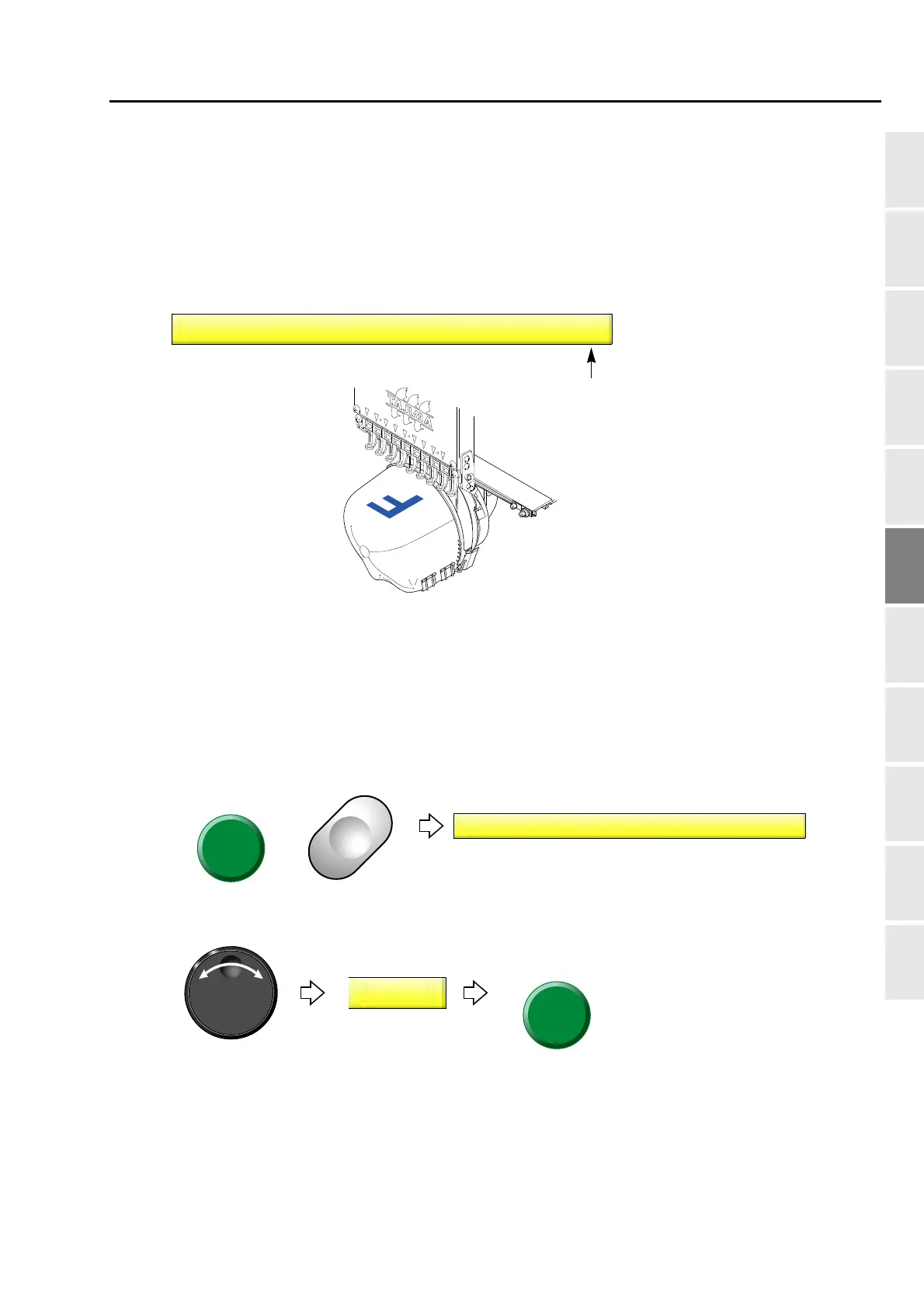
2-2. To rotate the design by 180 degrees when a cap frame is equipped
(Design rotation by 180 degrees on Cap Frame)
This function can be set only when "Frame type" is set to "Cap".(→p.152)
It is unnecessary to rotate the design to set data conversion.
2-2-1. Explanation on the screen
2-2-2. How to operate
The following is an example of setting of design rotation by 180 degree to "To perform".
(1) Set to main screen.
(2) To press B key while pressing SET
(3) To make the design rotation by 180 degrees on Cap Frame effective
Rotation of a design by 180°
YES: To set
NO: Not to set
1 Design rotation by 180° on Cap Frame
NO
State of design rotating
by 180°
6(7
%
1 Design rotation by 180° on Cap Frame
NO



 To Next Page