To make optional device available for use
193
Chapter 8
1
2
3
4
5
6
7
8
9
10
11
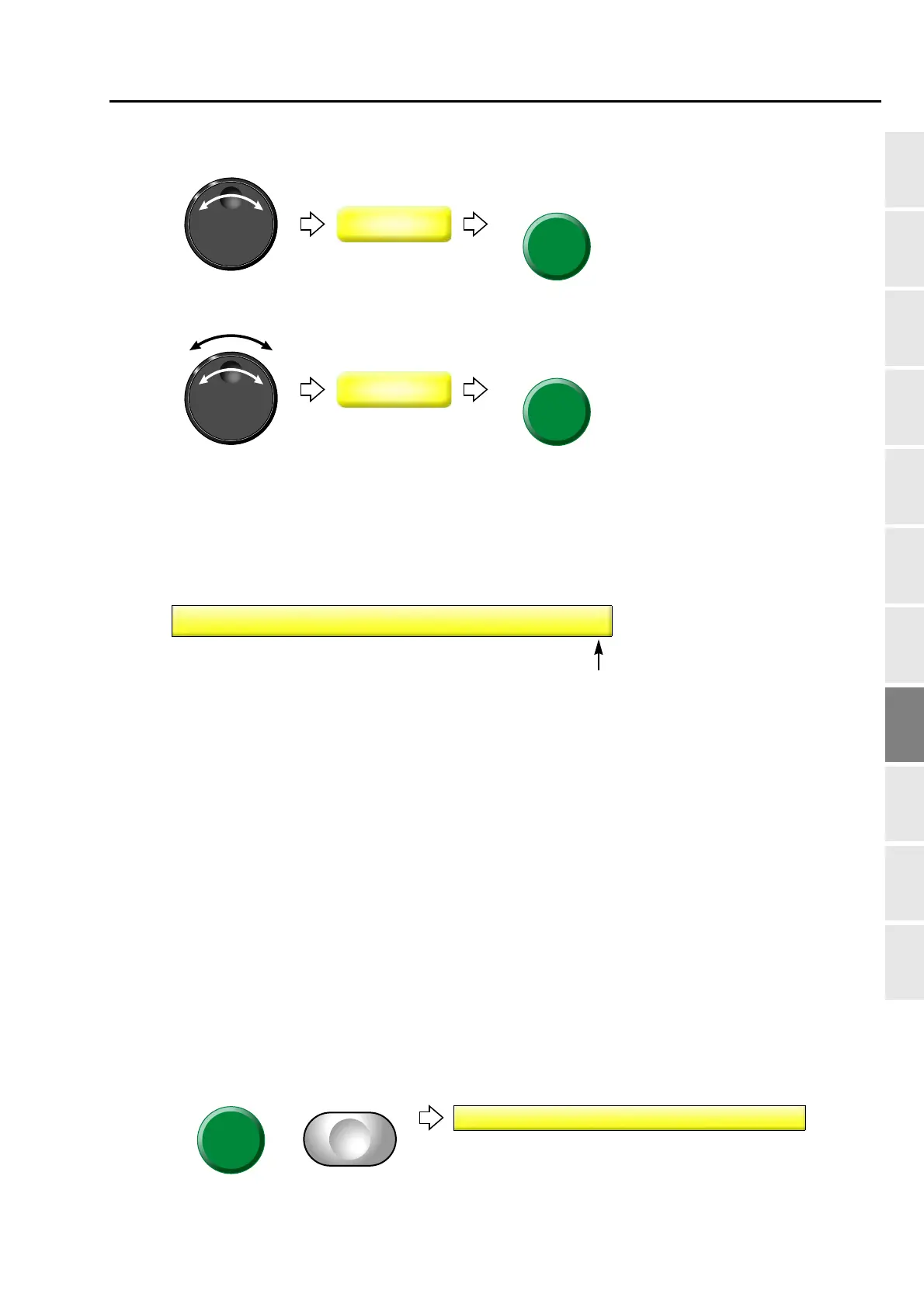
(2) To select type of device
(3) To select lubrication cycle to rotary hook
1-3. Network
This is the setting to make the network available for use by LAN connection.
1-3-1. Screen
1-3-2. How to operate
The following is an example of inputting a design from "DG/ML by Pulse" with "Normal".
(1) Set to main screen.
(2) To press F3 key while pressing SET
NO: Not to connect
Normal:
Input the design from DG/ML by Pulse
or Autograph.
Auto-Load:
Input the design from DG/ML by Pulse
in the order of output stand-by.
Sidekick:
Input the design data from Sidekick.
6(7



 To Next Page