Functions that must be remembered
138
Chapter 5
11-3. To display the setting color when making the design (Needle bar information)
11-3-1. Screen
11-3-2. How to operate
The following is the example of displaying the setting color when making the design.
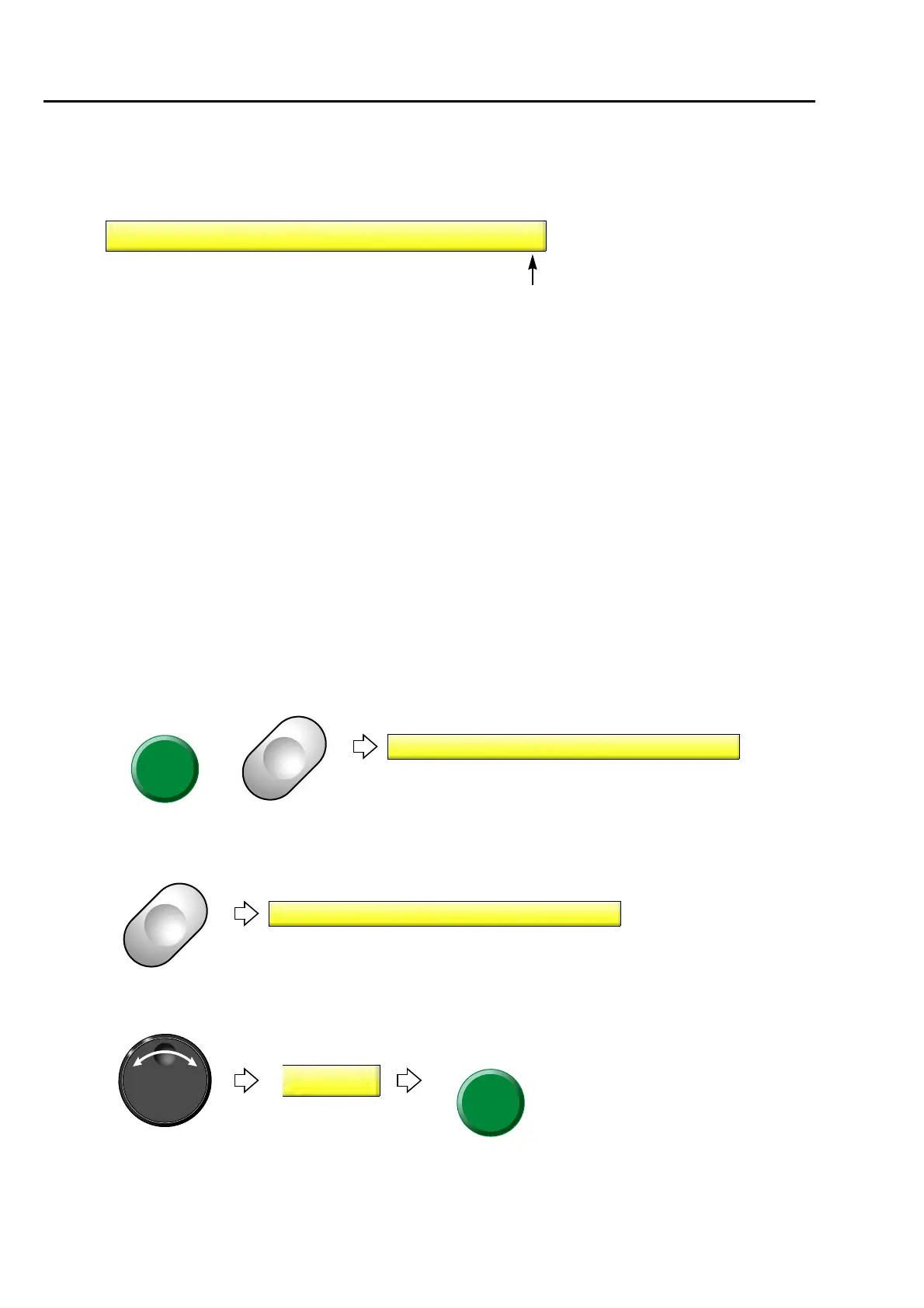
(1) Set to main screen.
(2) To press B key while pressing SET
(3) To press B key
(4) To select Yes
YES:
Display the setting color when making the
design.
When the information about the setting
color is not included in the design data, the
setting of "B-10 Needle bar color" will be
effective.
NO:
Display the color being set in "B-10Needle
Bar Color". (→p.137)
10 Needle Bar Information
NO
9 FS mode Lock
NO9 FS mode Lock
%
10 Needle Bar Information
NO



 To Next Page