Setting and resetting of password
135
Chapter 5
1
2
3
4
5
6
7
8
9
10
11
(5) To input password again after change
(a) To input password in the same procedure
(b) To decide
10-2. To cancel the password
The password is set for some function. Perform operation in the following procedure after canceling the
password.
10-2-1. Screen
10-2-2. How to operate
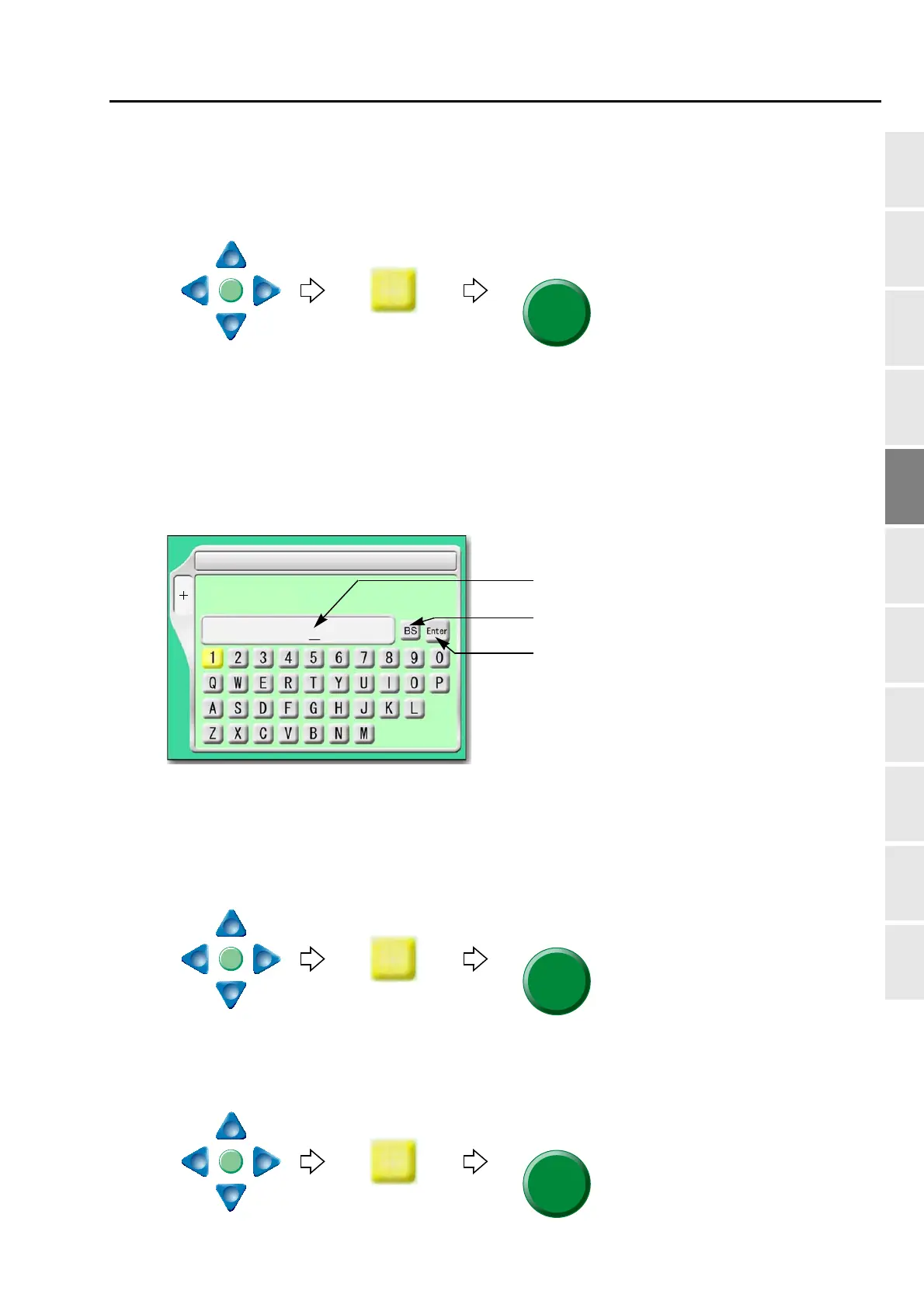
The following is an example that the password "0000" is cancelled.
(1) To select the password "0"
(2) To select the remaining password "0", "0", "0" in the same procedure
(3) To decide
SET
1 Max. Revolution Limit
F2
Password:
Return the cursor or delete the character.
Determine the input character and numeric value
Inputting column of current password
(4 to 8 characters)



 To Next Page