To make optional device available for use
197
Chapter 8
1
2
3
4
5
6
7
8
9
10
11
(3) To select the needle bar No.
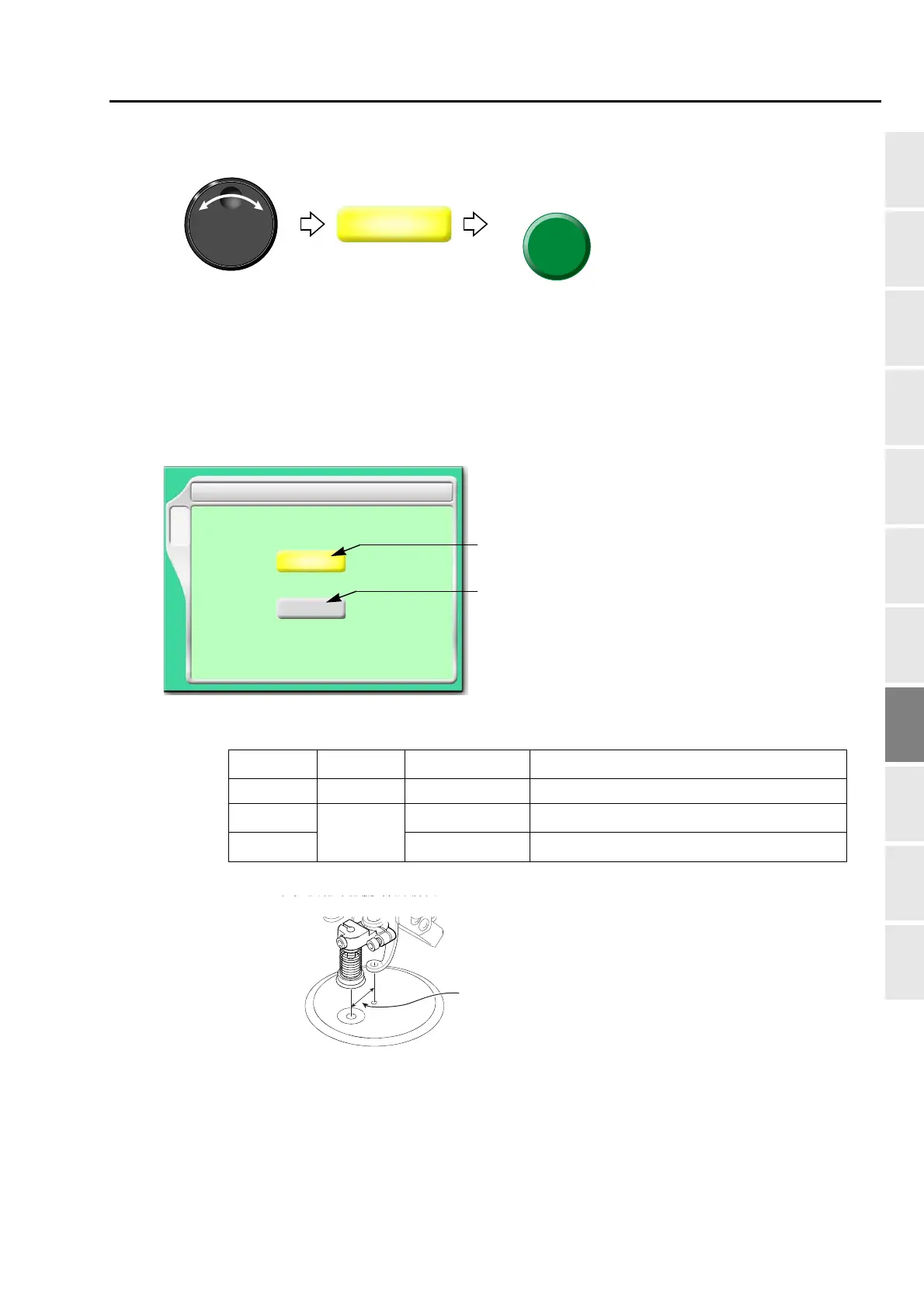
1-6. Boring Device II
This is a setting for making Boring device available for use. For details of the device, refer to the separate
manual "Boring device II".
1-6-1. Screen
[a] Setting of Boring
[b] Needle bar No. equipped with device
Value Device
Frame Travel
[*1]
*1:When switching to boring, the frame will move by 12 mm in vertical direction.
Scale up/down, rotation, reversion of design
NO Not to use - -
Step 1
[*2]
*2:Select if there is frame travel data in the design.
To use
Not to perform Unable
Step 3
[*3]
*3:Select if there is not frame travel data in the design.
To perform Able
F3
NO/Step 1/Step 3
NO
1 Boring
Needle No.
1
[a]
[b]



 To Next Page