How to use each part
21
Chapter 2
1
2
3
4
5
6
7
8
9
10
11
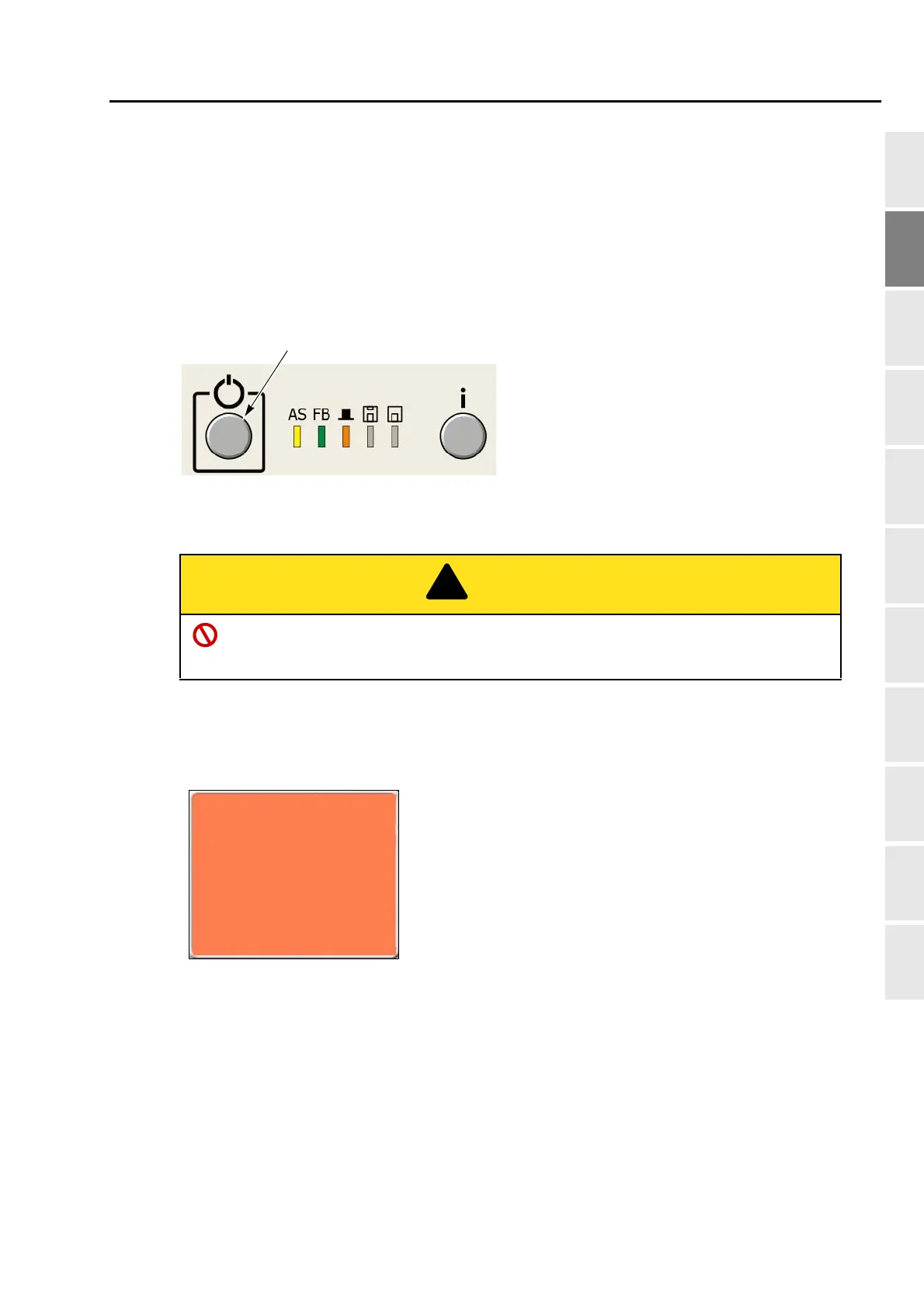
2-2. Sleep mode key
Setting the machine to sleep mode at intermission etc. will suppress unnecessary power consumption.
2-2-1. How to switch to the sleep mode
(1) Set to the main screen.
(2) Press the sleep mode key for a few seconds. The sleep mode key is blinking in red.
2-2-2. How to cancel the sleep mode
Press the sleep mode key. The sleep mode key will be unlit. (Cancellation will be completed.)
When the following message will be displayed after the cancellation, press the SET key. Pressing SET
key will move the frame to the origin and then return to the previous position.
When performing this operation, do not put your hands etc. on the machine table. Moving
frame could injure you.
Frame origin memory
"YES">>SET
This message will not be displayed in L-spec. machine.
It is displayed only when "Frame origin memory with the
power ON" is set to "YES".(→p.160)
Regarding "Frame origin memory", refer to the detail
page. (→p.159)
is executed



 To Next Page