Message display
32
Chapter 3
2-1-2. Saving or reading of condition data
Condition data can be saved or cannot be saved depending on its place to save.
O: Can be saved / : Unable to save
2-2. Start point of design
2-3. Offset Return
Condition data
Saving into
machine memory
Saving into USB
memory
Saving from DG/ML by
Pulse into the machine
memory
T3, T2 T
1. Color change
sequence
2. Start point of design
[*1]
*1: When embroidering the design between models with different embroidery spaces, the start
position of the design may differ depending on the model.
3. Data Conversion
[*2]
*2: Scaling up/down/rotation/reversion of design
4. Repeat of design
5. Automatic Offset
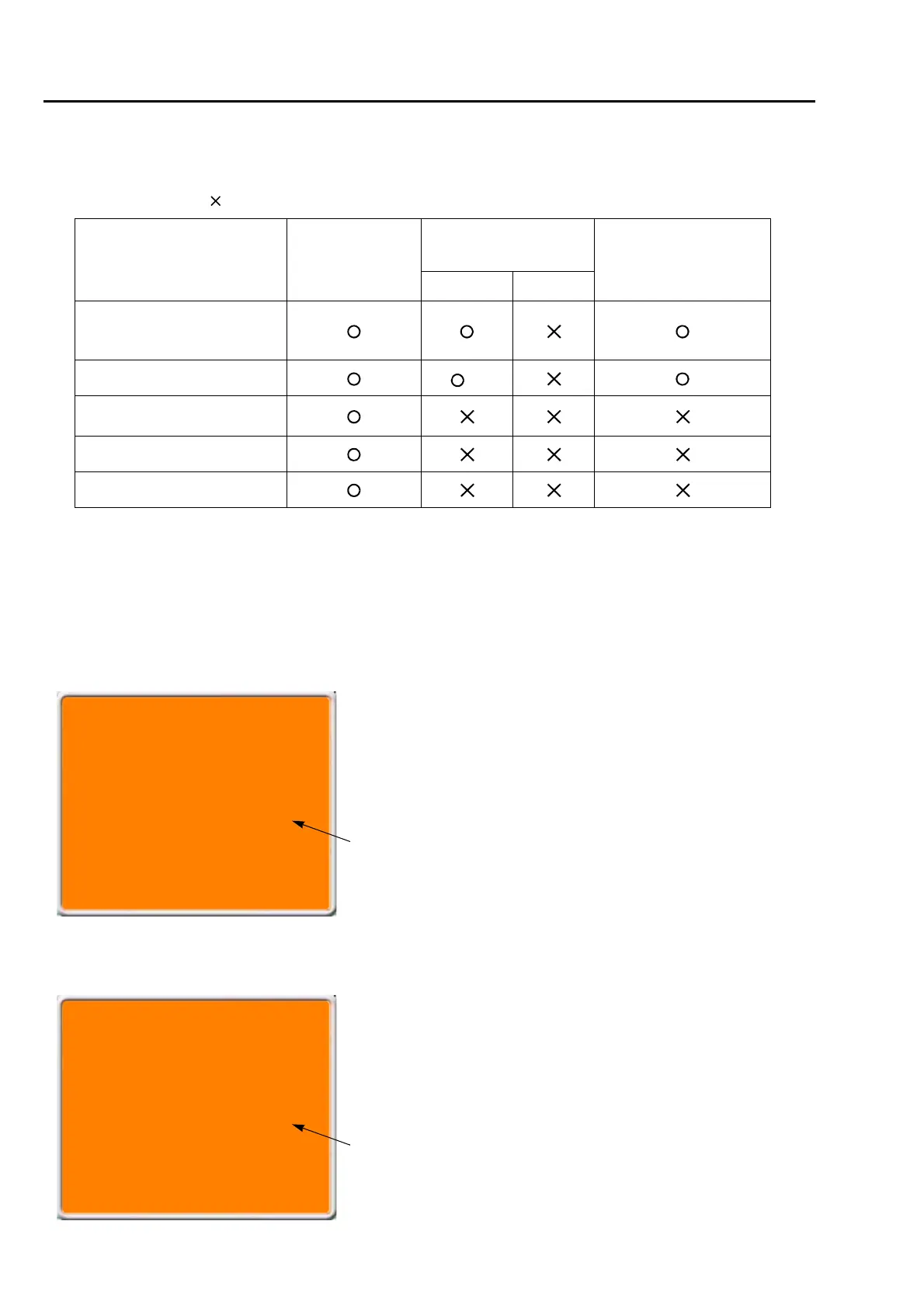
The message shown left will be displayed only when the machine
reads condition data at “2-1.”.
This message is displayed when performing data set. Design start
position means the frame position where the embroidery of this
design was started last time.
OK to move a frame to the
start point of design
data ?
[X:+115.7 Y:-153.2]
"YES">>SET
"NO">>E
These figures mean the destination of moving the frame. Frame
coordinates are shown.
OK to execute Offset
Return?
[X:+65.2 Y:-180.5]
"YES">>SET
"NO">>E
These figures mean the destination of moving the
frame. Frame coordinates are shown.
The message shown left will be displayed only when the machine
has the setting of "Automatic offset".
This message is displayed when performing data set. Offset
return means the offset start position where this design was
embroidered last time.



 To Next Page