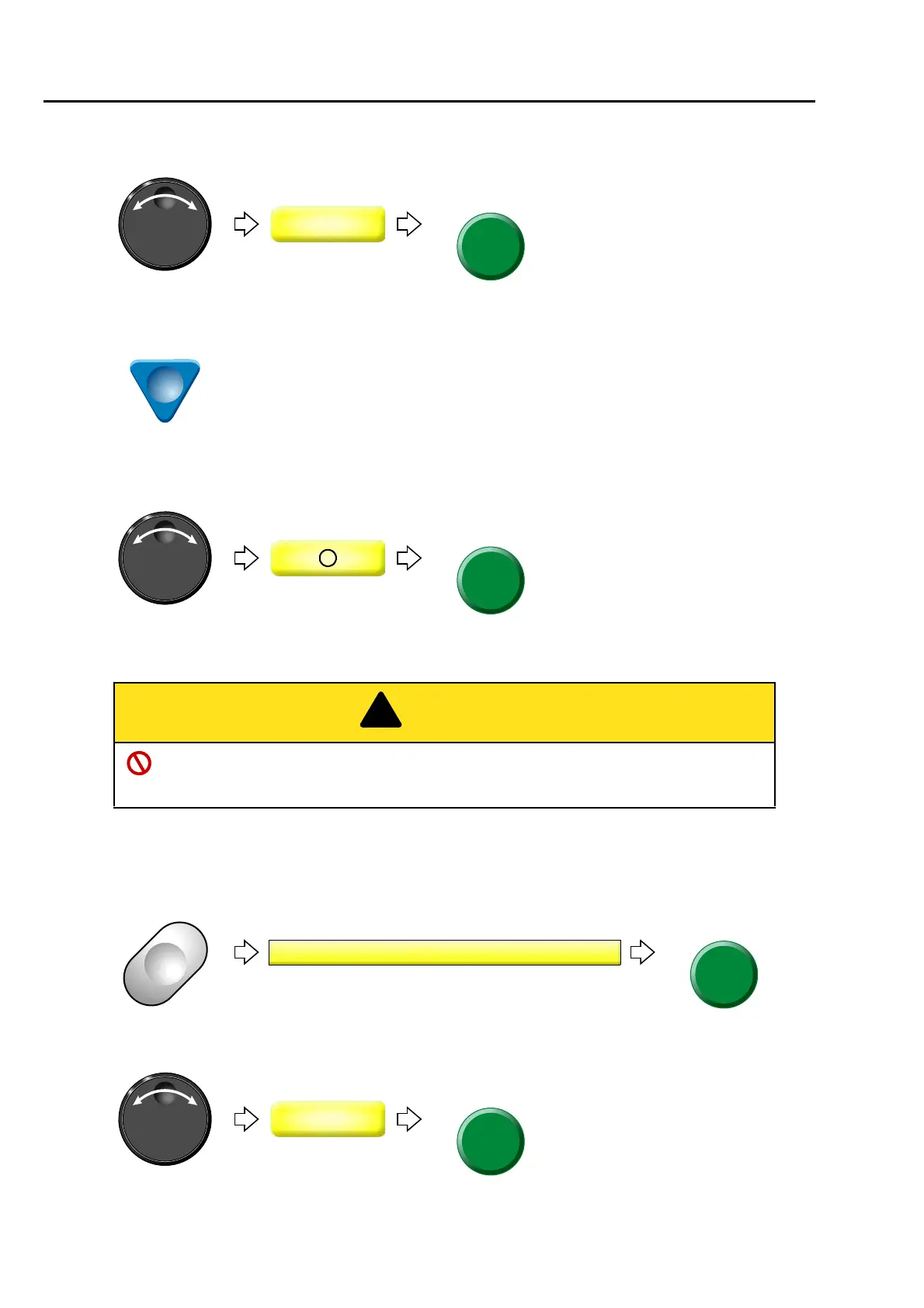
To return the frame (Frame Back) / to advance the frame (Frame Forward)
148
Chapter 6
(2) To select FF (Frame Forward)
(3) To move the cursor to "Stop code"
(4) To perform Frame Forward in Stop code
1-2-3. How to operate
The following is an example of specifying the number of stitches and executing frame forward.
(1) To open screen
(2) To select FF (Frame Forward)
Pressing SET key will move the frame.
When performing this operation, do not put your hands etc. on the machine table. Moving
frame could injure you.
&
3 Frame Back/Frame Forward



 To Next Page