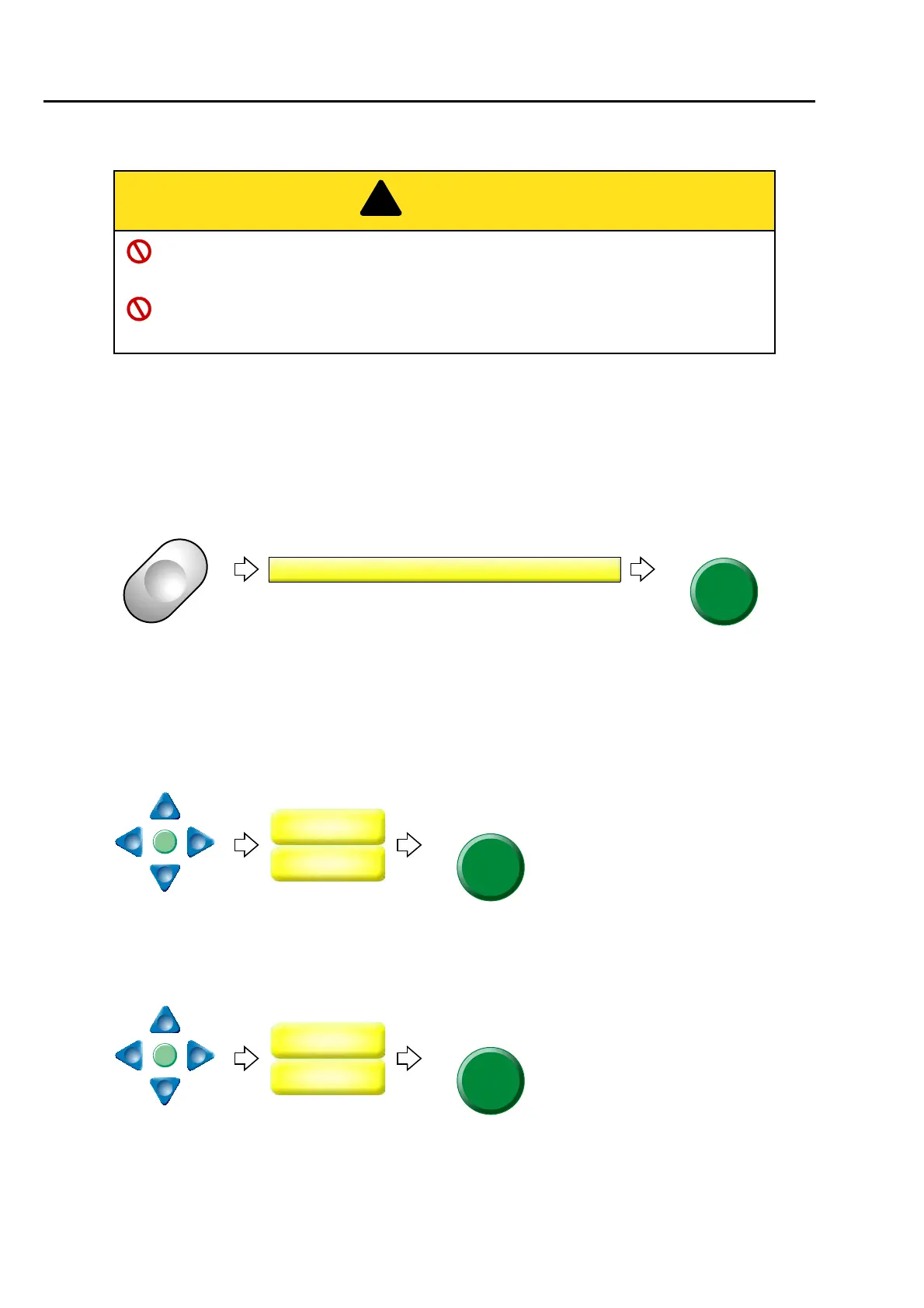
To move the frame to the position registered
166
Chapter 6
5-1-2. How to operate
The following is an example of executing Automatic offset.
(1) To decide an embroidery design (to perform data set)
(2) To move the frame to the design start position [C]
(3) To open screen
(4) To decide OF1 (Offset Middle Position [B])
(5) To decide OF2 (Offset Start position [A])
To cancel setting for Automatic offset, set values of OF1 and OP2 described above to "0".
When performing this operation, do not put your hands etc. on the machine table. Moving
frame could injure you.
At the start and the end of embroidery, do not put your hands etc. on the table. Moving
frame could injure you.
The current frame position
will be memorized as
design start position [C]
when SET key is pressed.
%



 To Next Page