To set details of optional device
205
Chapter 8
1
2
3
4
5
6
7
8
9
10
11
2-2-2. How to operate
The following is the example of setting in the conditions.below.
Feed amount of sequin chips of device at left side: 4.0
Insertion of jump data: To perform
Moving up of device at frame stepping: To perform
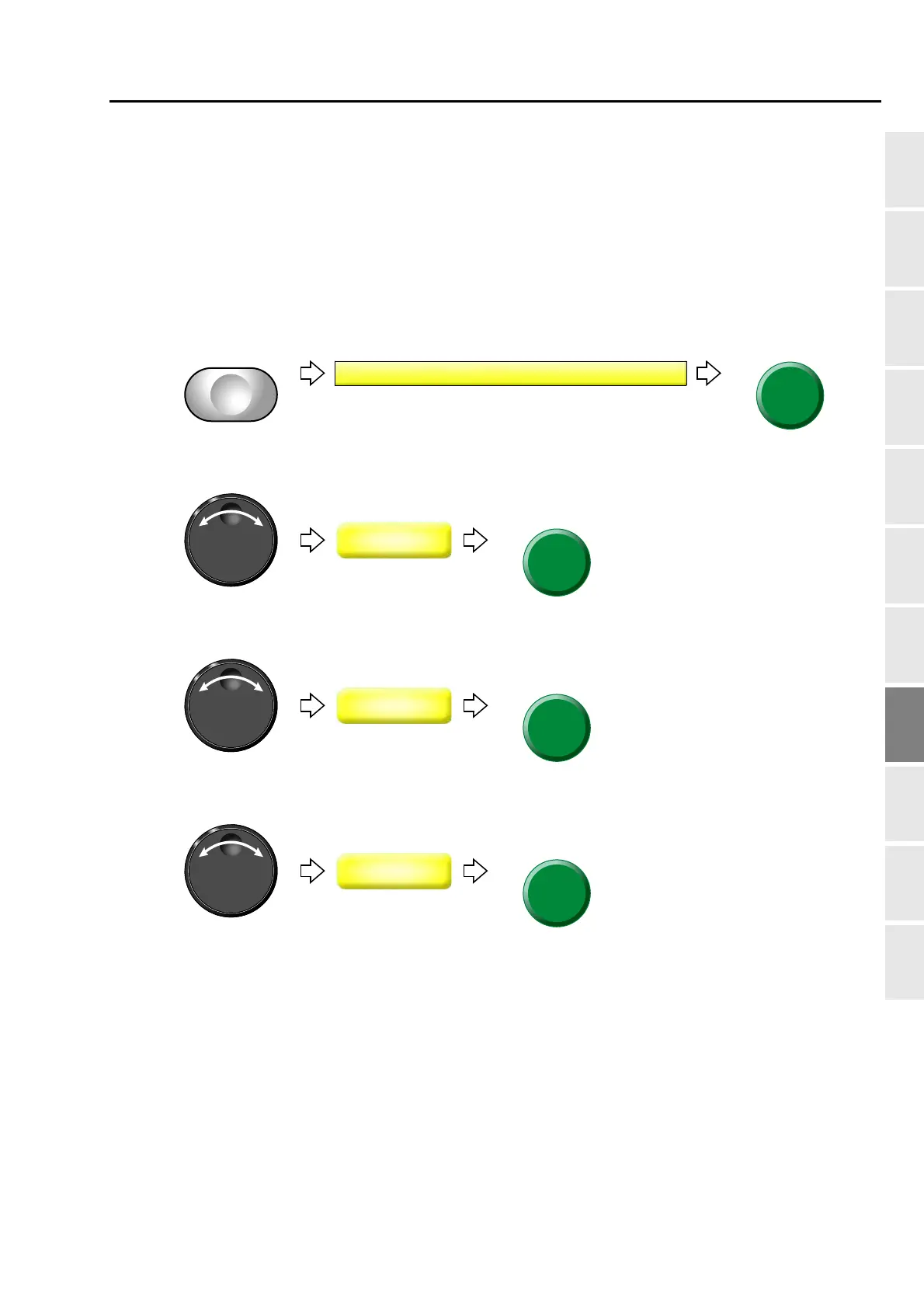
(1) To open screen
(2) To select feed amount of sequin chips of device at left side
(3) To insert jump data
(4) To move up device at frame stepping
Proceed to “To make the air compressor available for use (Air Pressure Sensor)“ continuously.
(→p.206)



 To Next Page