Service Manual FB 7100 Programming
4 - 66 January, 2005
4.3.5.5 Brewer park position
The brewer can be set to stop in an open or closed position when in stand-
by.
4.3.5.6 Pot sensor On/Off
This table describes the Pot sensor On/Off option.
Sub menu Description
Cup sensor status Use the Cup sensor option to turn the cup sensor
on or off.
The option is set to off if the cups used are low
and do not reach to the sensors or if cups of a
transparent material, e.g. glass, are used.
v Sel Esc^
Cup sensor status
* Brewer park pos.
Pot sensor On/Off
Sub menu Description
Brewer park pos. Open: the scraper is parked at front of brewer and
the brewer cylinder in a sligthly elevated position.
Closed: the scraper is parked at rear of brewer
and the brewer cylinder in a lowered position.
v Sel Esc^
Brewer park pos.
* Pot sensor On/Off
Sub menu Description
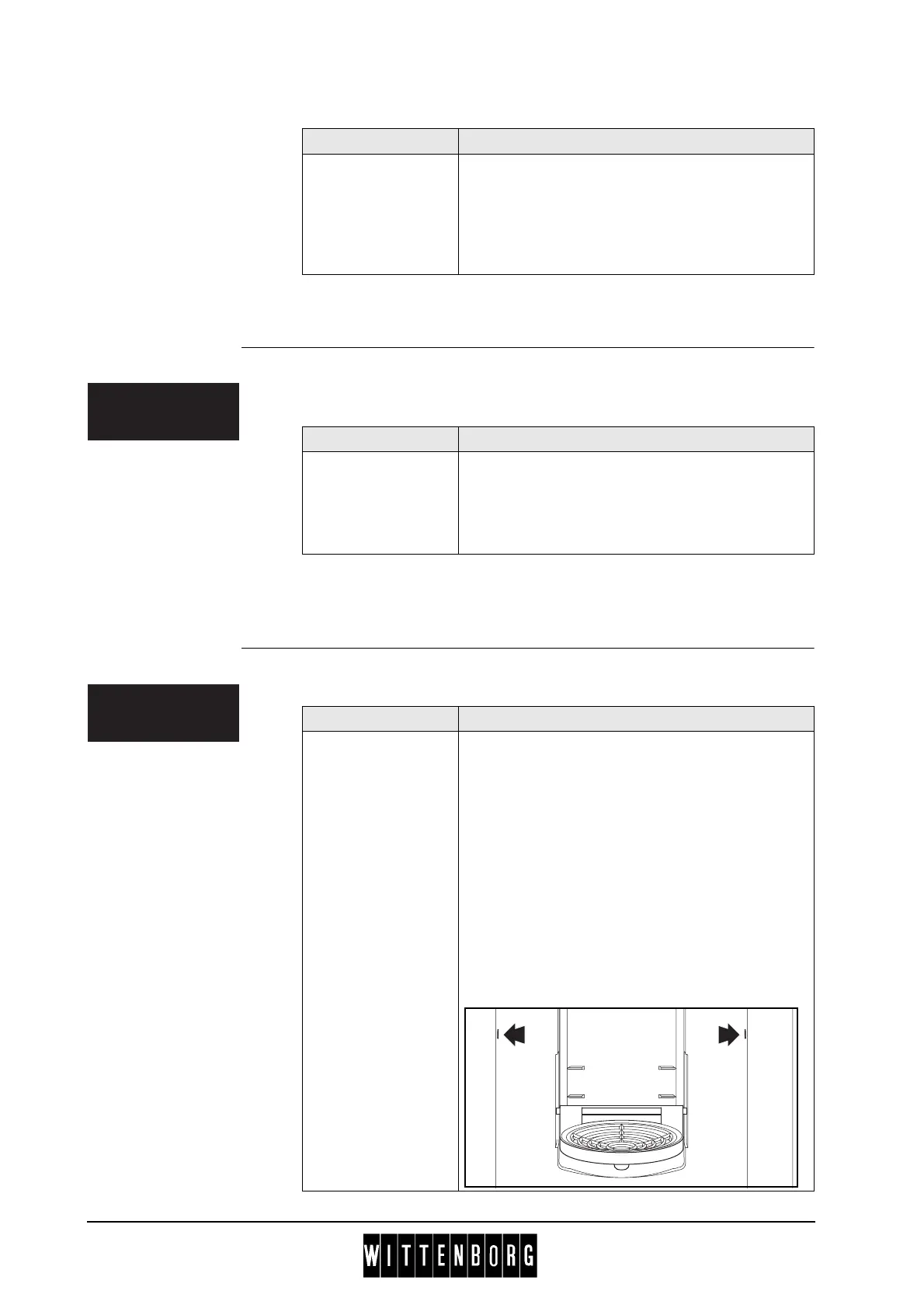
Pot sensor On/Off The Pot sensor on/off option is used in connection
with multibrew:
On: When the multibrew button/key is pressed/
turned, the sensor must detect a pot on the
platform before dispensing of drinks can take
place.
Off: The machine will dispense multibrew drinks
without detecting a pot on the platform.
Note: The option should be set to off if the pots
used are low and do not reach to the sensors or if
pots of a transparent material, e.g. glass, are
used.



 To Next Page