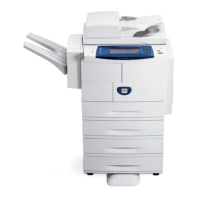
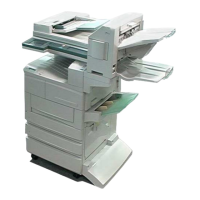
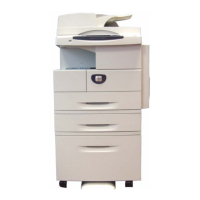
Why my Xerox 4112 All in One Printer is not printing?
Y
Yolanda Dodson DVMNov 18, 2025
If your Xerox All in One Printer is not printing, it could be due to several reasons:
* The IP address configured on the printer might be incorrect. Ensure that you set a correct IP address on the machine.
* The volume of print data from your computer might be exceeding the maximum receivable volume when the LPD spool is set to memory spool. If this is the case, and the data is a single file, try dividing the file into smaller segments so that each segment is smaller than the memory.
* An unrecoverable error might have occurred during printing. Try restarting the machine by switching it off and then on again after the display completely disappears.
* The machine might not be set to the transport protocol that matches the protocol on your computer. Make sure to select the transport...
D
Dennis SmithNov 25, 2025
Why Xerox All in One Printer doesn't print due to network issues?
S
Stephanie ArroyoNov 25, 2025
If your Xerox All in One Printer is not printing and you suspect a network issue, it could be due to several reasons:
* Your network equipment (like hubs) might not support automatic frame type detection. Ensure that you set the frame type for the machine to match the connected file server.
* There might be a problem with the network cable between your computer and the machine. Try replacing the network cable.
* The job sender (user or group name) might not be specified in the user settings for the print queue. Re-transmit the print data to the print queue whose User information includes the job sender.
* Job transmission to the print queue might be prohibited. Use PCONSOLE to set the item to Yes.
* The print queue where you transmitted the print data might not be assigned to th...


 To Next Page


 General