892 J006 MNAH | PGC5000 G EN 2 | 111
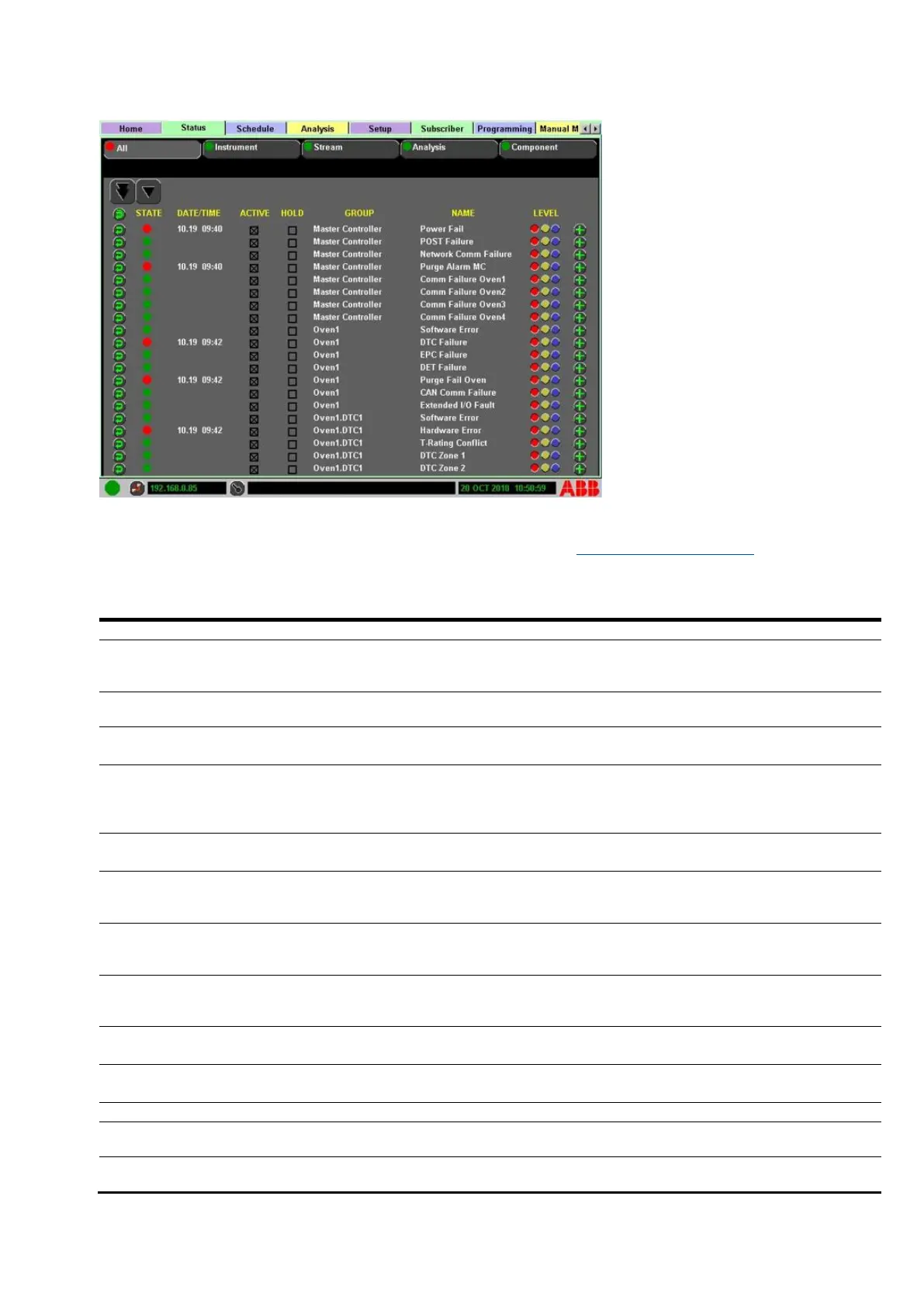
Figure 6-2: Status indicators
The Status indicator table below lists all available indicators under the Status tab>All subtab. The
table describes the triggering condition and resolution to clear the condition. Where more than one
indicator may be present, a range is given: e.g. (1-4). Refer to the Glossary of abbreviations as
needed. The Reset column displays the means of reset; the AOC (Absence of Condition) is the most
common. The Source column identifies the group and most likely origin of the triggering condition.
Table 6-2: Status indicator
Master Controller
(MC) - Purge Fail
Purge fails for this zone
Absence of
Condition
(AOC)
MC resets from power
failure
Reset Indicator at Status Tab.
Oven Controller (OC) #
Heartbeat fails
Check power to board. Check CAN
connections. Check config files.
Communication to an
Active Subscriber fails
Ensure Subscriber communication path
is complete, IP address correct, and the
subscriber is powered on. Check routing
tables if applicable.
Cycle power. If POST error persists,
note error and contact ABB Support.
DTC board indicates a
fault; communication
with the DTC board fails
Check power to board and CANBus
connections. Follow DTC card check
procedures in Service Instructions.
EPC board indicates a
fault or communication
with EPC board fails
Check power to board and connections.
Follow EPC card check procedure in
Service Manual.
Error Condition detected
on the External I/O
controller
Refer to external I/O documentation.
Oven temperature out of
range (high)
Check High limit from Setup tab. Adjust
as necessary.
Oven temperature out of
range (low)
Check Low limit setting from Setup tab.
Adjust as necessary.
Purge fails for this zone
Rollup of software faults
at the OC
Check Oven Group indicators to refine
search.
Zone 1 Controller card
fails



 To Next Page