892 J006 MNAH | PGC5000 G EN 2 | 65
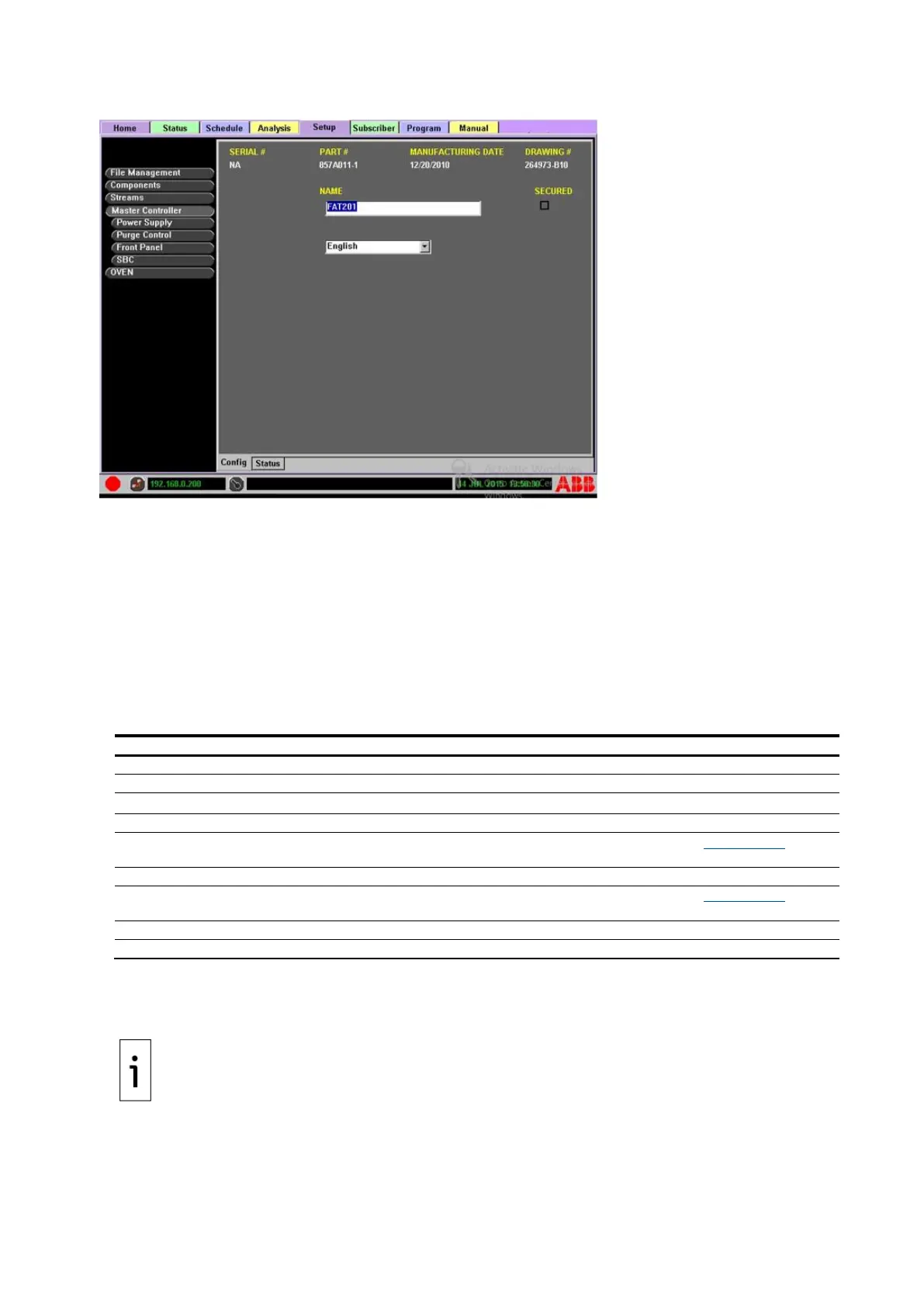
Figure 4-29: Master Controller configuration
Ovens with Integrated Controllers will show a Master Controller in the Function Select list, even
though no physical PGC5000A Master Controller is present. The SBC subtab will be under the Master
Controller button. The Power Supply, Purge Control, and Front Panel subtabs will not be shown, as
these Master Controller parameters are not needed in the oven with Integrated Controller.
The associated items in the Function Select list are shown in an indented list. If an associated item or
device contains or has a subset of parts or cards, those will be shown in an indented button list below
that item or device.
⎯ Master Controller cards: As with the Master Controller button, each associated card in the list
has two subtabs: Config and Status. The Config subtab lists relevant or configurable
information about the card, while the Status subtab is blank on these items. The table below
provides more information.
Table 4-3: Master controller components
⎯ Config: This subtab displays the configuration of the selected item.
⎯ Status: This subtab displays the state of configured indicators. If triggered (state changed), it
displays that event date and time.
When the SECURED box is selected, no changes can be made to the analyzer’s functions unless the
user is logged in with Supervisor privileges. Once the analyzer is secured, the SECURED box can only
be cleared by a supervisor.



 To Next Page