Program steps and cycles | Turning cycles
8
Tool path description:
Machining of the shoulder begins at the corner defined by the
From point and machines towards the To point
The tool initially moves to the From point, offset by the
Clearance distance
The roughing passes are optional. If the roughing feed rate is 0,
the rough passes are skipped.
The amount of material machined on each rough pass is
determined by the system and will not exceed the specified
Pass value
If a Finish allowance is specified, the programmed amounts are
left on the X and Z surfaces to be removed on the finish pass
The tool returns to the Starting point after completing the
rough passes
The Finish pass is optional. If finish feed is 0, the Finish pass is
skipped.
The tool returns to the Starting point after the Finish pass
completes
If the approach move interferes with the part or
fixturing, it may be necessary to program a Position
step to position the tool on the proper side of the part or
fixture prior to the Shoulder step.
Plunge
A Plunge step is used to remove material from within the middle of
a surface. The side walls may be limited by the cutting angle of the
tool.
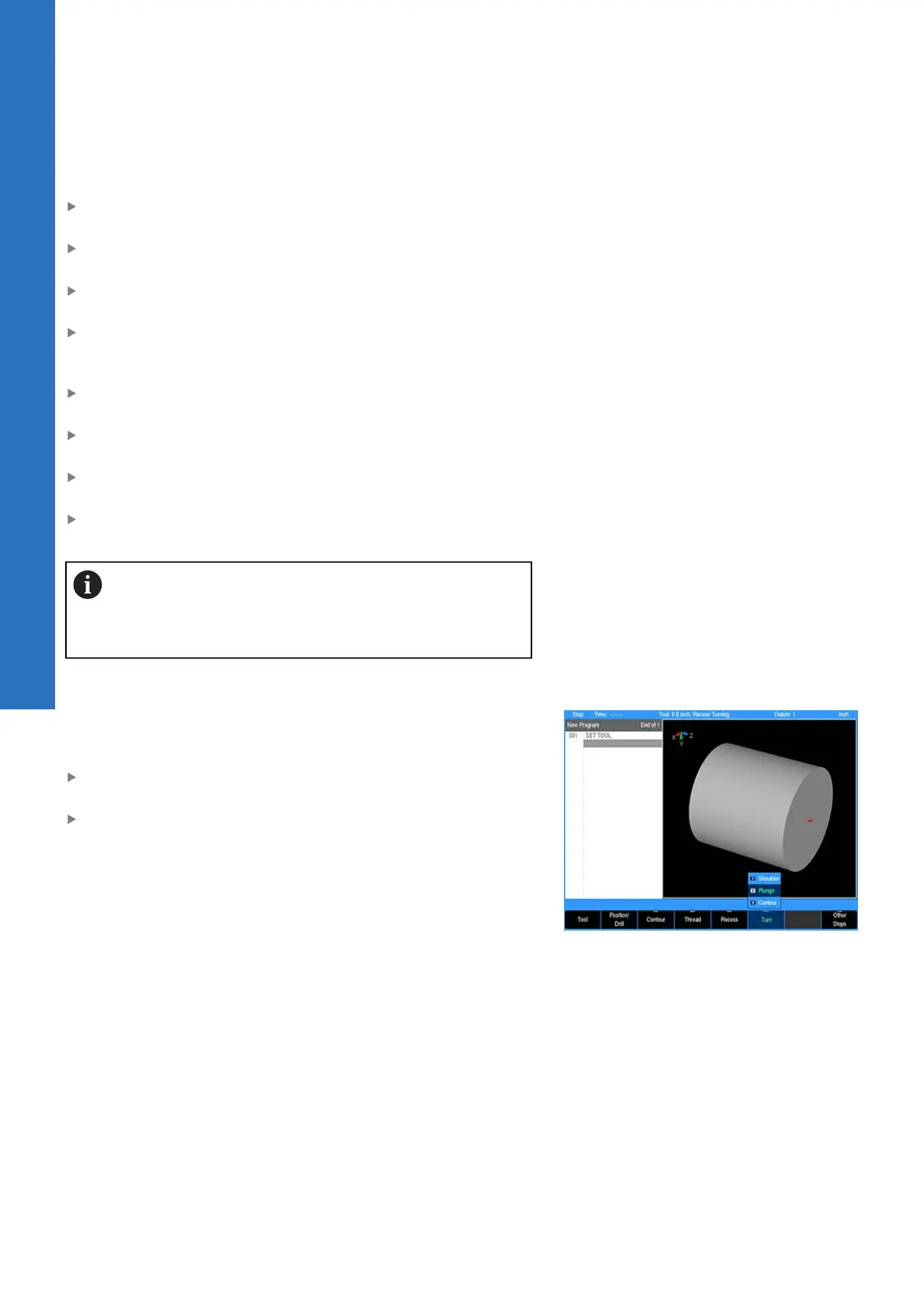
From the PGM screen, press the TURN key to access the Turn
popup menu
Select Plunge from the popup menu
124
ACU-RITE | TURNPWR | User's Manual | 08/2020



 To Next Page