Program edit mode | Programming introduction
Save/Discard soft key
The Save/Discard soft key opens a popup menu which provides the
choice to either save the changes made to a program, or discard
the changes by returning the program to its original state.
Press the Save/Discard soft key and select from
the popup menu to either save the program, or
discard the changes made to the program
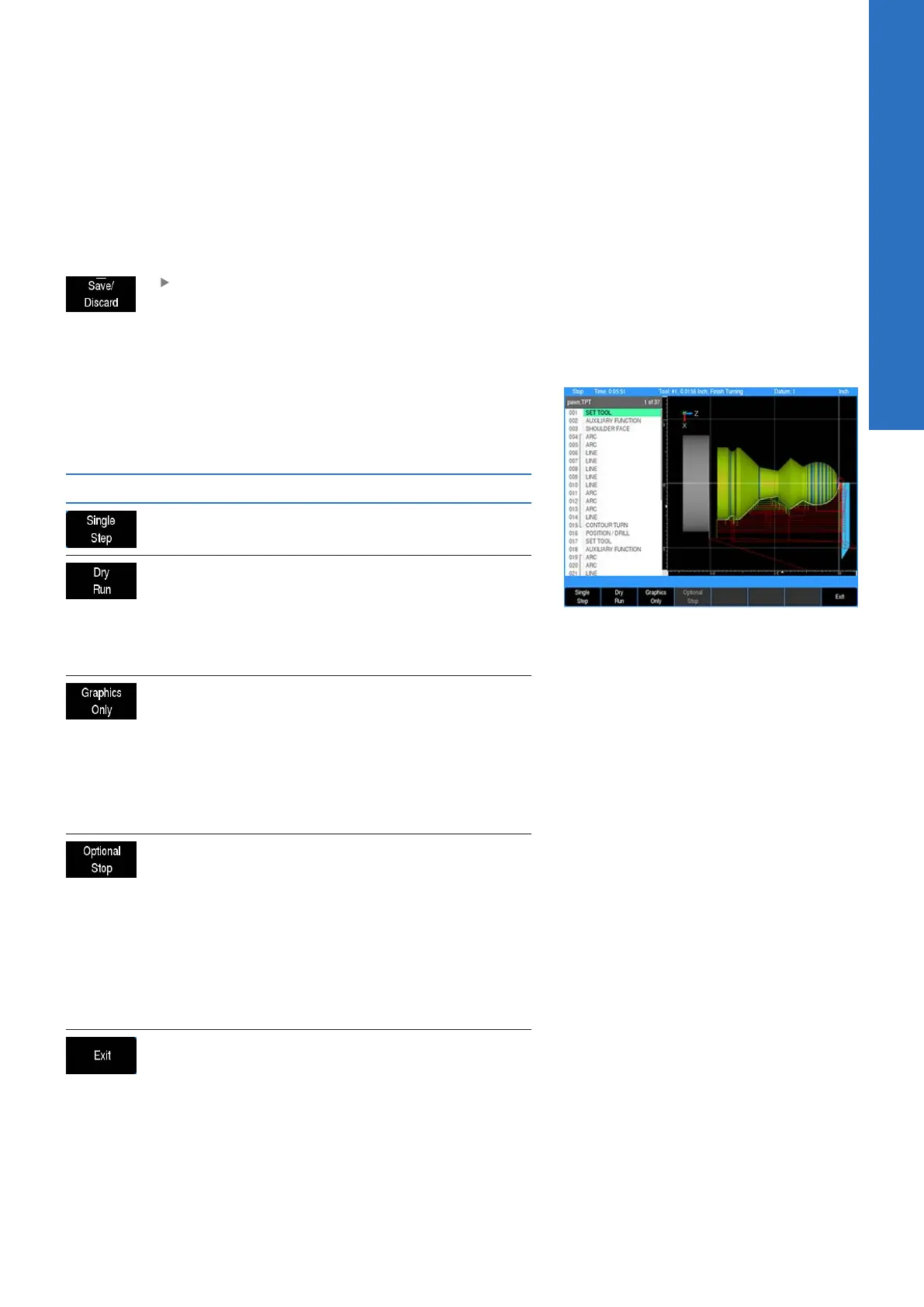
Run options soft keys
The Run Options soft key allows the program to be run and tested
with various options for a program. These options allow the
operator to test a program without actually cutting material. The
Run Options must be set before you start to run the program.
Soft key Function
The Single Step soft key will move the
machine one step at a time
The Dry Run soft key will run the program’s
tool path at the speed defined in Job Setup.
No material should be placed within the tool
path for this function. Dry Run is intended to
provide a quick verification of the machine
movements in the program.
The Graphics Only soft key will run the
program’s tool path without activating
the servo motors. The graphics and DRO
display shows the progress of the program
without motion or AMI output. Graphics
Only previews the tool path at programmed
speed without the risk of tool or part
damage.
The Optional Stop soft key will allow
the program to be stopped at different
locations to allow for verification of particu-
lar program steps selected has the opera-
tor. If a program has an optional stop (i.e.:
M01 in a G-code program), the system will
only stop at this block when Optional Stop
is enabled. If it is disabled, it will be skipped.
The Optional Stop is an M01 in a G-code
program.
The Exit soft key will exit the Run Options
function and return to the previous display
5
ACU-RITE | TURNPWR | User's Manual | 08/2020
75



 To Next Page