DRO mode | Move tool
4.4 Move tool
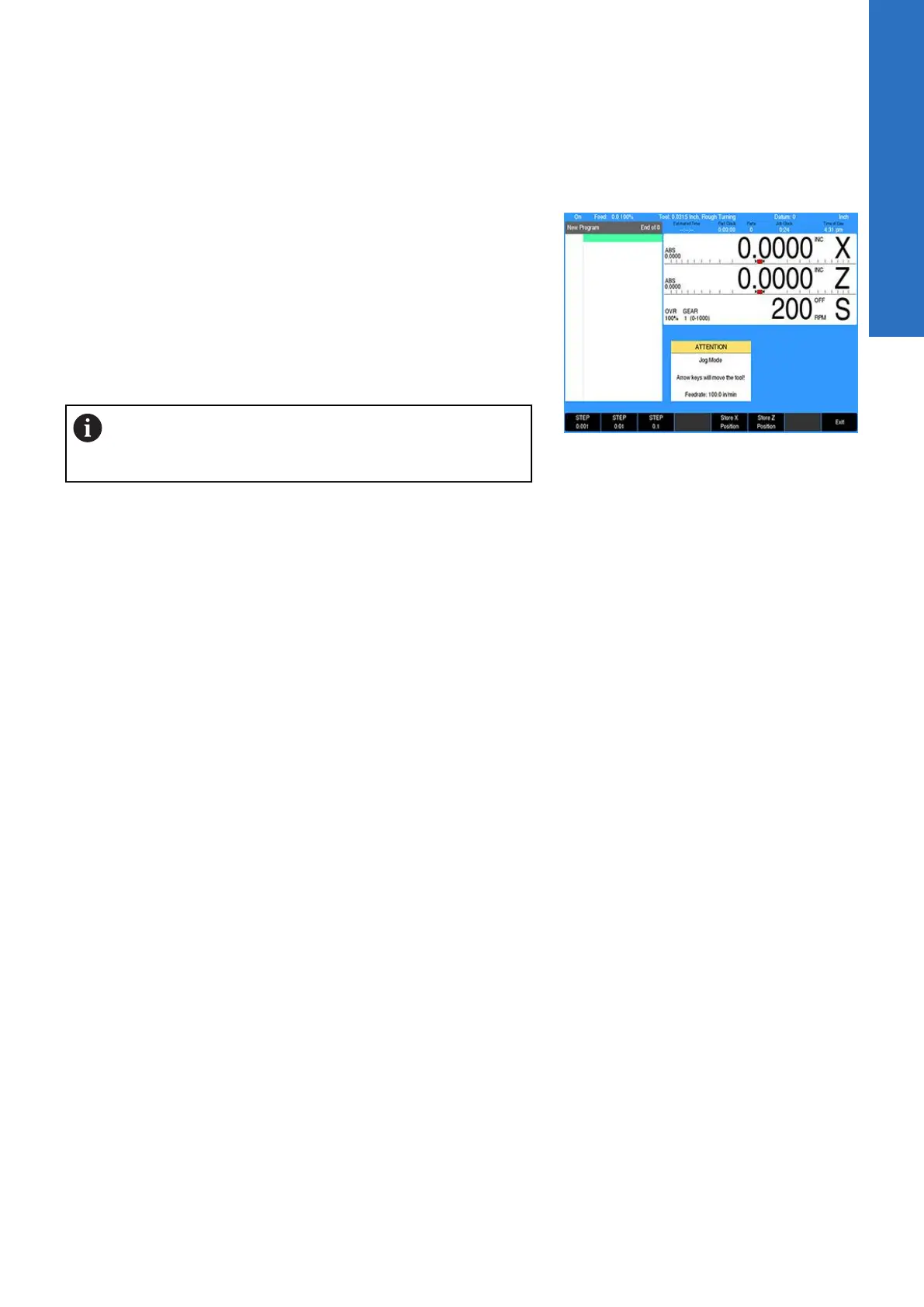
The Move Tool soft key when pressed will turn on the servo
motors. Pressing it again will turn the servo motors off.
The desired feed rate can be set, or it can be left at 100% for rapid
feed rate. For additional infomation, see "Changing the jogging
speed", Page 43 and see "Adjusting the feedrate", Page 44.
To move the tool in increments, first select the soft key increment
wanted (e.g. 0.001, or 0.01, or 0.1).
The X and Z axes can be moved simultaneously by pressing the
desired direction Arrow keys at the same time.
The axis will move one increment per key press when
using step increment. The axis moves continuously until
released when using continuous jog.
4
ACU-RITE | TURNPWR | User's Manual | 08/2020
51


 To Next Page