DRO mode | Turning function keys
4
4.9 Turning function keys
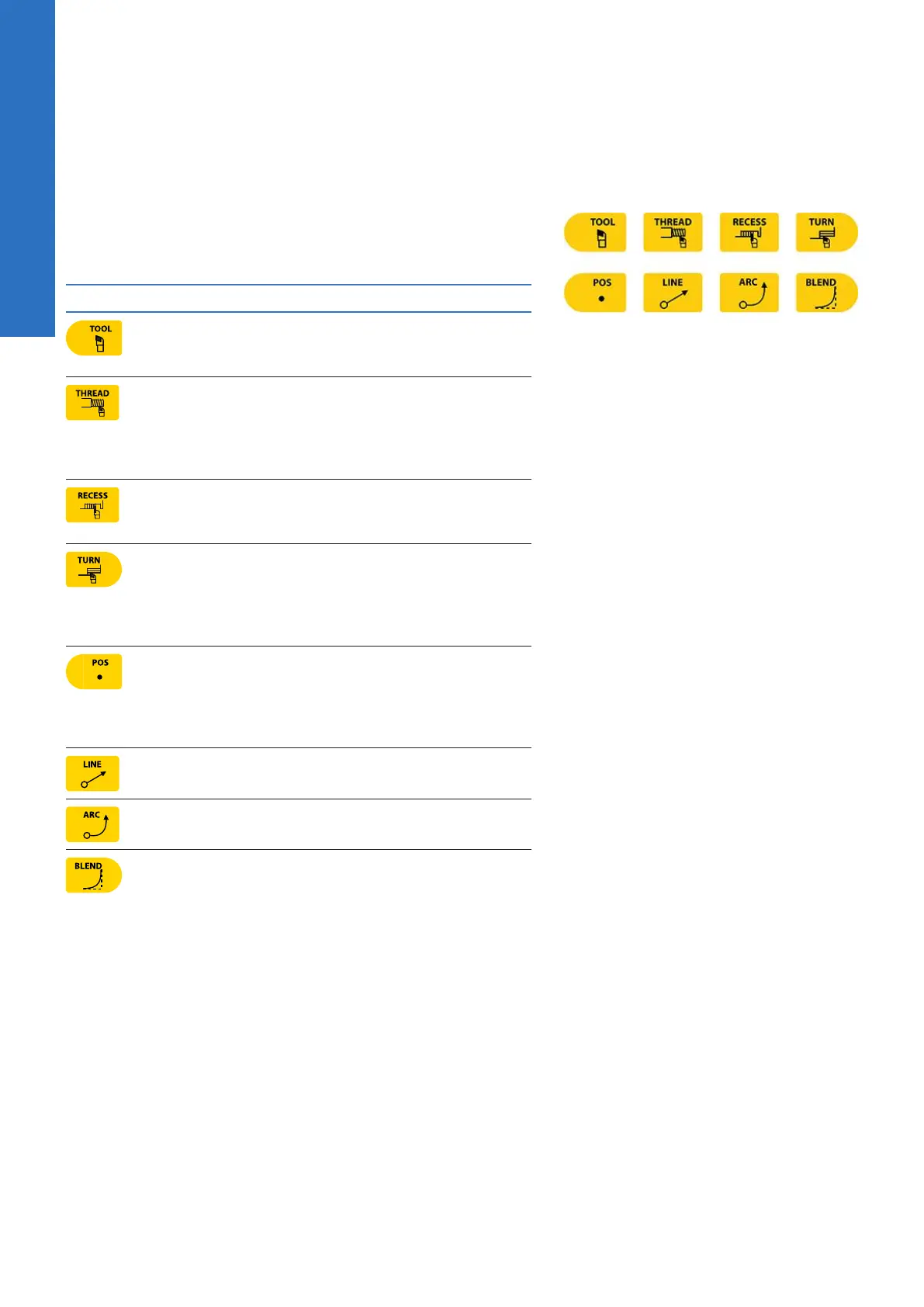
The following describes in general, the turning function keys.
Most turning functions can be used as one time machining
operations. The BLEND key does not support single operation.
Key Function
TOOL opens the Set Tool dialogue where
information regarding the tool can be
entered.
THREAD opens the popup menu above the
Thread soft key. Choose the type of thread-
ing that is to be done by selecting it from
the popup menu. The required dialogue will
open for that choice.
RECESS opens the Recess dialogue where
information can be entered for either a Turn
or Face recess turning cycle.
TURN opens the popup menu above the
Turn soft key. Choose the type of turning
that is to be done by selecting it from the
popup menu. The required dialogue will
open for that choice.
POS opens the Position / Drill dialogue
where information can be entered to move
the tool to a specified position in the X &
Z axes; or to perform a drilling, boring, or
tapping operation.
LINE opens the Line dialogue where infor-
mation can be entered to define a line.
ARC opens the Arc dialogue where informa-
tion can be entered to define an arc.
BLEND opens the Blend dialogue while
in PGM mode where information can be
entered to define an arc, blending two
surfaces together. Also used for chamfer.
56
ACU-RITE | TURNPWR | User's Manual | 08/2020



 To Next Page