Machining fundamentals | Manual machine positioning
3.4 Manual machine positioning
Move tool
Non cutting mode
You can make or change jog moves when in DRO mode with the
servos on.
Jog mode Description
Rapid
Default rapid speed for continuous jogs. Actual
speed determined at machine setup, and can
be overridden using the potentiometer.
STEP 0.1
Conventional jog increment set at 0.100"
STEP 0.01
Conventional jog increment set at 0.010”
STEP 0.001
Conventional jog increment set at 0.001”
In mm units the jog increment is 2000 microns, 200 microns, and
20 respectively.
A finer jog increment of 0.0001" or 2 microns can be enabled via
parameter. The default setting is Off.
Changing the mode
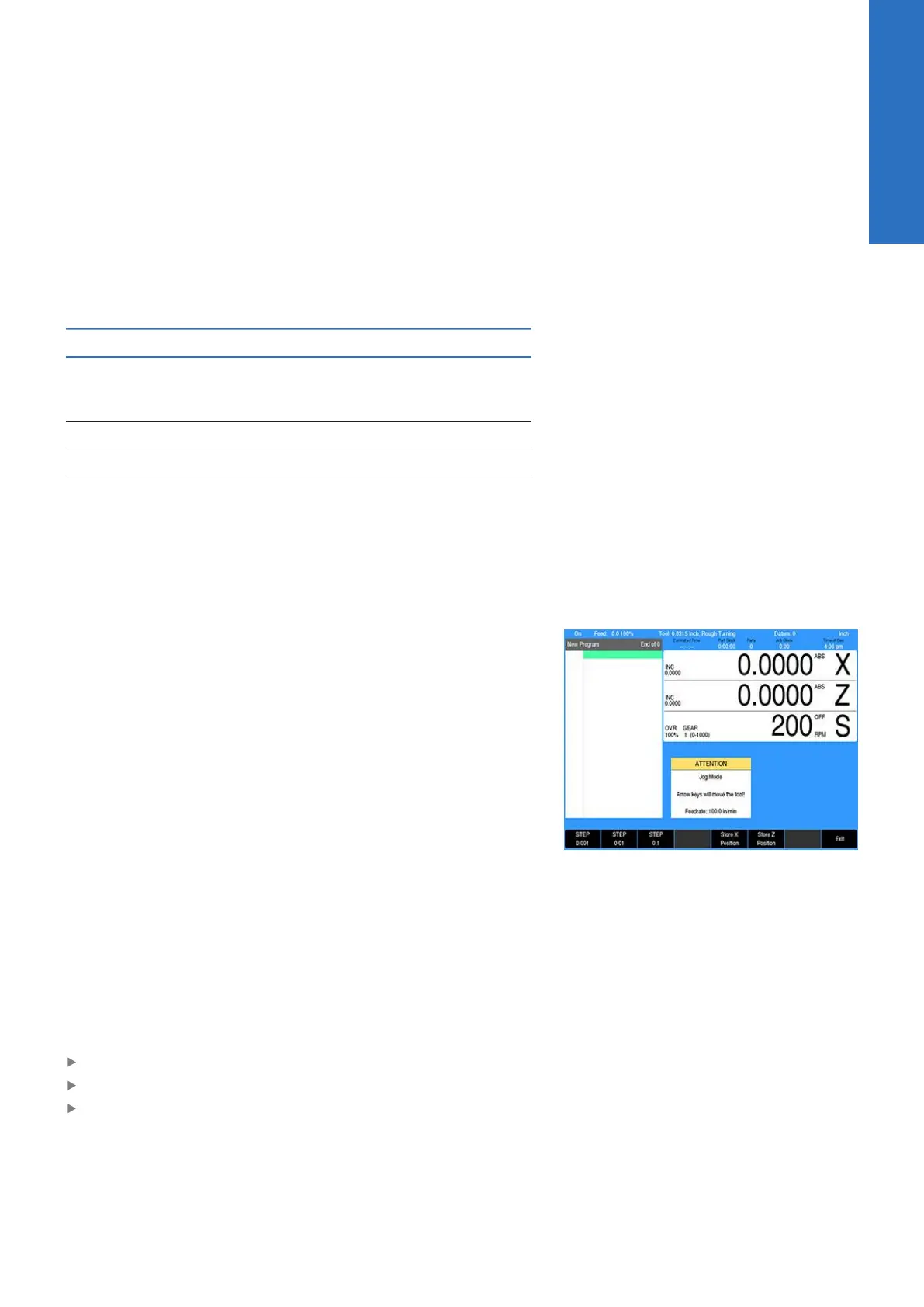
Jog move modes are performed at the currently active feedrate.
The active jog is selected by pressing the appropriate soft key,
then pressing the appropriate Arrow key to move the tool in the
direction required. The Up Arrow and Down Arrow move the tool
in the X axis. The Left Arrow and Right Arrow move the tool in the
Z axis.
Changing the jogging speed
The active jogging speed defaults to the max feed as determined
by the machine builder. The jogging speed may be changed by
pressing CLEAR. Enter the new speed in the dialogue and press
ENTER. The new value will remain active until set again or on the
next power up. The active jogging speed (at 100% override) is
displayed in the Jog Mode ATTENTION dialogue.
Incremental moves
In DRO Mode:
Press the Move Tool soft key
Select the soft key jog increment required
Press the Arrow keys
One jog increment is moved per Arrow key press.
3
ACU-RITE | TURNPWR | User's Manual | 08/2020
43



 To Next Page