Machine functions | Machine functions
12
12.1 Machine functions
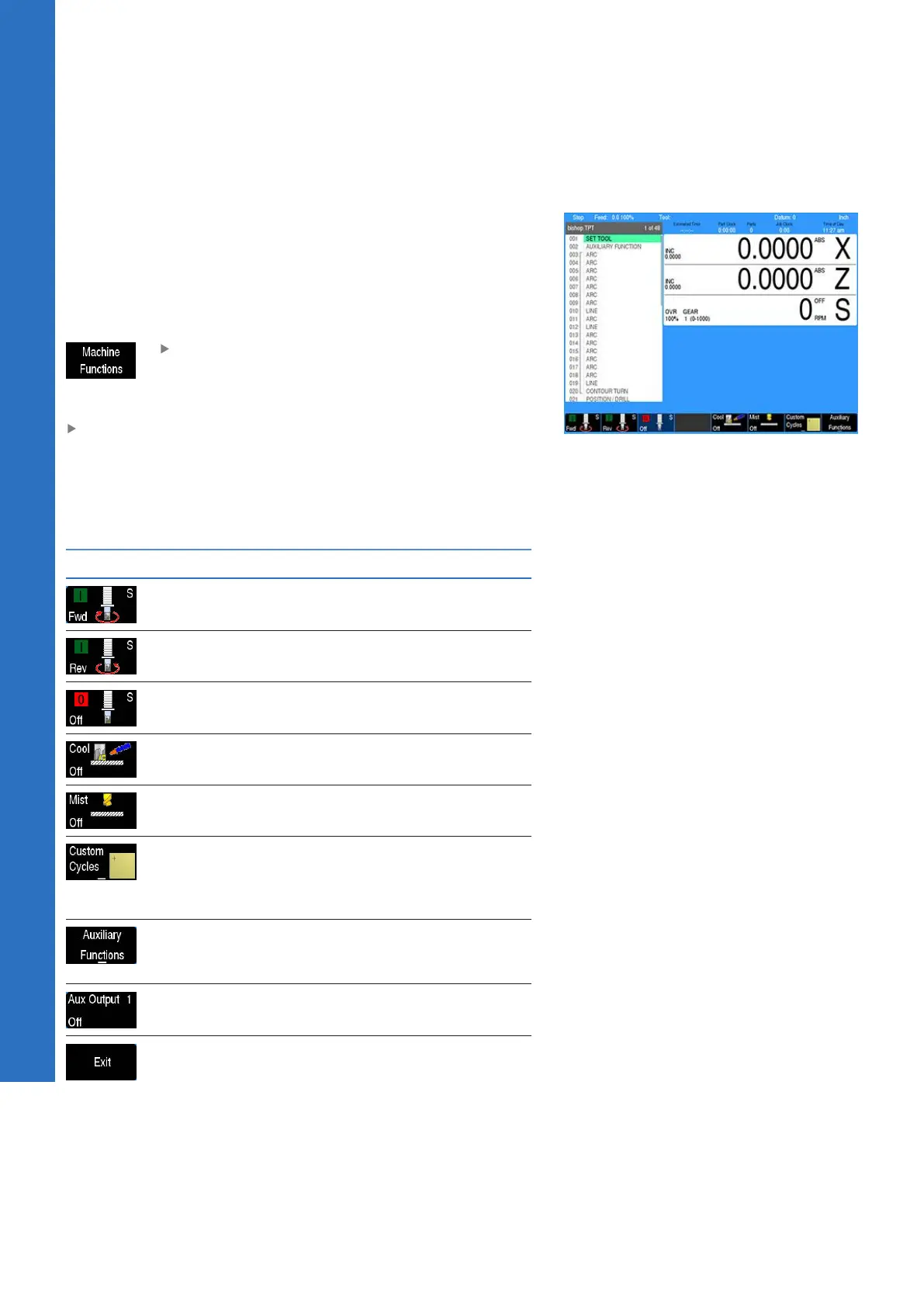
The control software can be configured to access the Machine
Functions menu. This menu includes a set of soft keys that provide
manual access, and control of some features specific to the
machine.
The machine tool builder enables the soft keys when the machine
is configured.
Once enabled, the menu can be accessed while
at the DRO screen, or while a running program is
paused, by pressing the Machine Functions soft
key
To exit the Machine Functions soft keys and return to the
main operations soft keys, press the CANCEL key
A program run cannot be started, and a running program cannot
be continued, until after exiting the Machine Functions menu
The Machine Functions Menu has the following soft keys:
Soft key Description
S_FWD: Turns the spindle motor On in the
Forward direction
S_REV: Turns the spindle motor On in the
Reverse direction
S_OFF: Turns the spindle motor OFF
Cool: Toggles the Coolant Flood circuit ON
or OFF
Mist: Toggles the Coolant Mist circuit ON or
OFF
Custom Cycles: Available only on Demo
Consoles and Windows Simulators by
default, as an example for defining/using
Custom Cycles in the machine
Auxiliary Functions: Switches the menu to
the Auxiliary Functions menu that provides
the following soft keys:
Aux1, 2, 3, and 4: Toggles the Auxiliary
Outputs 1 through 4 ON or OFF
Exit: Switches the menu back to the previ-
ous set of soft keys
182
ACU-RITE | TURNPWR | User's Manual | 08/2020



 To Next Page