DRO mode | Zeroing the Z axis
4.6 Zeroing the Z axis
A datum must be set to establish the point from which all absolute
dimensions are based.
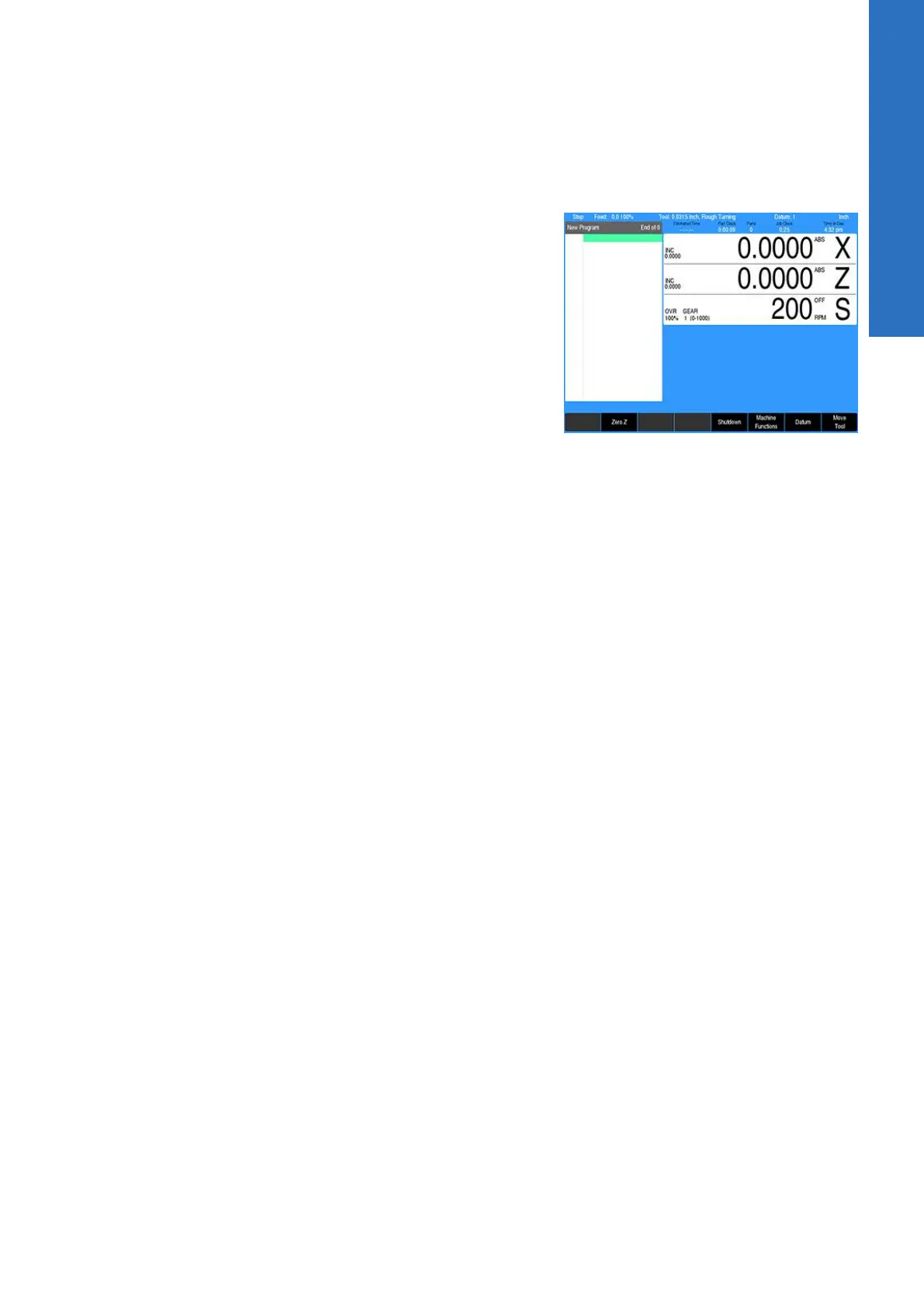
Pressing the Zero Z soft key in ABS (absolute) mode will establish
this datum position for the Z axis by setting the current axis
position as the datum's zero point reference. Press USE in the
Datum dialogue to save and activate the changes. For Incr
(incremental) mode, see "Preset moves", Page 45.
4
ACU-RITE | TURNPWR | User's Manual | 08/2020
53



 To Next Page