Program edit mode | Programming introduction
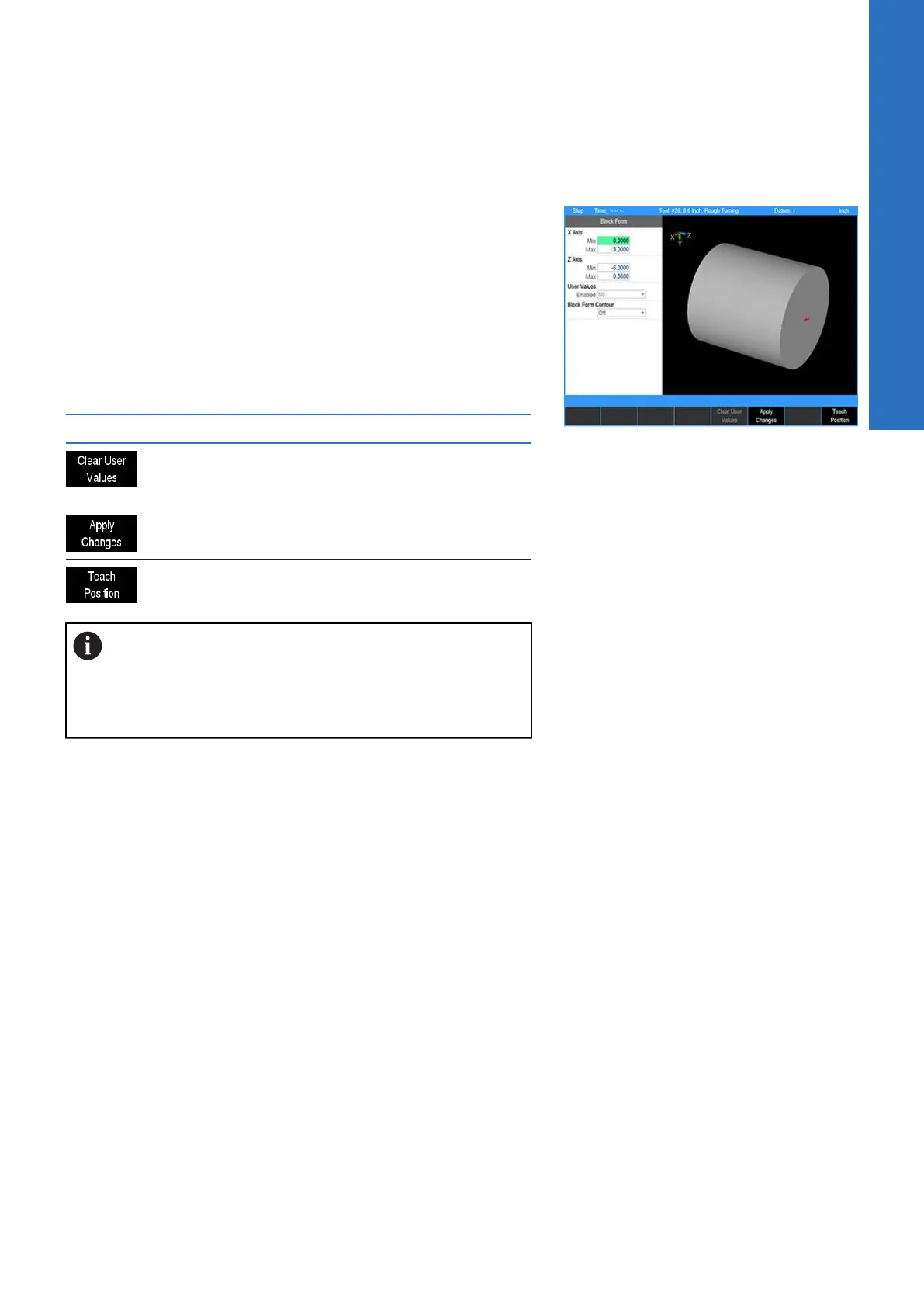
Block form dialogue
While in the View Setup dialogue, pressing the Block Form soft
key opens the Block Form dialogue. The calculated minimum and
maximum dimensions of the material block form will display. To
override these dimensions, new values can be entered and saved
by pressing the USE hard key.
The User Values, Enabled field alters the active block form
dimensions switching between the manually entered or
automatically calculated values.
The following soft keys are available while the Block Form dialogue
is open.
Soft key Function
Clears the values entered manually and fills
the dimensions with automatically calculat-
ed values.
The graphics view is redrawn to reflect the
changes made by the new values.
Inserts the current coordinate in the field.
For G-code programs: When there is a G120 in the
program, changes are effective immediately. The
CANCEL key does not undo any changes made.
Switching the User Values setting will comment /
uncomment the G120 in the program.
5
ACU-RITE | TURNPWR | User's Manual | 08/2020
71



 To Next Page