Program edit mode | Programming introduction
Step functions soft keys
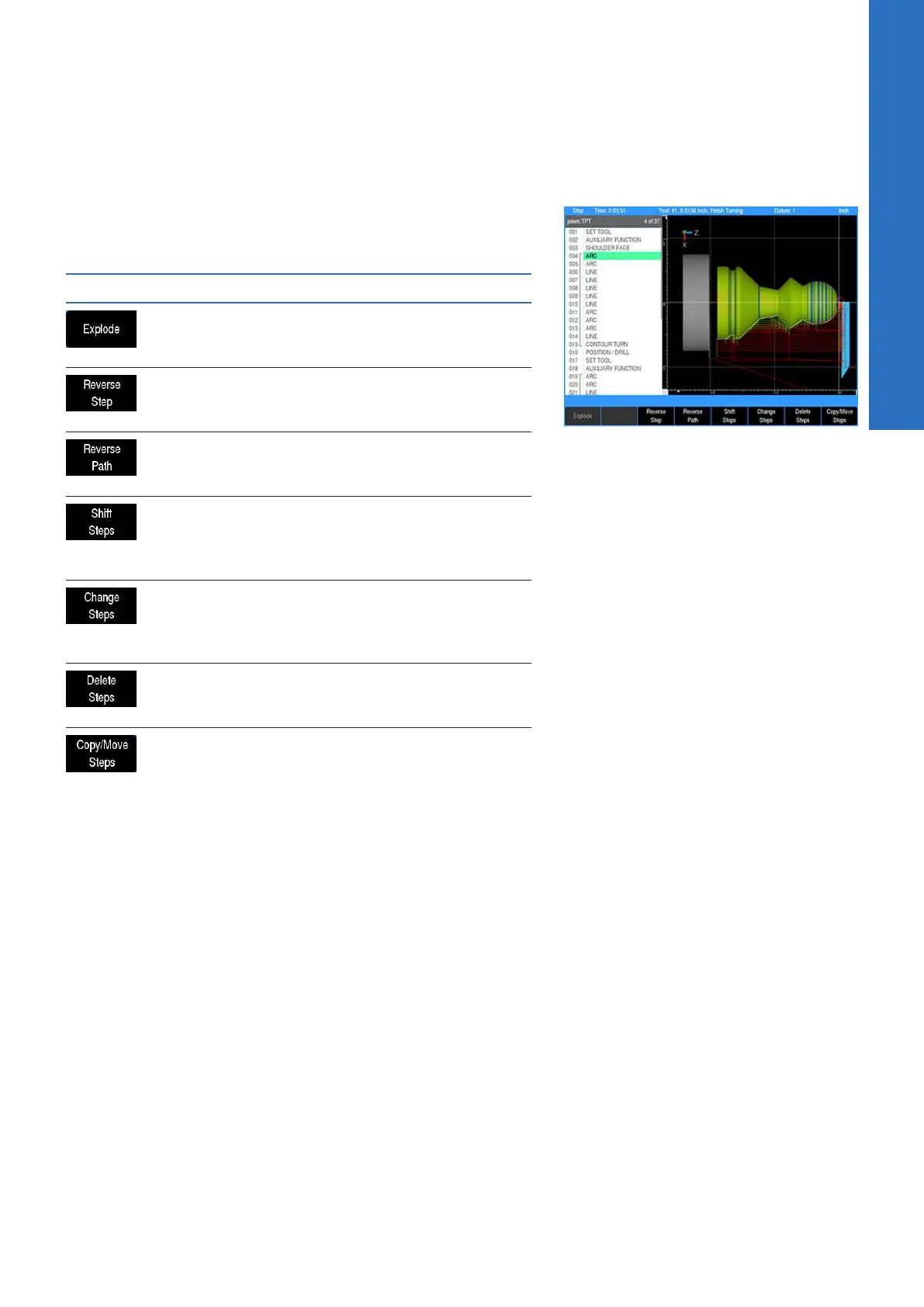
The Step Functions soft key provides access to the following
soft keys for assistance with programing steps, and modifying or
arranging the programs steps.
Soft key Function
The Explode soft key will explode a program
step e.g. such as a repeat step converting it
into individual program steps.
The Reverse Step soft key will reverse the
tool path of the selected step so that it will
be followed in the reverse order
The Reverse Path soft key will reverse the
tool path selected of all the steps so that it
will be followed in the reverse order
The purpose of the Shift Steps feature is
to transpose a range of steps from one
location to another on the actual work piece
within a program
The Change Steps soft key opens a dialogue
that will allow the operator to select a range
of steps that can be modified for the Z axis,
Offset, and Feed Rate
The Delete Steps soft key opens a dialogue
that will allow the operator to select a range
of steps, or a step to be deleted.
The Copy/Move Steps soft key opens a
dialogue that will allow the operator to
select a range of steps to either be copied,
or moved else where in the program.
5
ACU-RITE | TURNPWR | User's Manual | 08/2020
73



 To Next Page