Program steps and cycles | Other steps
Comment step
With the control, you have the ability to insert messages anywhere
within a program. These messages can be displayed during
machining (at run-time) or as Operator Intervention Messages
(OIM). These messages become operational steps within the
program and communicate pertinent information like "Rotate Part"
or "Activate Coolant".
For comments that don't require an operator intervention, select
No when asked if you want the comment displayed at run-time,
and the control will skip over them during machining. You can
always retrieve the message by highlighting the comment step in
your program steps list and pressing ENTER.
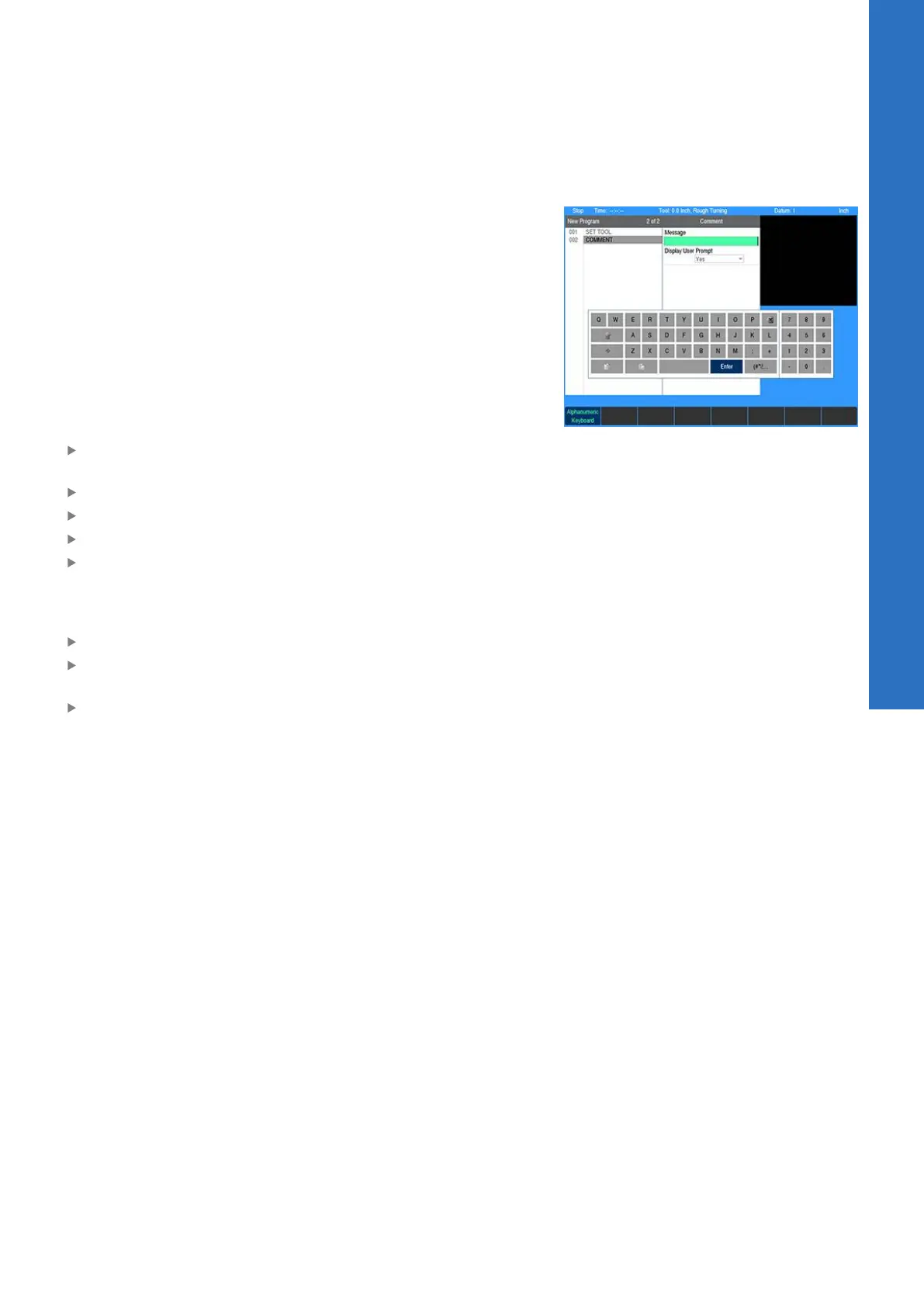
To program a comment step:
From the PGM screen, place the cursor below the last step
where the comment is needed
Press the Program Steps soft key
Press the Other Steps soft key
Select Comment in the popup menu
Enter your message. You may include up to 60 characters,
mixing numbers, letters, spaces and symbols if needed.
Press the Alphanumeric Keyboard soft key to chose alphabet
characters. For additional information, see "Keyboard", Page 30.
Highlight Display at Run Time
Press the Yes soft key to display the message during machining
or the No soft key if you don't want the message displayed
Press the USE key
8
ACU-RITE | TURNPWR | User's Manual | 08/2020
141



 To Next Page