Program steps and cycles | Other steps
Dwell
This is where the time is set for the machine to pause its
movement, and stay in its current position for a programmed
amount of time measured in seconds.
From the PGM screen, press the Program Steps soft key
Press the Other Steps soft key
Select Dwell in the popup menu
Enter the Dwell time in seconds, tenth of seconds can also be
entered
Press the USE key
A Dwell of 0 will cause the program to pause until you
press GO.
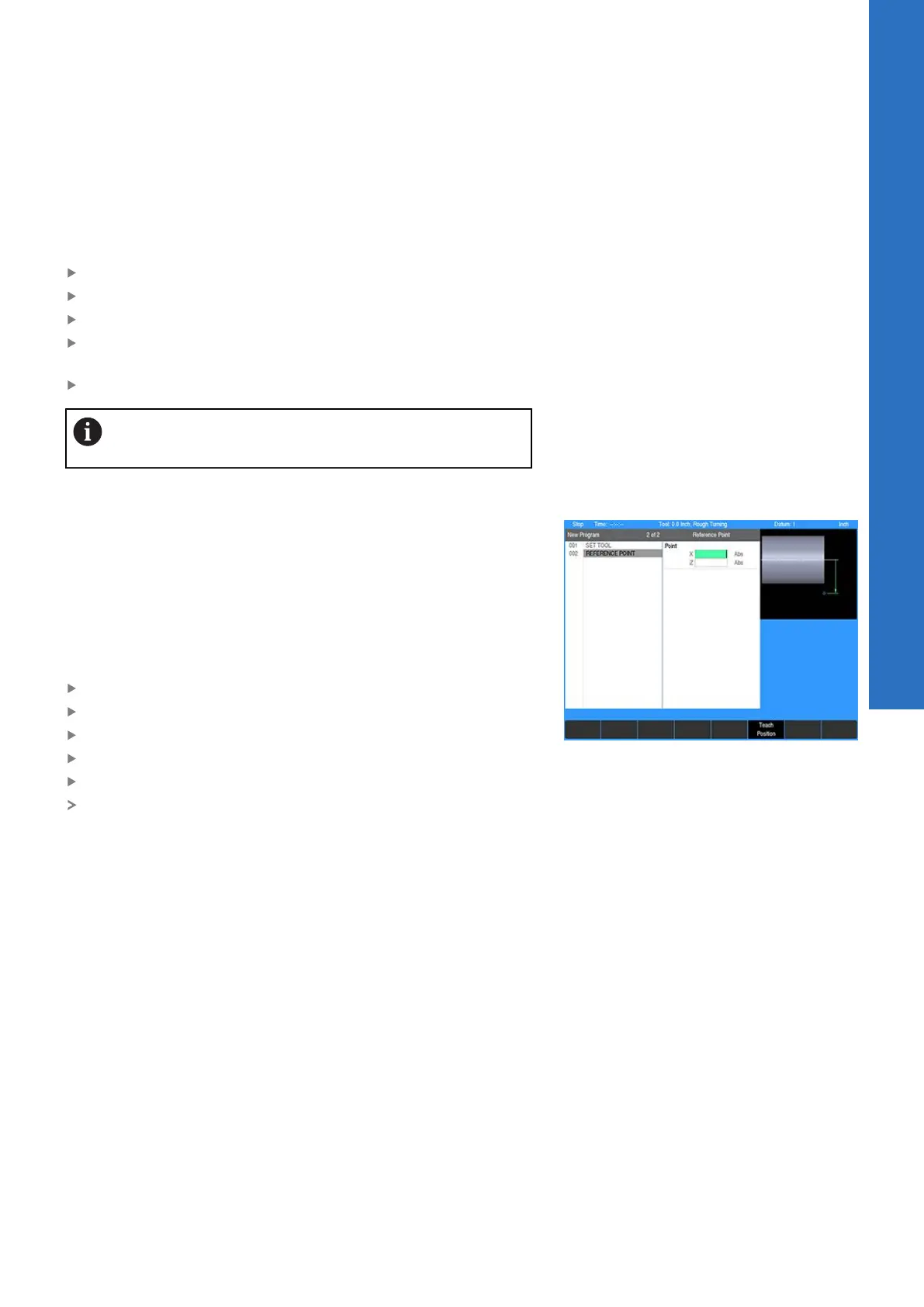
Reference point
Reference points are commonly used to identify center points,
tangent points, and other part features. They can even be used as
the basis for incremental moves.
As you program, note that placing a reference point in a continuous
tool path will break the path. Otherwise, reference points do not
affect your program's performance in any way in fact, the control
will skip over them altogether when you run a program.
To program a reference point:
From the PGM screen, press the Program Steps soft key
Press the Other Steps soft key
Select Reference Point in the popup menu
Enter your reference point’s position for X and Z
Press the USE key
The reference point will show graphically at the programmed
location
8
ACU-RITE | TURNPWR | User's Manual | 08/2020
143



 To Next Page