Introduction | Operating mode screens
2
2.3 Operating mode screens
Display navigation
The DRO mode is the default start up mode, and PGM mode can
be selected from the front panel key after start up. A condensed
description of these has been provided here on how to navigate,
and become familiar with the information that is being provided.
For complete descriptions and details, see "DRO screen",
Page 49.
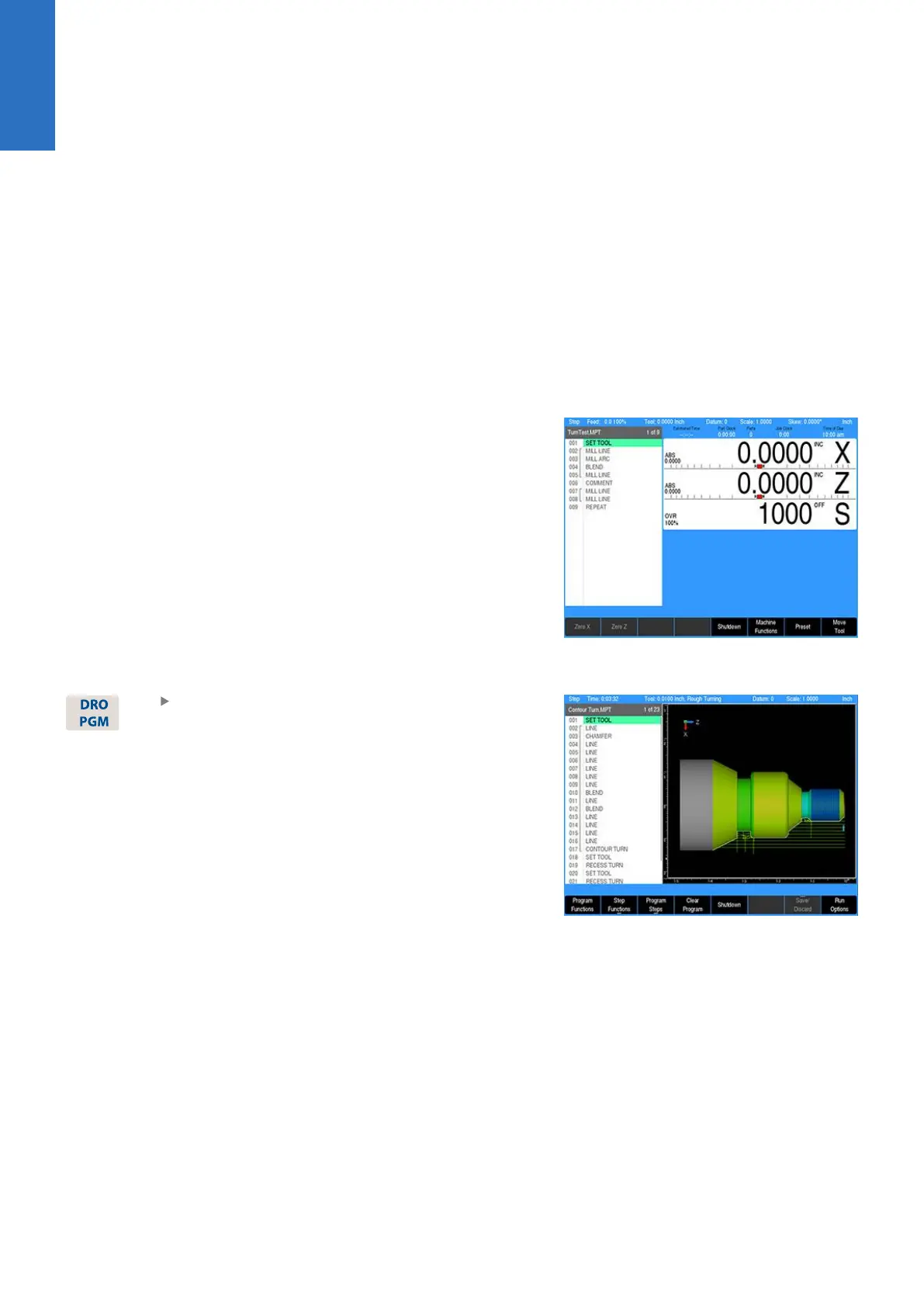
DRO display screen
The display screen provides the information required to monitor the
machine, it’s movement, programming, and more.
The default screen, or home screen, displays two main windows,
and soft keys in the soft key display area. When the console is first
turned on, the unit defaults to this screen.
For additional information, see "Screen navigation", Page 25.
The DRO screen displays information per the current operation.
DRO mode allows the use of the turning function keys, or can be
used as a DRO in manual machining operations.
The system Shutdown soft key is located here as well as in PGM
mode.
Program display screen
From the DRO mode, press the DRO/PGM key,
and the display changes to program mode
showing the currently selected or loaded
program.
When programing a job, the display activates a graphic view of the
program. While the program is running, the operation that is being
performed is graphically shown as well. The VIEW key provides
features to configure the graphic area.
For additional information, see "Program function screen",
Page 61.
34
ACU-RITE | TURNPWR | User's Manual | 08/2020



 To Next Page