Program edit mode | Programming introduction
Program screen display
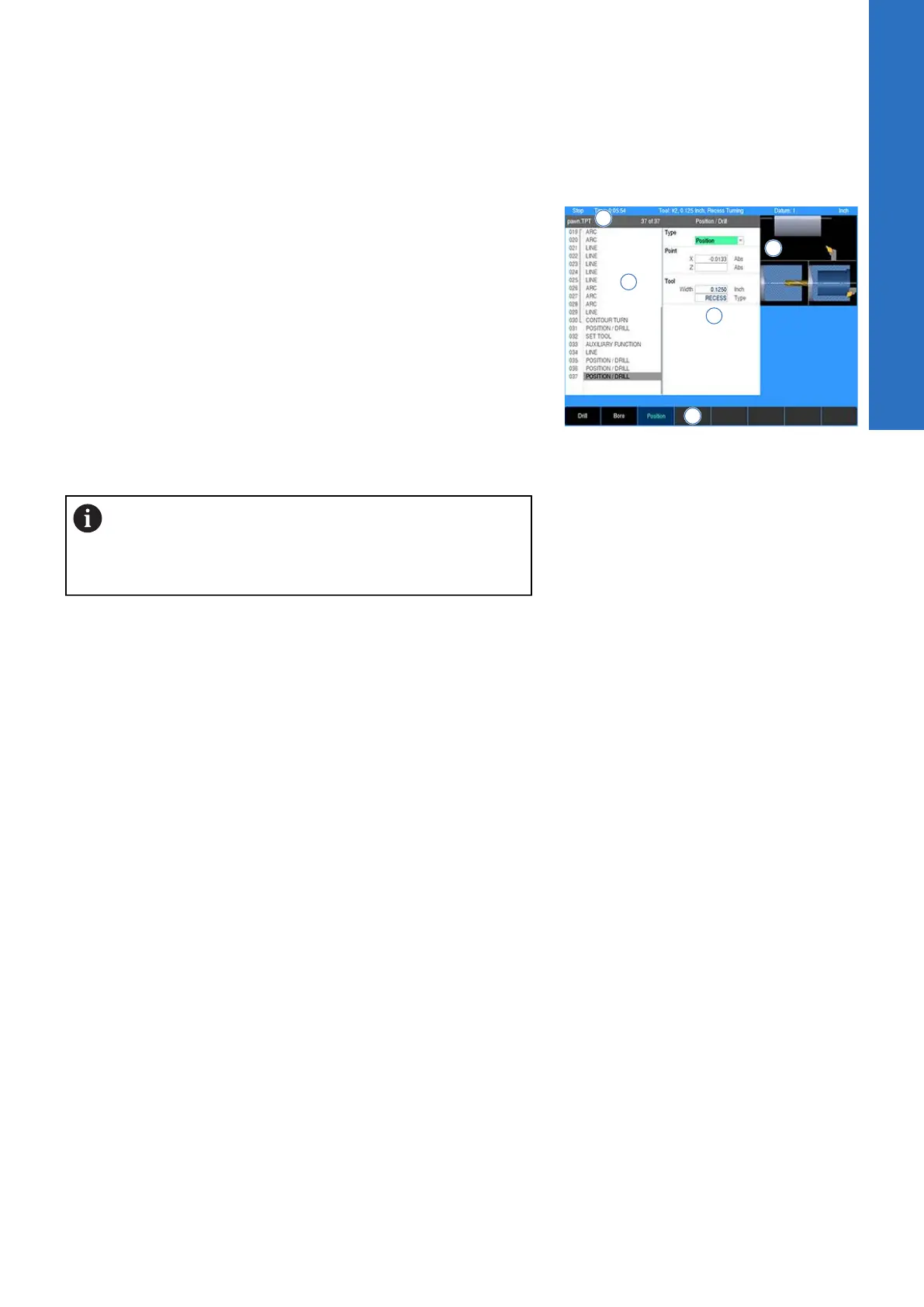
When programming a machining step, the display changes
according to the machining step selected. Once a machining step
has been selected using the Program Steps soft key, the display
will appear as shown here. The Program Steps display windows
are described in the following table.
1 Current program steps
2 Dialogue for a new turning step (e.g. Contour Turn)
3 Dialogue field graphic assistant. Graphic changes per input
field illustrating information required
4 Soft keys
5 Program name. If an asterisk appears at the start of the name,
it is indicating that the program has not been saved since its
last edit.
Soft keys with a bar on the bottom have additional soft
keys available when selected.
Soft keys with a bar on the top open a popup menu
when selected.
5
ACU-RITE | TURNPWR | User's Manual | 08/2020
63



 To Next Page