Programming | Conversational programming
7
Fundamentals for creating a program
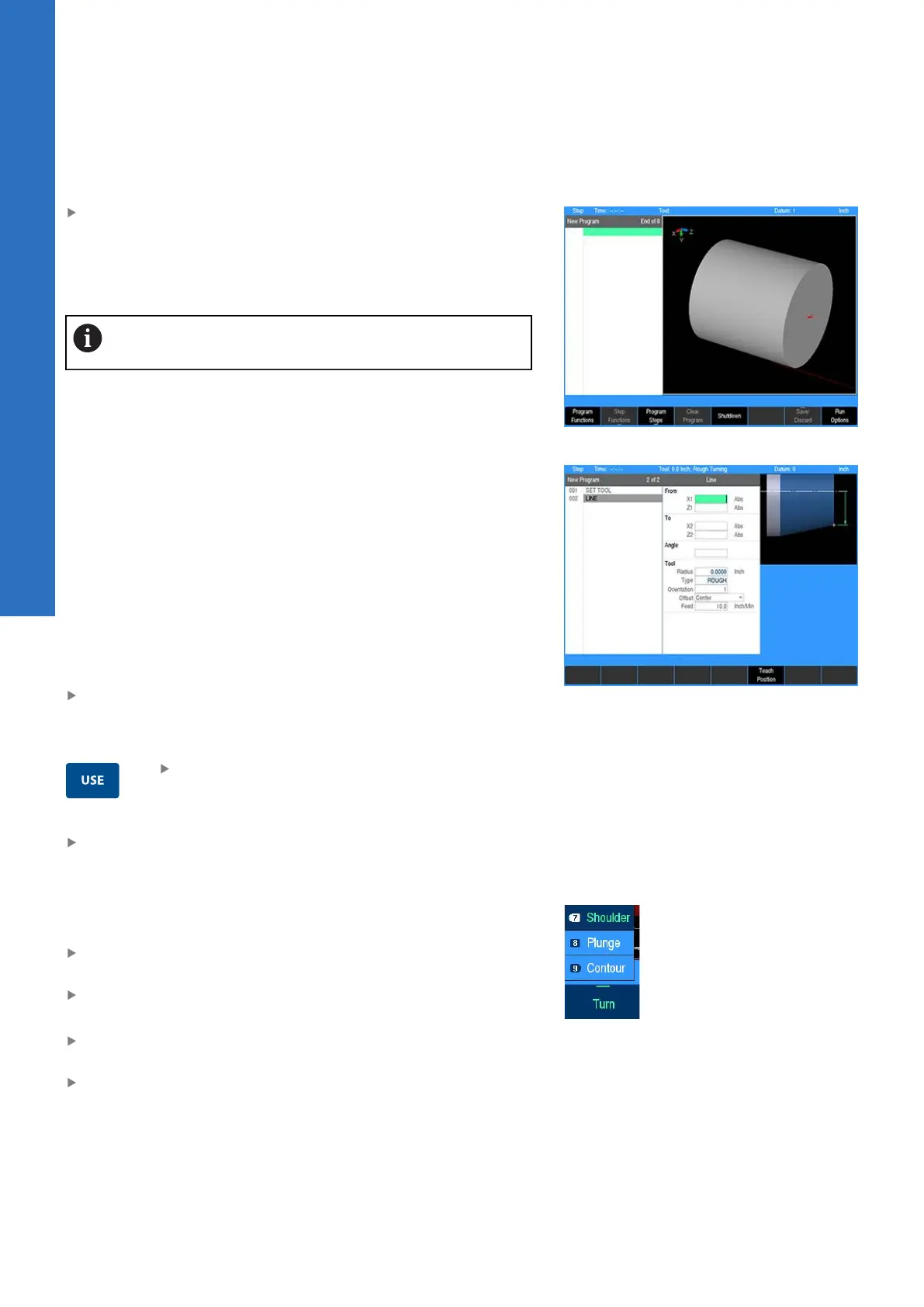
In DRO mode press the DRO/PGM key to enter program mode
Programs are created by developing a list of steps to be performed.
As steps are added to the list, each will immediately be drawn on
the screen so that it can be displayed graphically, showing the part
machining in progress.
The control allows a maximum of 9999 program steps.
Entering steps
Before any programming steps are entered, program a Set Tool
step that accurately identifies the tool that is to be used.
The turning function keys are among the eight yellow keys located
in the upper right corner of the console. The function you select
will appear in the program listing and will enable you to enter the
data and add the step into the program.
Additional machining functions are available in PGM mode, and are
accessed by pressing the Program Steps soft key. Program Steps
soft keys are also displayed when the turning function keys are
pressed in PGM mode.
To enter a step:
Press the appropriate function key
Some keys will open a popup menu with the soft key to further
define the type of step that is to be performed.
After entering the data for the program step,
press the USE key to add the step to the
program
Press the cancel key at anytime to exit the step dialogue and
not add it to the program
Adding and inserting steps
A new program step number automatically appears following the
last step entered, and the new step is highlighted.
If the cursor was moved for any reason, use the Arrow keys to
highlight the new step
Select the function to be added
To insert a step between two existing steps:
Position the cursor to the step below where the new step is to
be placed
Press the desired function key and it will be inserted above the
highlighted program step
Additional functions are available by pressing the Program Steps
soft key. The soft keys change, displaying several machining
function soft keys. Each soft key when selected will have a popup
menu for further selection to refine the type of operation to be
entered.
98
ACU-RITE | TURNPWR | User's Manual | 08/2020



 To Next Page