Calculators | Math calculator
10.2 Math calculator
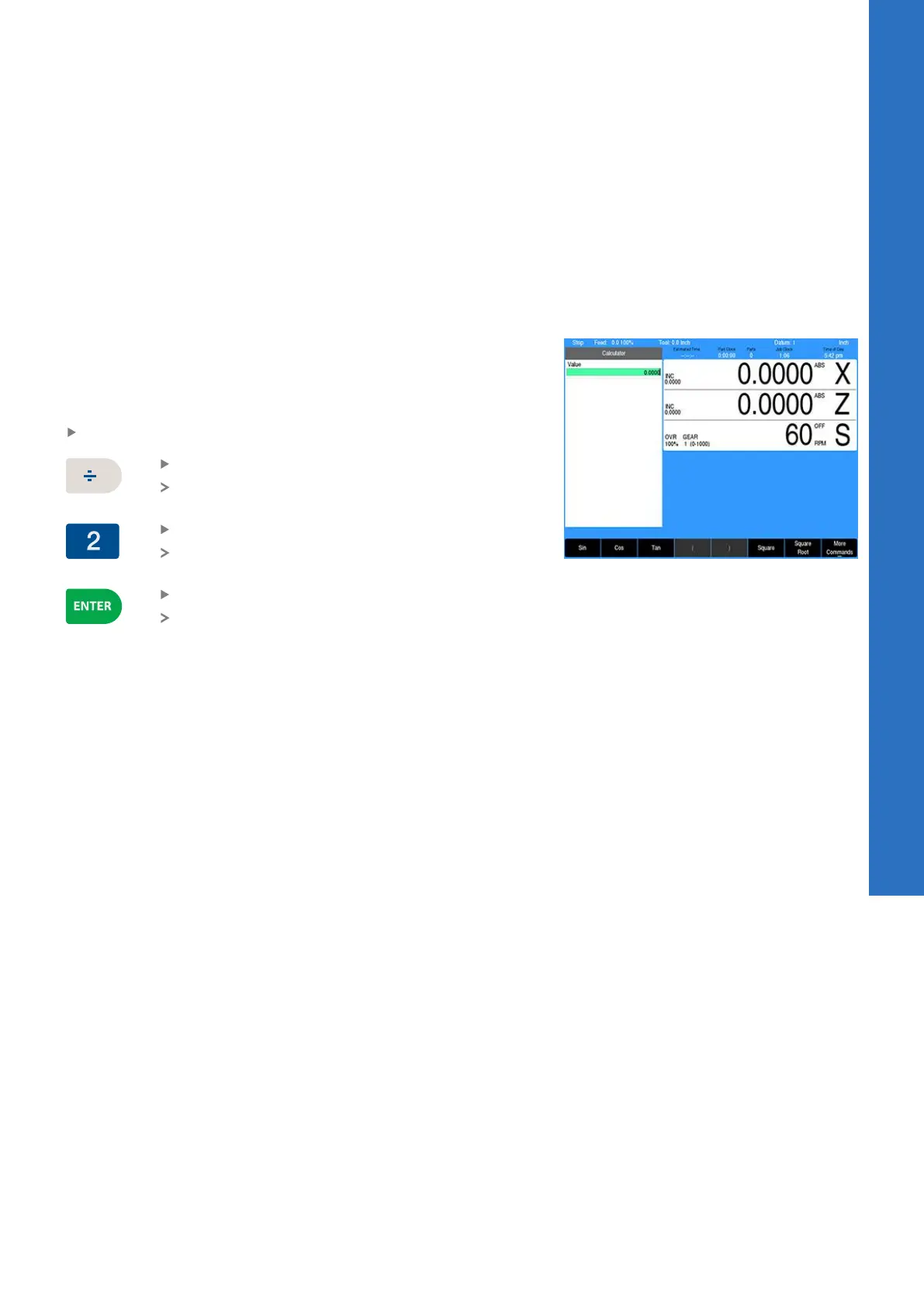
The math calculator is used to apply the mathematical functions,
+, -, ×, and ÷. It can be accessed at any time using the numerical
key pad. These functions are normally accessed while in a field of a
dialogue during PGM mode.
Using the calculator to insert data
The calculator can be used in the numeric field of dialogues.
Example:
The radius of the part is required in the data input field, and the part
drawing provides a diameter dimension.
Enter the diameter dimension into the dialogue field
Press the Divide key
The ÷ symbol will appear in the field showing the
calculation step
Press the 2 key
This will also appear in the field as part of the
calculation steps
Press the ENTER key
The result will be entered into the dialogue field
10
ACU-RITE | TURNPWR | User's Manual | 08/2020
161



 To Next Page