Program steps and cycles | Other steps
8
8.10 Other steps
The Other Steps soft key provides additional turning functions
available with the control.
From the PGM screen, press the Program Steps
soft key, then press the Other Steps soft key to
display the popup menu
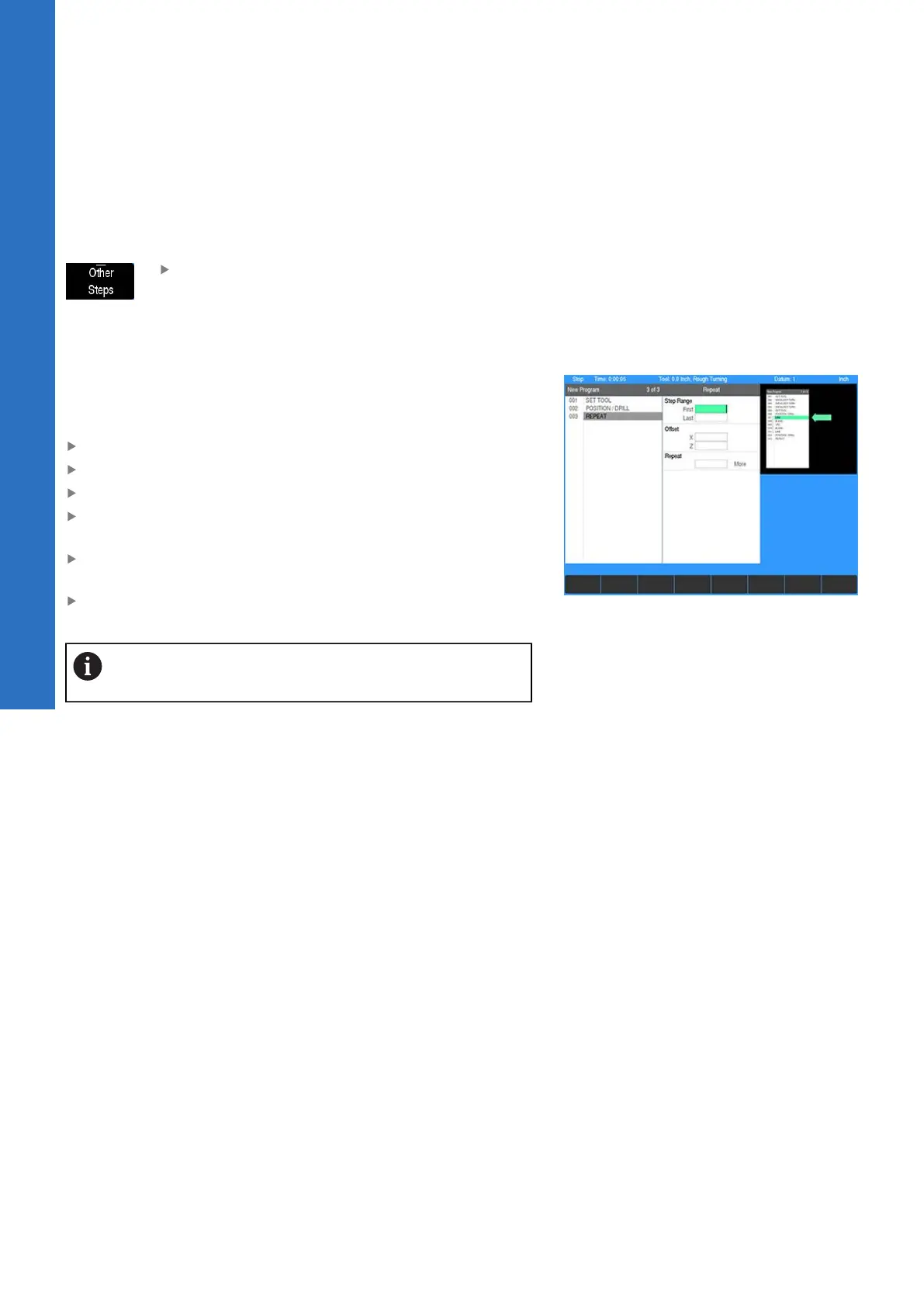
Repeat
Using the Repeat step you can repeat a section of the program
with any combination of X or Z offsets.
To program a repeat:
From the PGM screen, press the Program Steps soft key
Press the Other Steps soft key
Select Repeat from the popup menu
Enter the numbers of the First step and the Last step in the
Step Range you want to repeat
Enter the Offset for the X and/or Z axis. The offset is the
distance between repeats.
Enter the number of times you want to Repeat the original
steps
The steps being repeated must precede the Repeat
step. The number of repeats must be 1 or more.
Repeat header
When running a program at the point of executing a Repeat, the
header in the program list view will display the line number, step
type, and iteration of the step.
140
ACU-RITE | TURNPWR | User's Manual | 08/2020



 To Next Page