Introduction | TURNPWR
2
Writing programs
Overview
The control allows many features to be used without having to
write a program. For operations that repeat, or complex machining
it is best to write a program. Before writing a program, determine
the work-holding device and the location of Part Zero (the point
to which all movement is referenced). Since absolute positions
are defined from Part Zero, try to select a location that directly
corresponds to dimensions provided on the part print, such as the
right face of the work. Then you can develop a program.
The following is a general approach to programming:
First, select the unit of measurement (Inch/MM) using the MM
key.
This will place the DRO in the required unit of measure, and all
dialogues will use the selection. If the selection is changed after
data has been entered, the control will convert the data to the
new unit of measure.
The first step in a program selects the tool that is to be used.
The Tool dialogue provides fields for defining the tool attributes,
as well as for the tool position. This is a tool change position, a
location away from the work area where the axes can return for
safe tool changing.
The remaining steps in the program describe the required moves,
single cycles, and tool changes to complete the machining.
The last step in the program should return the axes to the Tool
change position before the program ends.
After writing a program, verify it. Run it to troubleshoot for
errors. Verify that all programmed moves are safe, and accurate
to the part print dimensions.
Setup the work piece into the intended holding device
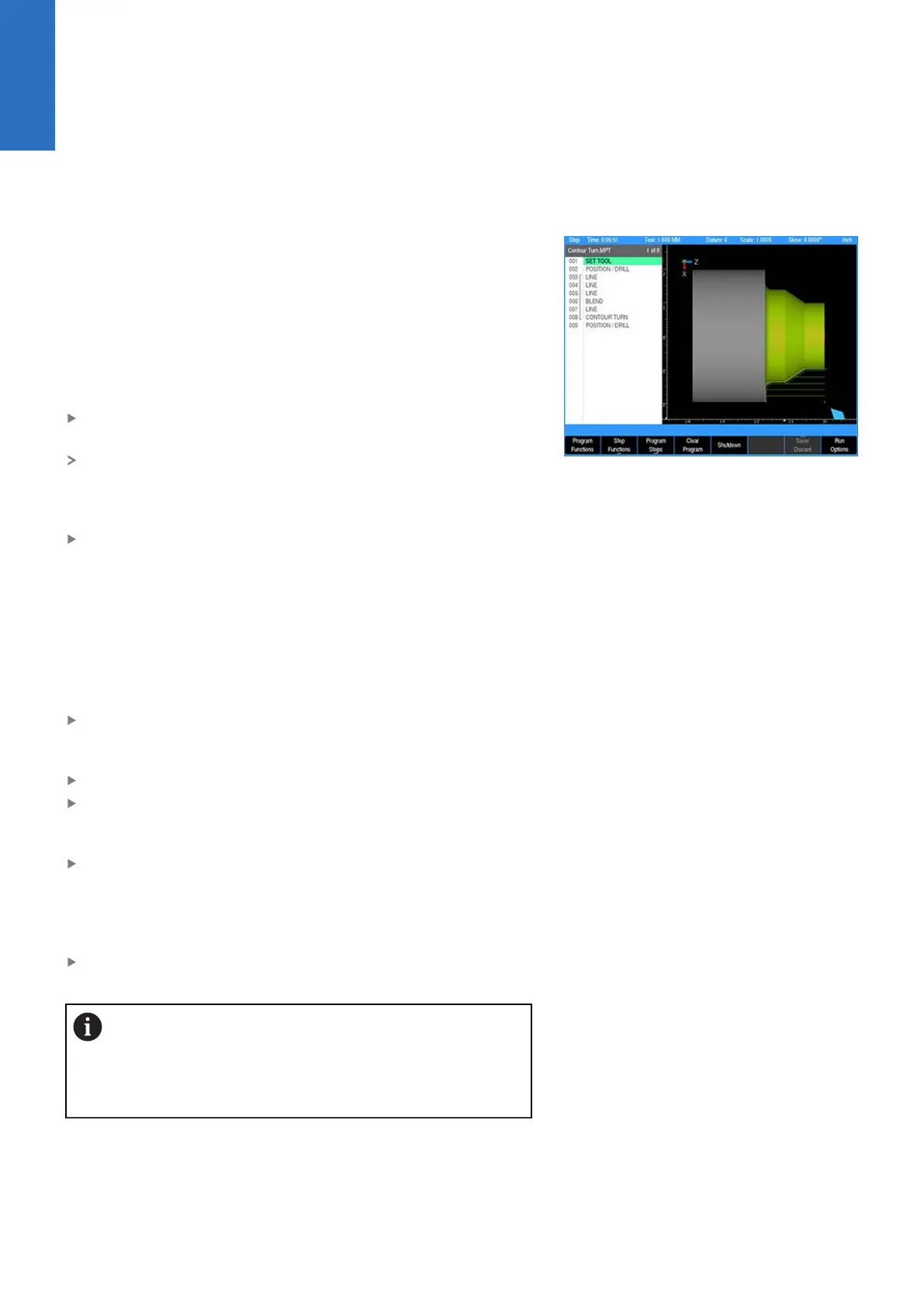
First use the simulation graphics to verify that the programmed
operations and results match the intended part description and
dimensions
Next use either Graphics Only, Dry Run, Single Step, or a
combination of these Run Options to verify that the actual
program and the setting of tool offsets are correct. Make any
necessary corrections. Once verified, the program can be run in
full Auto Mode.
When the finished program is ready for production, back it up on
a USB memory device.
If there is an interruption to the power supply, the
program is not lost. The program is periodically saved.
Verify that the most recent steps (prior to the power
failure) are in the program. The fixture zero location is
also remembered.
24
ACU-RITE | TURNPWR | User's Manual | 08/2020



 To Next Page