Program edit mode | Programming introduction
5
Program steps soft keys
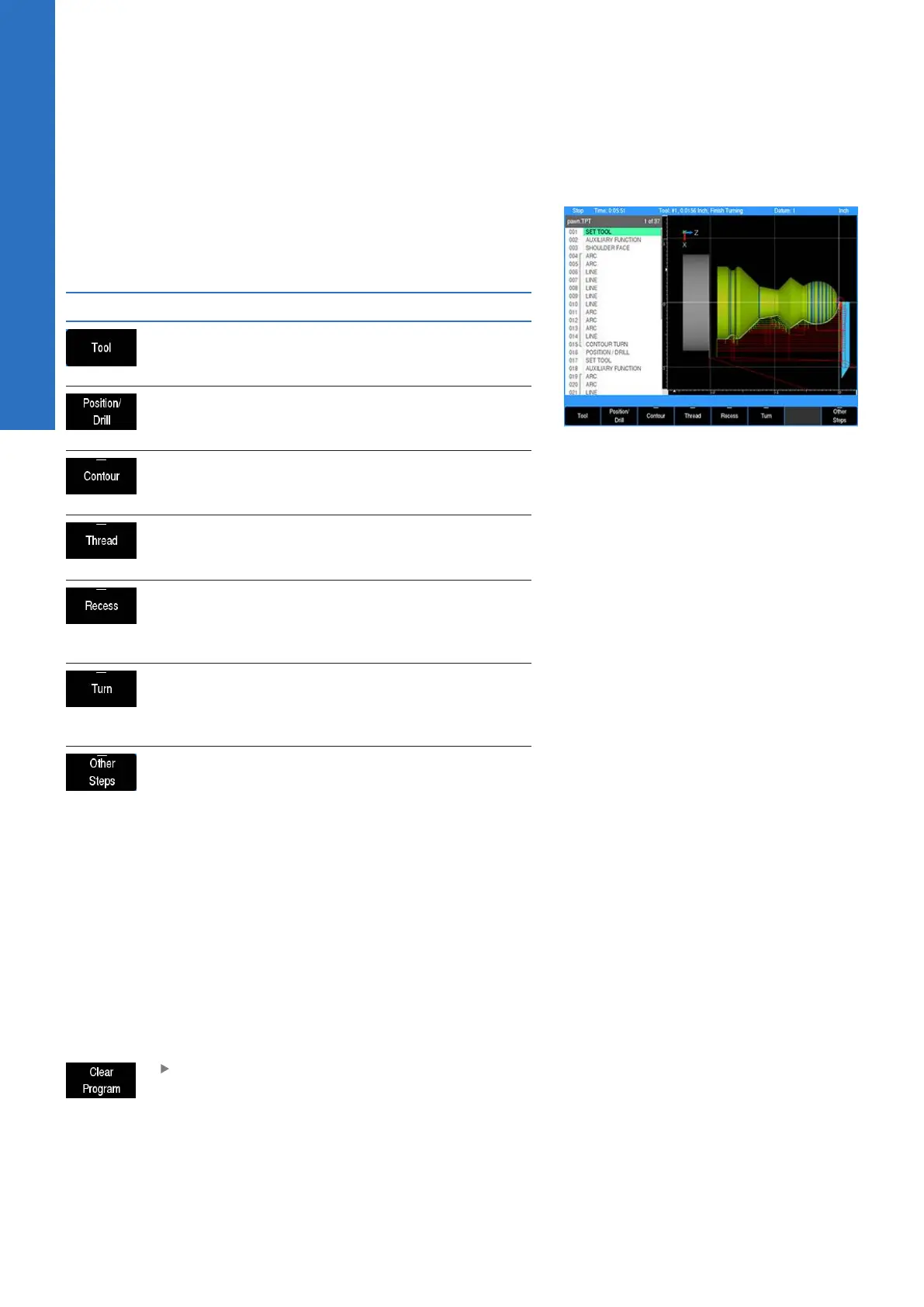
The Program Steps soft key accesses the soft keys listed in the
table below. Some soft keys provide additional selections on a
popup menu, which allows to further define the operation to be
programmed.
Soft key Function
The Tool soft key opens a tool dialogue to
enter the size and type of tool to be used for
the following step(s).
The Position / Drill soft key opens a
dialogue to define either a Drill, Bore,
Position, or Tap operation
The Contour soft key opens a popup menu
to further define a contour element, e.g. a
Line, Arc, Blend (Arc), or Blend (Chamfer)
The Thread soft key opens a popup menu to
further define a threading operation, e.g. a
straight thread or a tapered thread
The Recess soft key opens a popup menu to
further define the type of recess operation,
e.g. either a standard recess cycle or a free-
form contour recess cycle
The Turn soft key opens a popup menu to
further define the type of turning opera-
tion, e.g. a Shoulder, Plunge, or free-form
Contour cycle
The Other Steps soft key opens a popup
menu to further define the type of operation
e.g. Repeat, Comment, Auxiliary Function,
Dwell, or Reference Point
Clear program soft key
This soft key provides a quick method to clear the current loaded
program. It does not provide an option to save before exiting.
Its function is meant to quickly clear a program (e.g. once it has
been run and is no longer needed), so that a new program can
be loaded, or a blank program is available, or return to DRO mode
without having a program loaded. If the program has been edited
the operator is asked to confirm the Clear operation. Save program
changes before using Clear. All changes are lost and cannot be
recovered.
Press the Clear Program soft key to close the
program
74
ACU-RITE | TURNPWR | User's Manual | 08/2020



 To Next Page