Introduction | Console
Calculator
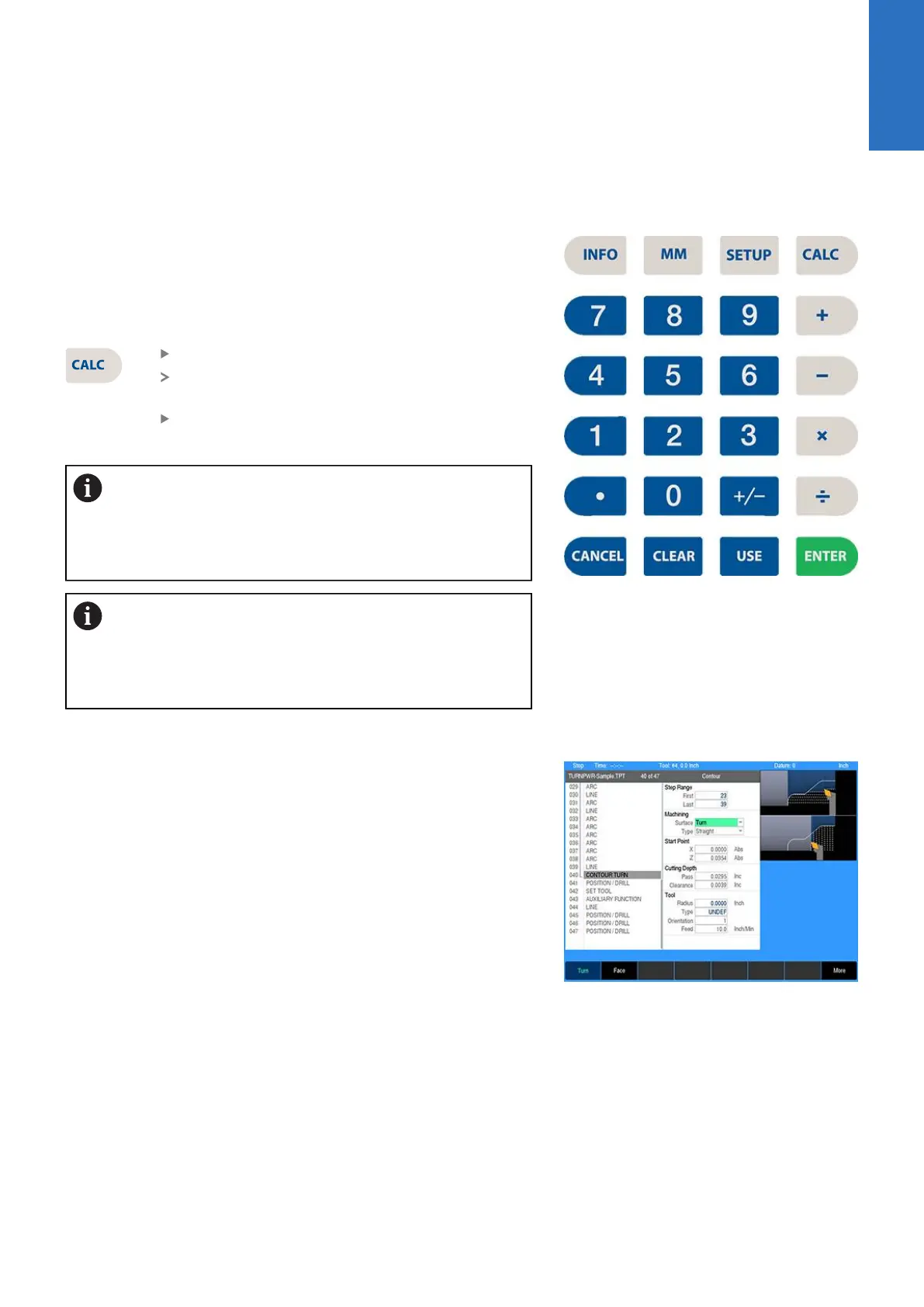
Numeric keypad
The numeric keypad on the front of the console resembles a
standard calculator with keys for numbers 0 through 9, four math
function symbols (+, -, x, and ÷), a decimal point, and a positive/
negative sign (+/-).
The calculator is accessible from nearly any screen or field.
Press the CALC key to access the calculator
Math function soft keys are displayed in the soft
key area
Calculations can be entered directly into a
highlighted field
Using the calculator in an entry field in a dialogue
requires the operator to press the ENTER key to run the
calculation. To move to the next field using the ENTER
key requires the operator to press ENTER a second
time.
Anytime data is entered into an entry field in a dialogue
and the value is changed using the +/- key, the operator
is required to press the ENTER key to use the value
change. Moving to the next field using the ENTER key
requires the operator to press ENTER a second time.
Context sensitive help
The control uses an intuitive method to aid the user when
assistance is required. When assistance is needed with a feature,
the User's Manual can be displayed directly at the point which
describes the feature.
To use this help, in this example, the console is in PGM mode,
and a Contouring cycle is being programed. It is desired to see
descriptions of the cycle parameters, and the cycle itself. The
following steps describe the actions needed to take.
2
ACU-RITE | TURNPWR | User's Manual | 08/2020
31



 To Next Page