Introduction | Console
2
Using context sensitive help
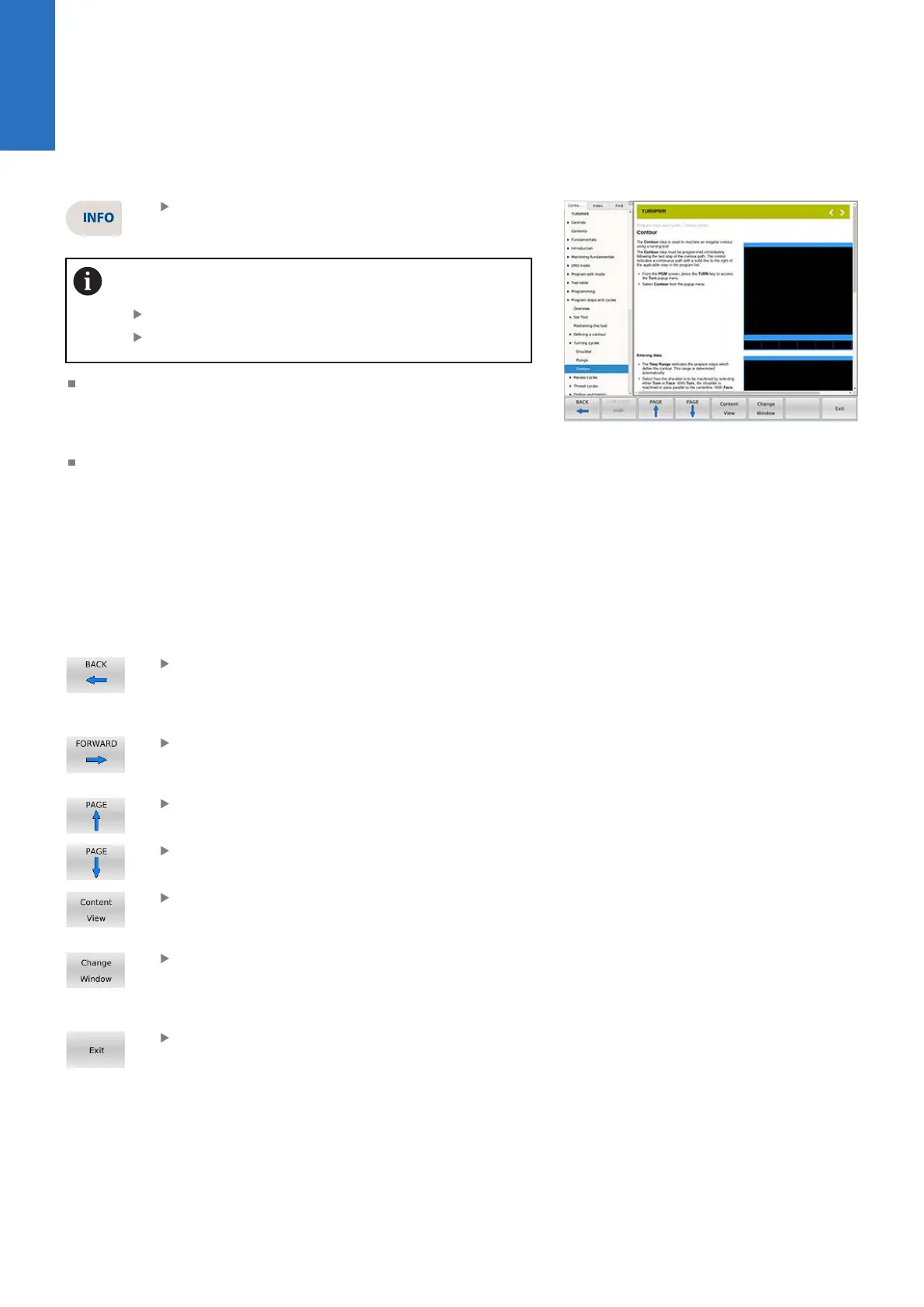
Press the INFO key to open the on screen User's
Manual
If the Help window stays at the cover page instead of
jumping to the pertinent location after loading:
Exit the help window
Press the INFO key again
This will display a new window containing the section in the
User's Manual, opened directly to the description of the desired
feature. This is the active window when Context Sensitive Help
is activated.
To activate the Contents View on the left side of the display,
press the Content View soft key. This allows the user to see all
available topics from the User's Manual. The Forward and Back
soft keys will navigate the users previous history. The Page up
and Page down soft keys will select the previous and next topic
in the manual contents (shown in the Contents View on the
left hand side). These soft keys allow the user to select other
sections of the User's Manual while in Context Sensitive Help.
Using these keys will navigate the User's Manual even if the
Contents View is hidden.
The Back soft key navigates one page back per
key press to a previous page that was viewed
from the history. History is not cleared when the
Help Screen is exited.
The Forward soft key navigates one page
forward per key press from the viewed pages in
history.
The Page up soft key navigates one topic up in
the contents window per key press.
The Page down soft key navigates one topic
down in the contents window per key press.
The Content View soft key is a toggle key to
show/hide the contents view on the left hand
side of the display.
The Change Window soft key is a toggle key to
move input focus between the content/tree view
on the left side, and the current page view on the
right side.
To close, press the Exit soft key.
32
ACU-RITE | TURNPWR | User's Manual | 08/2020



 To Next Page