Program edit mode | Programming introduction
5
Program mode soft keys
When the DRO/PGM key is selected from DRO mode, the control
screen changes to PGM mode, and the program default screen is
displayed.
When the control is set to program mode, types of
machining functions specific to the hard key selected
become available as soft keys.
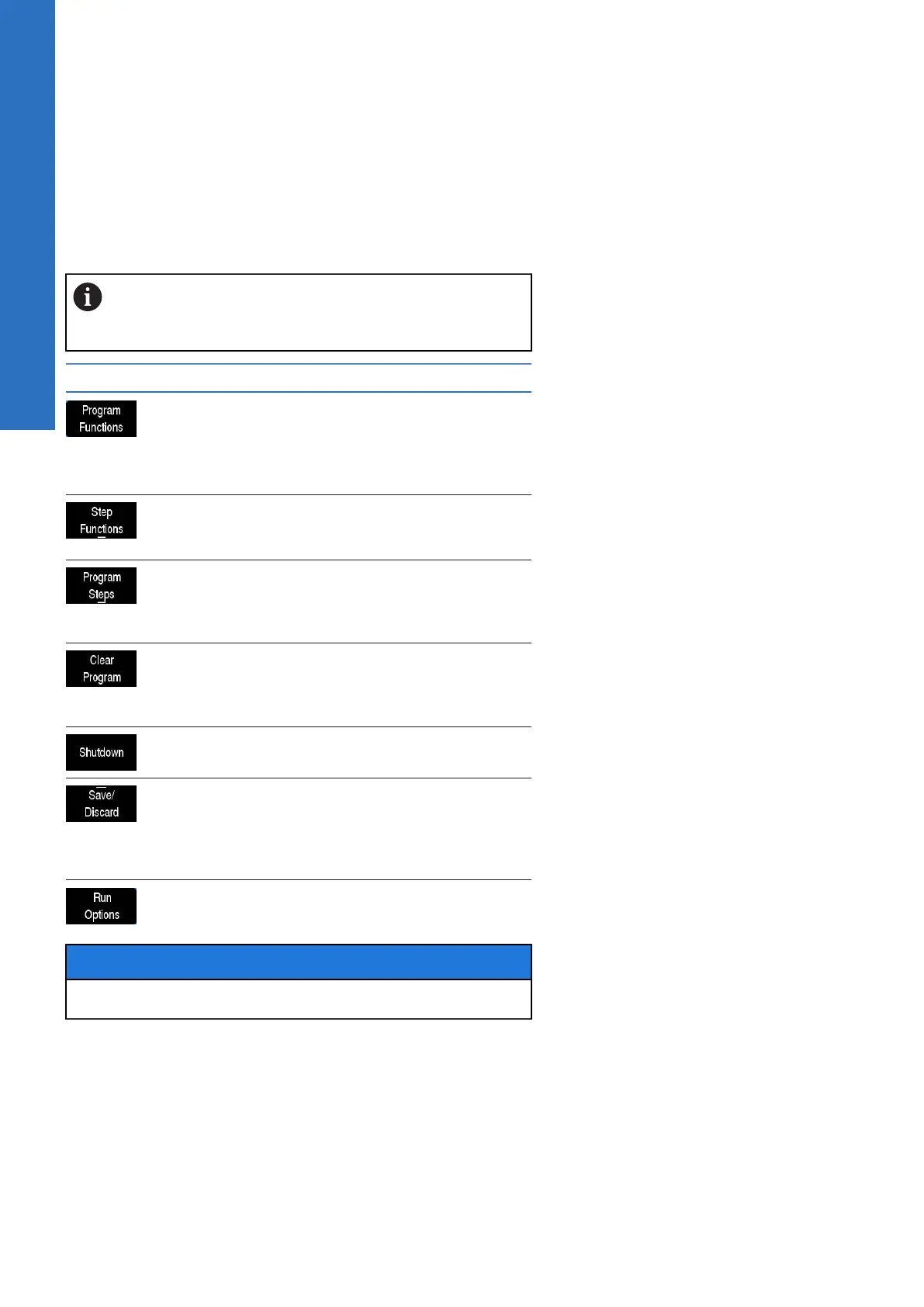
Soft key Function
Program Functions opens additional
soft keys to Load, Save, Clear, or Copy a
program along with several other functions.
For additional information see "Program
functions", Page 65.
Step Functions opens additional soft keys
for modifying the program steps (e.g.
Reverse Path, Delete Steps, ect.)
Program Steps opens additional soft keys
for programming, or modifying an existing
program by adding additional machining
functions
Clear Program will unload the current
program when the Yes soft key is selected.
The program is not saved. If any changes
were made, they are lost.
Shutdown will shut down the control
system. Only then can power be turned off
Save/Discard opens a popup menu which
provides the choice to either save the
changes made to the program, or discard
the changes by returning the program to its
original state
Run Options opens additional soft keys for
running a program (e.g. dry run, etc.)
NOTICE
Once Clear Program is used the program cannot be recovered.
64
ACU-RITE | TURNPWR | User's Manual | 08/2020



 To Next Page