Calculators | Geometry calculator
10
10.3 Geometry calculator
The geometry calculator is used to construct Point, Line , and Arc
entities which can then be transferred to the part program.
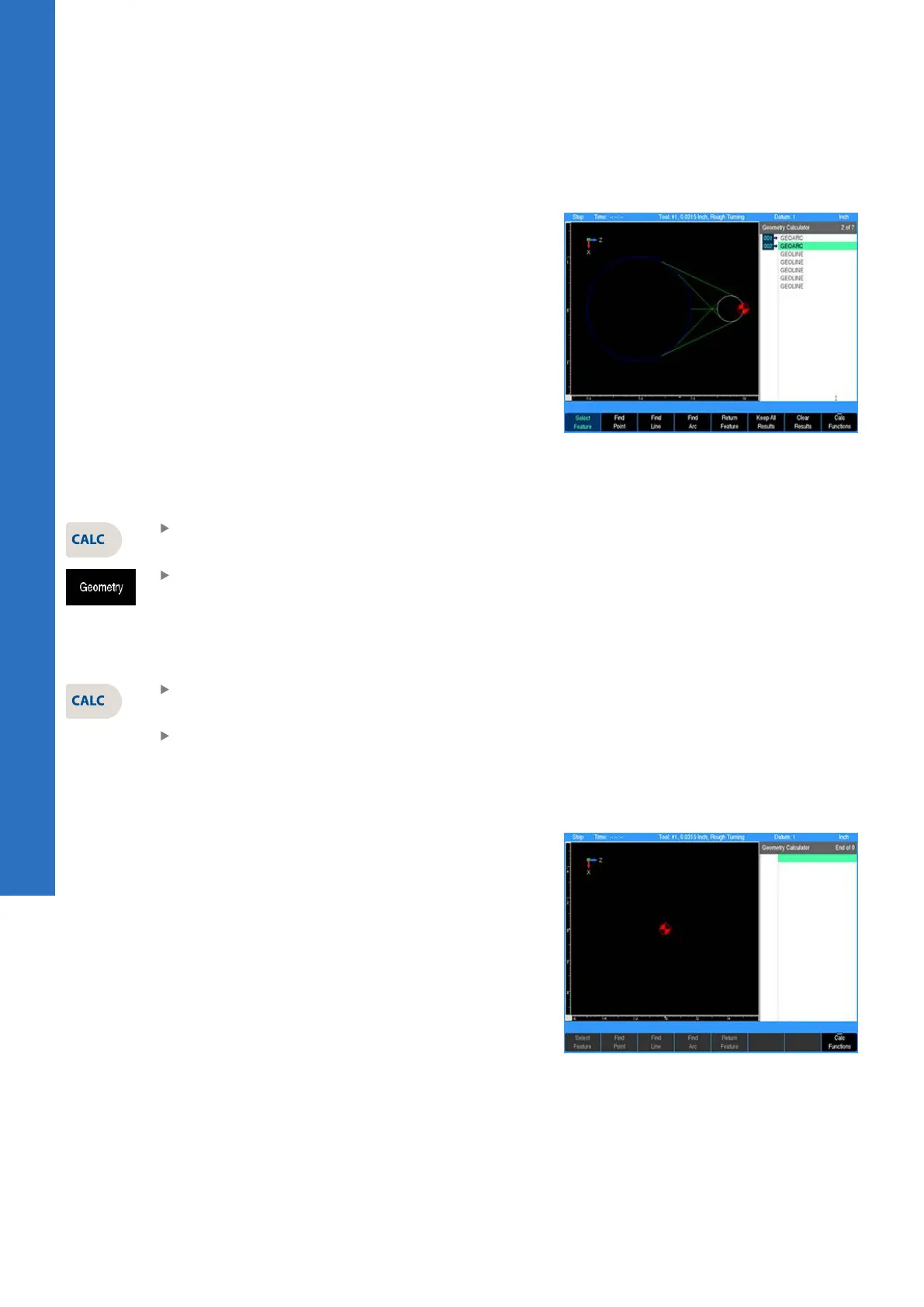
The geometry calculator contains a listing of geometry steps and a
graphic visualization.
Accessing the geometry calculator
To access the geometry calculator:
Press the CALC key
Press the Geometry soft key
Exiting the calculator
To exit the calculator:
Press the CALC key a second time
or
Press the CANCEL key
Geometry calculator user interface
Layout
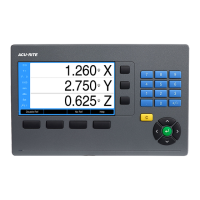
The geometry calculator’s layout is similar to the part program in
PGM mode. To differentiate it from the part program, the geometry
step listing is on the right third of the screen and the graphic
window is on the left two-thirds of the screen.
164
ACU-RITE | TURNPWR | User's Manual | 08/2020


 To Next Page