Program edit mode | Creating programs overview
5
5.5 Creating programs overview
New part program
The following briefly describes how a new program is created. For
additional information, see "Fundamentals for creating a program",
Page 98.
Press the DRO/PGM key from DRO mode to enter PGM mode
A new program can be created from an existing program, or create
a completely new program.
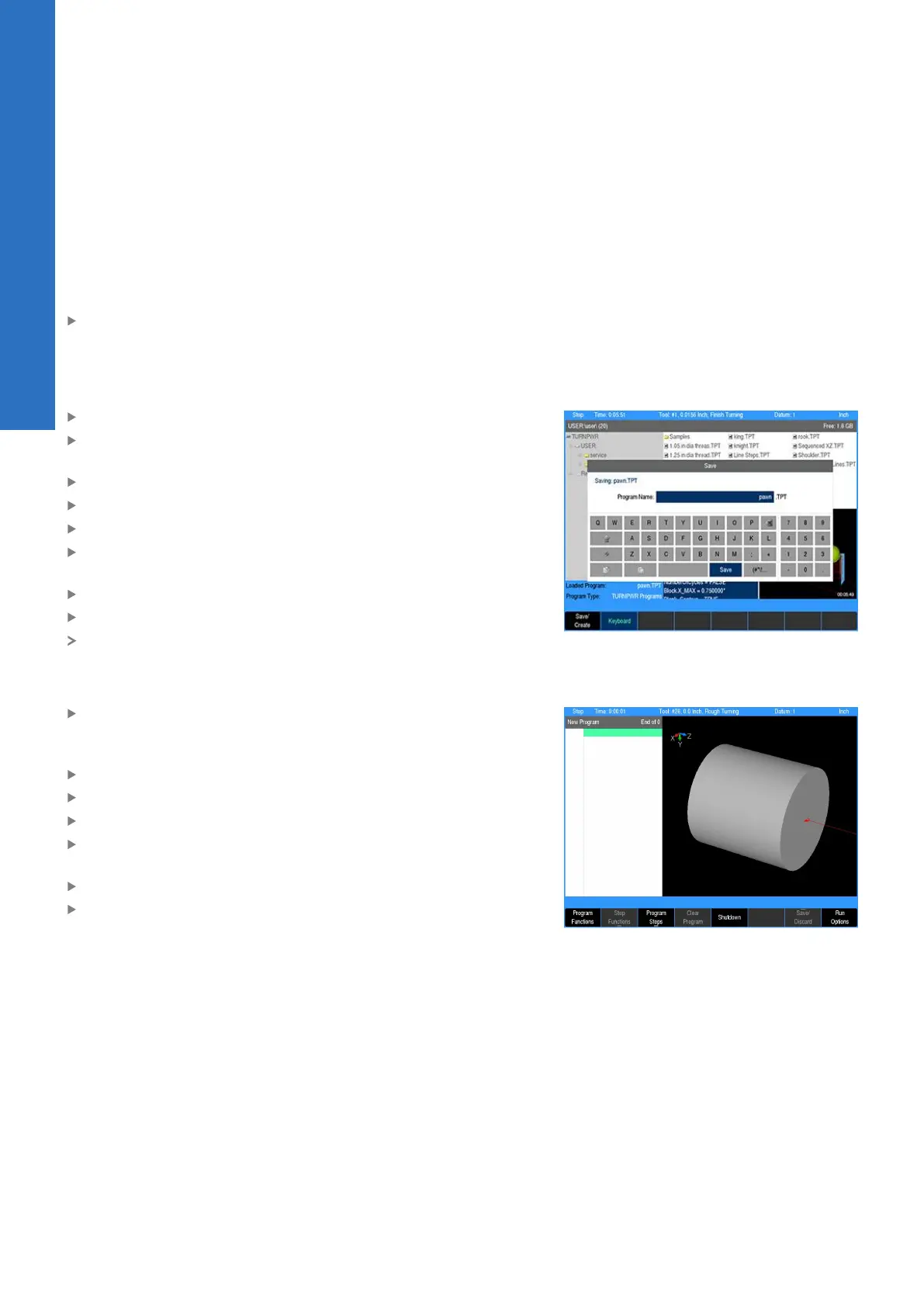
To create a new program from an existing program:
Press the Program Functions soft key
Select an existing program that will be used to create the new
program
Press the Load soft key
Press the Program Functions soft key
Press the Save soft key
Press the Keyboard soft key to display the keyboard if the
keyboard is not automatically displayed
Type in the name of the new program
Select Save
The new program is now loaded, and can be modified as
required
To create a new (blank) program:
When a program is currently loaded, press the Clear Program
soft key in the PGM mode display to clear the loaded program
from memory, and to create a new program
Add at least one program step
The Save/Discard soft key will become enabled
Press the Save soft key
Press the Keyboard soft key to display the keyboard if the
keyboard is not automatically displayed
Type in the name of the new program
Select Save
84
ACU-RITE | TURNPWR | User's Manual | 08/2020



 To Next Page