Programming Commands U511 User’s Manual
5-32 Aerotech, Inc. Version 1.1
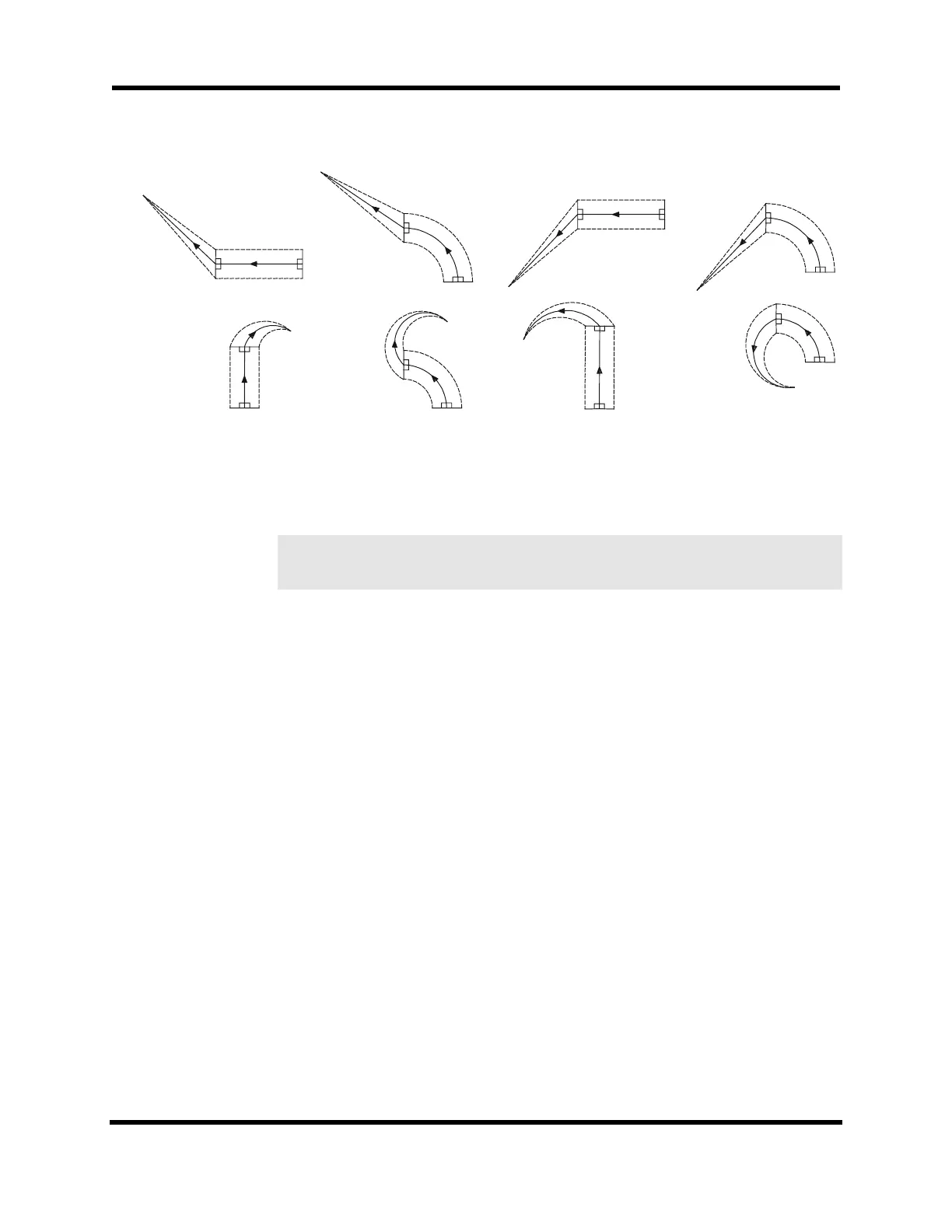
Figure 5-2. Ending Moves
In the case of a circular move on to the work piece, the programmed end angle is
preserved. For a move off of the part, the circle’s start angle is preserved.
Abort and reset clears cutter compensation. Any buffered commands are lost.
SYNTAX:
G40 Turns off cutter radius compensation. The contour
following this command moves off of the work piece.
G41 Turns on cutter radius compensation LEFT. A tool radius
and the axes to be compensated must first be specified.
G42 Turns on cutter radius compensation RIGHT. A tool
radius and the axes to be compensated must first be
specified (default).
G43 Runits Set cutter radius.
G44 axis axis Defines axes for compensation: X, Y, Z, or U.
units Cutter radius. Units are the same as current programming
mode: English units, metric units, or steps.
axis Defines axes for compensation: X, Y, Z, or U.
EXAMPLE:
The following example program demonstrates the cutter compensation commands. See
Figure 5-3.
; ##### CUTCOMP1.PRG #####
;
; - demonstrates cutter compensation while doing a square
r
r
G41
G42
r
r
G42
G41
r
r
rr
r
r
G42
G41
rr
r
r
rr
G41
G42
r
r
G41
G42
r
r
r
rG41
G42
rr
r
r
rr
G41
G42
r
r
rr
G42
G41
e
F
Artisan Technology Group - Quality Instrumentation ... Guaranteed | (888) 88-SOURCE | www.artisantg.com



 To Next Page