U511 User’s Manual The User Interface
Version 1.1 Aerotech, Inc. 3-15
F1 F2 F3 F4
UNTITLED.PRG Inc Linear Slew l
,Y
X 0.000 mm Enabled
Y 0.000 mm Enabled
Z 0.000 mm Enabled
U 0.000 mm Disabled
Move to linear point
Mode
it
Figure 3-16. Linear Digitizing Screen
The following is a description of the selectable functions (F1-F5):
F1 Mode Mode selects type of digitizing command.
F5 Quit Quit inserts the linear moves and returns the user to the Program
Editor.
Circular Digitizing
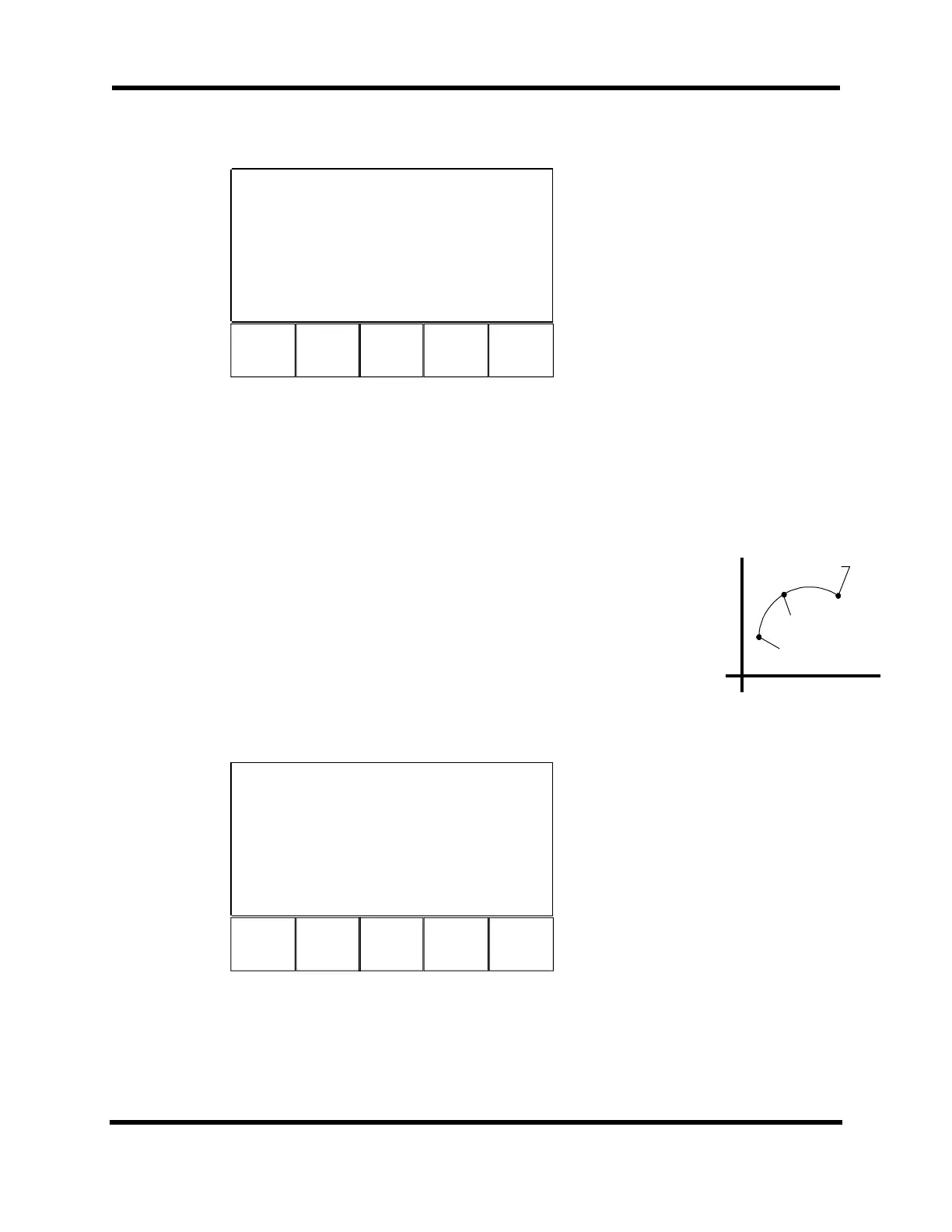
The Circular Digitizing screen is shown in Figure 3-17. Circular digitizing uses the
joystick to generate clockwise (CW) or counterclockwise (CCW) move commands in a
program. This mode is selected by pressing the Mode (F1) key until “Cir” is displayed at
the top of the screen. The circle is calculated based on three points on the arc (see
margin). The starting point is the current position. Move the axes to the first point, press
the joystick “C” button, and then repeat for the second point. The U511 automatically
calculates the circle direction. After the first point on the circle is entered, the user may
reenter it by pressing the F2 key. This will overwrite the previously recorded position
while preserving the starting point.
F1 F2 F3 F4
UNTITLED.PRG Inc Cir(XY) Slew l
0
X 0.000 mm Enabled
Y 0.000 mm Enabled
Z 0.000 mm Enabled
U 0.000 mm Disabled
Move to first circle point
Mode Haxis Vaxis
it
Figure 3-17. Circular Digitizing Screen
Current/Starting Point
Second Digitized Point
First Digitized Point
Artisan Technology Group - Quality Instrumentation ... Guaranteed | (888) 88-SOURCE | www.artisantg.com



 To Next Page