U511 User’s Manual The User Interface
Version 1.1 Aerotech, Inc. 3-31
3.8. MDI Menu
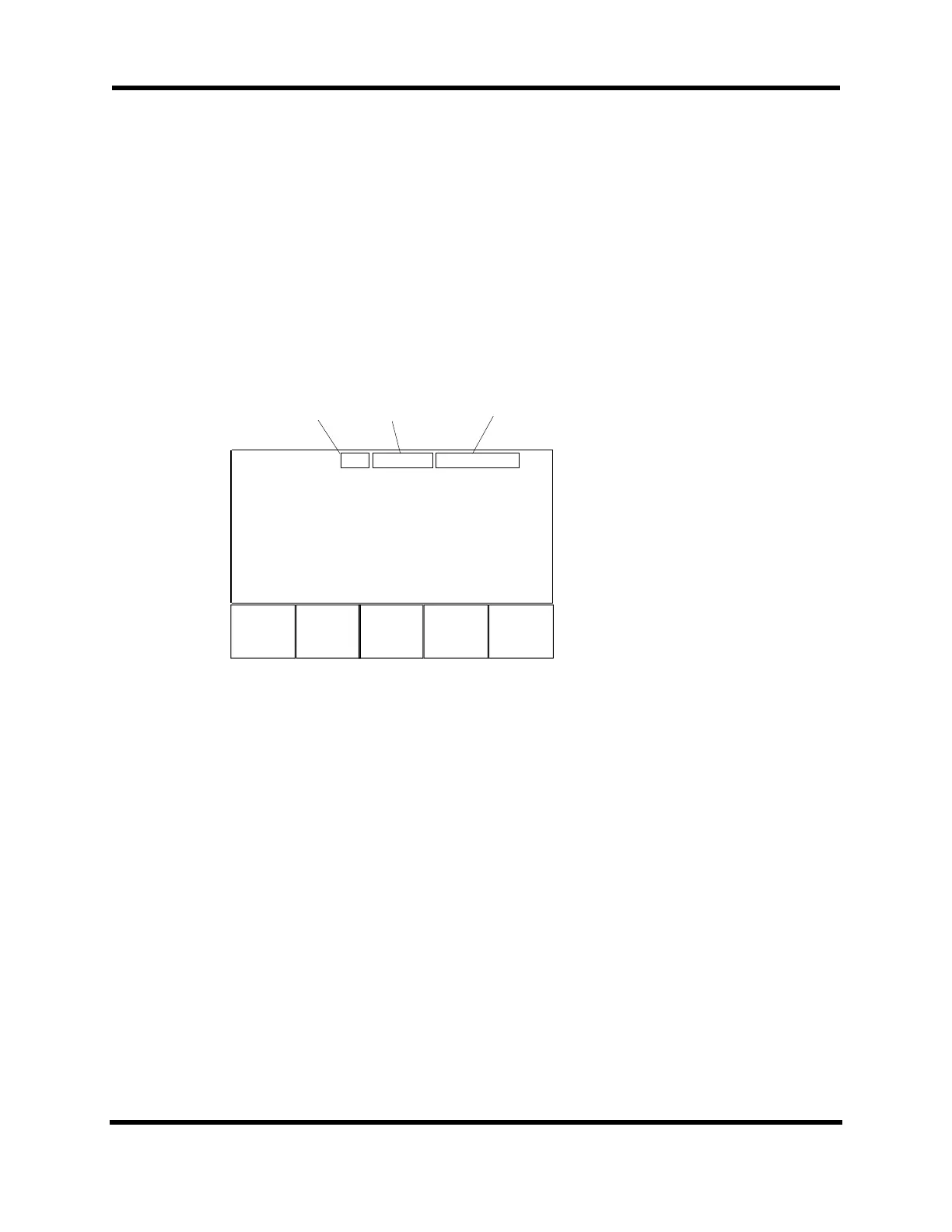
Upon hitting the F5 key in the Power-up screen, the Machine Direct Input (MDI) screen
appears (refer to Figure 3-32). The MDI screen provides joystick control, jog operations,
and the ability to enter individual commands. This screen also shows U511 status
information. The first line relates whether the U511 is in incremental or absolute mode. It
also shows MFO percentage and the feedrate. The next four lines display axis position
and status information. Commands may be typed in using an external keyboard or menu-
assisted commands may be entered using the Commands (F4) function. The up and down
arrows scroll through a list of previously entered commands.
F1 F2 F3 F4
MDI Inc Mfo 100 F600.0/mi
X 0.000 mm Enabled
Y 0.000 mm Enabled
Z 0.000 mm Enabled
U 0.000 mm Enabled
JStick Jog Commands
it
Incremental or
Absolute Mode
Manual Feed
Override Percenta
e
Feedrate
Figure 3-32. MDI Screen
There are four functions at the bottom of the screen, three of which lead to other screens.
They are described below.
F1 JStick Opens the Joystick screen where axes can be positioned using the
joystick.
F2 Jog Opens the Jog screen where axes can be positioned using the left
and right arrow keys.
F4 Commands This function summons the Command screen where users can build
a command without using the keyboard. It also helps the user with
program command syntax. This is the same routine as in the
Program: Edit submenu.
F5 Quit Quit exits the MDI screen and returns to the Main menu.
Artisan Technology Group - Quality Instrumentation ... Guaranteed | (888) 88-SOURCE | www.artisantg.com



 To Next Page