The User Interface U511 User’s Manual
3-24 Aerotech, Inc. Version 1.1
Table 3-4. Position Diagnostics
Field Status Description
In Position Indicates whether or not the axis is in its commanded position
(“*” = in position, “-” = not in position).
Marker Indicates when the encoder marker has been found (“*” = found,
“-” = not found).
Axis 1-4 Position [ ] Shows current axis position in machine steps. The positions
shown in brackets are useful for resolver setup. For resolvers, they
represent the resolver-to-digital converter 16-bit value.
3.6.5. Diagnostics Menu: Active Limits Page
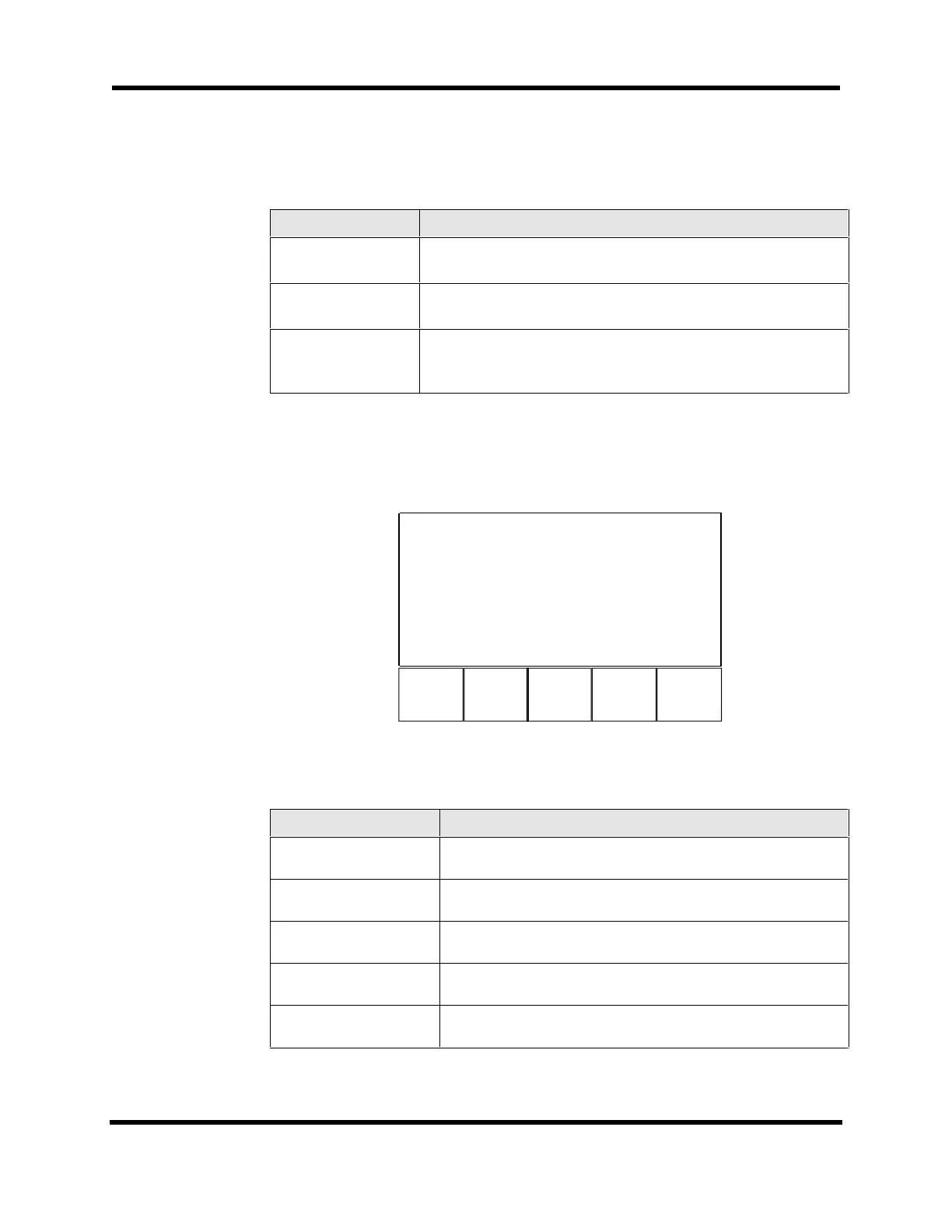
The Active Limits page (refer to Figure 3-27) displays limit status information. This page
differs from the Hardware Status page because the polarity is programmable and the axis
must be enabled to have an active limit. Components of the Active Limits page are shown
in Table 3-5.
F1 F2
F5
Page 5 Activ
1234
CW hardware l
----
CCW hardware l
----
Home hardware
----
CW software l
----
CCW software l
----
Back Next Quit
Figure 3-27. Active Limit Page
Table 3-5. Active Limit Diagnostics
Field Status Description
CW hardware limit Indicates whether the CW hardware travel limit is active
(“*” = active, “-” = inactive).
CCW hardware limit Indicates whether the CCW hardware travel limit is active
(“*” = active, “-” = inactive).
Home hardware limit Indicates whether the Home limit is active (“*” = active,
“-” = inactive).
CW software limit Indicates if the software CW travel limit is active
(“*” = active, “-” = inactive”).
CCW software limit Indicates if the software CCW travel limit is active
(“*” = active, “-” = inactive”).
Artisan Technology Group - Quality Instrumentation ... Guaranteed | (888) 88-SOURCE | www.artisantg.com



 To Next Page