The User Interface U511 User’s Manual
3-18 Aerotech, Inc. Version 1.1
F1 F2
F5
System C
Page 1 Gen 600
Auto enable axes XYZU
Auto run program
Axis calibration
Parameter file u511.prm
Back Next
ult Exit
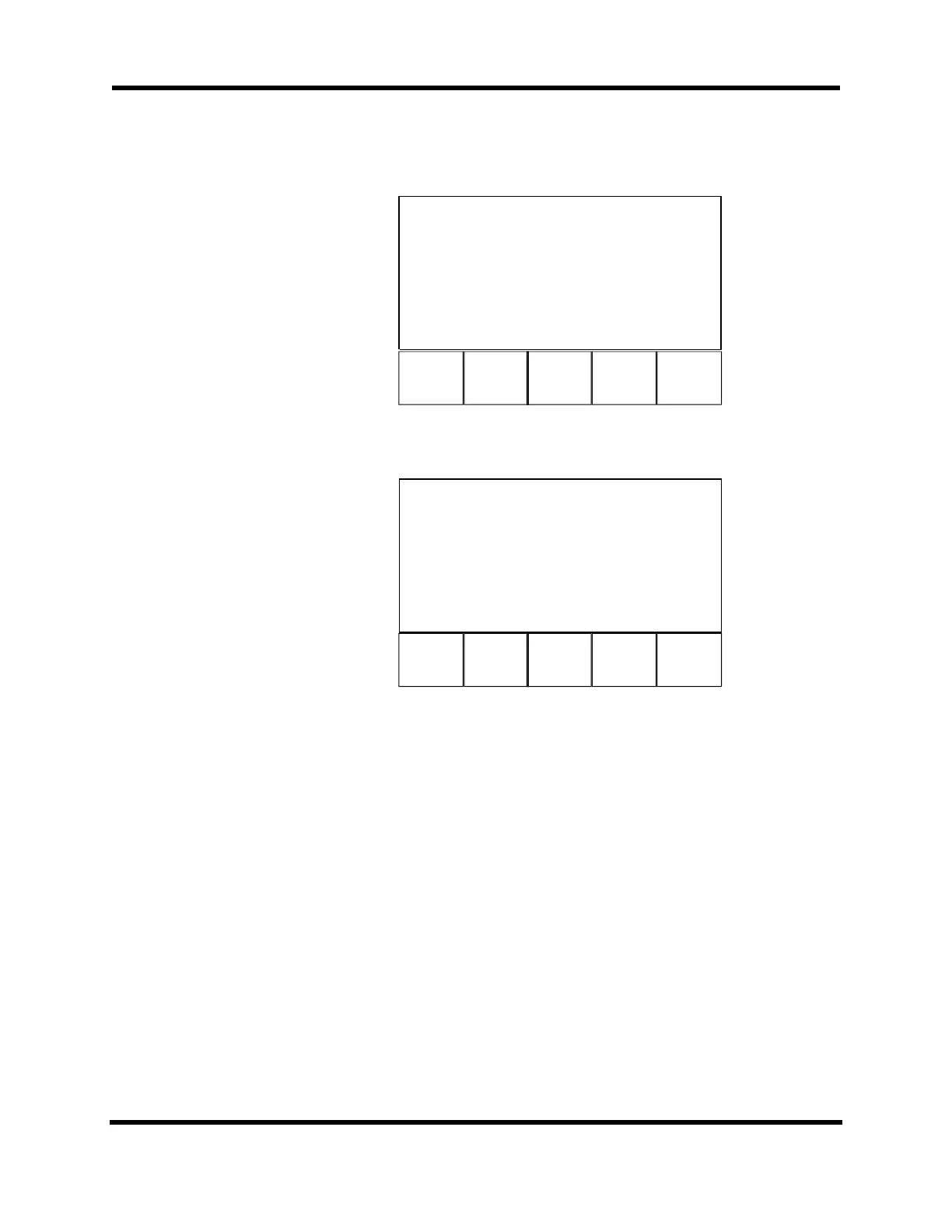
Figure 3-19. System Configuration Page (General Parameters)
Axis Co
Page 5
is 1, 100
Metric conversio
1.00000000
Metric conversio
1.00000000
Maximum accel/de
1.00000000
Positive move is
yes
[machine steps /
ps]
Back Next
ult Exit
F1 F2
F5
Figure 3-20. Axis Configuration Page (Axis Parameters)
There are from four to five functions on the general and axis pages. The following
describes typical functions (F1-F5) on these pages:
F1 Back Back selects the previous setup page.
F2 Next Next selects the following setup page.
F3 Axis Axis selects the axis (1-4). This information is displayed at the top
of the page along with the parameter number.
F4 Default Starting with software version 5.02, the Default key will return a
system-specific “default” value. Otherwise, a general default value
will be returned (see Appendix E: Backup Utility).
F5 Exit Exits this operation and returns to the “Save Changes?” screen.
This screen gives the user the opportunity to save the parameter
changes to the current file, save the changes as another file name,
or quit and return to the Main menu without recording the changes.
Artisan Technology Group - Quality Instrumentation ... Guaranteed | (888) 88-SOURCE | www.artisantg.com


 To Next Page