The User Interface U511 User’s Manual
3-8 Aerotech, Inc. Version 1.1
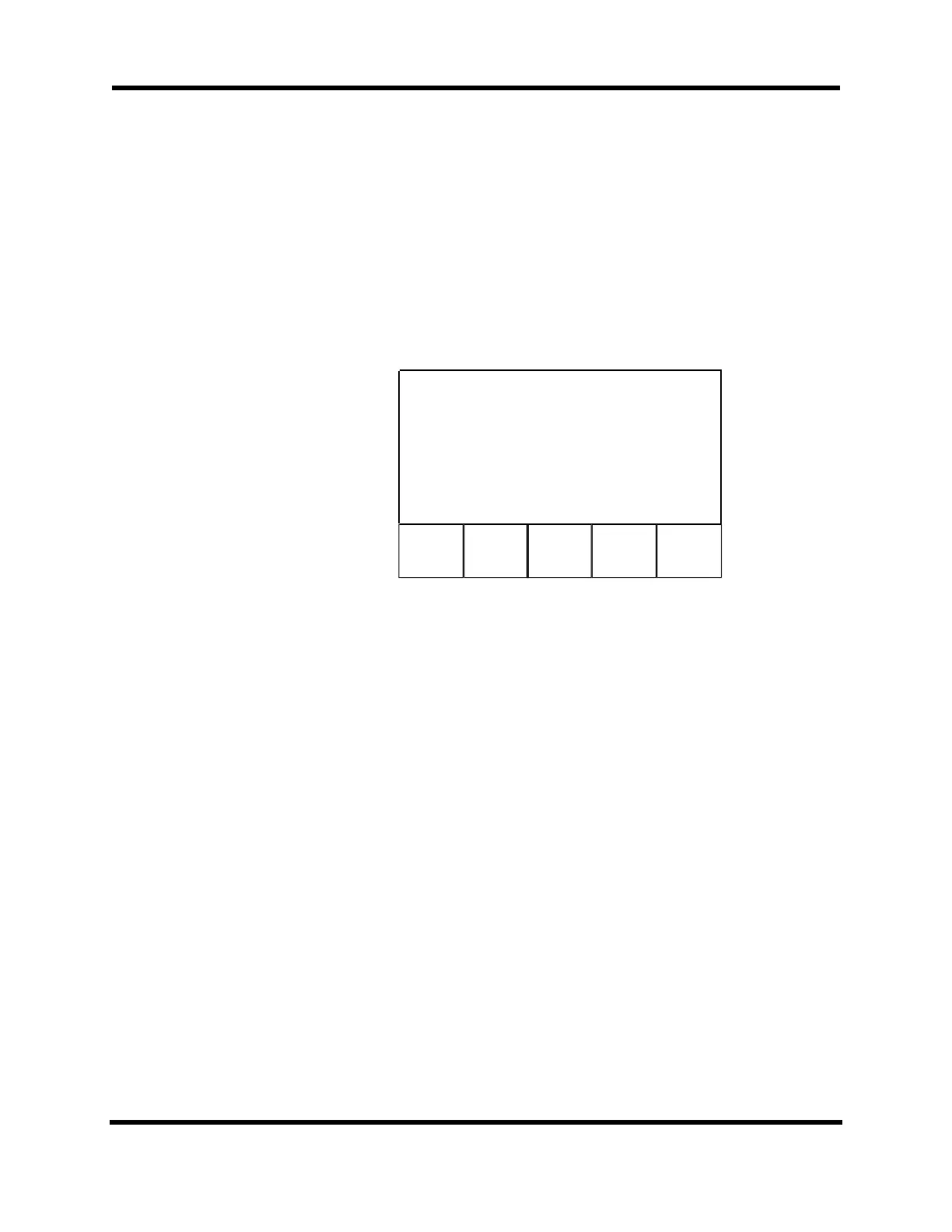
The Program Editor screen (refer to Figure 3-8) is displayed after a program has been
selected and loaded. A program may be edited using an external keyboard. If there is no
keyboard, menu-assisted editing can be entered by pushing the Commands key (F4). If F4
is pushed when the cursor is on a line that contains a command, the syntax for that
command will appear in a special screen. The command can then be modified using the
submenus specific to that command. If F4 is pushed on a blank program line, the Edit
Command screen appears where the user can choose the desired command from the
displayed list. When editing the program in menu-assisted mode, the up and down arrow
keys may be used to scroll through the program.
F1 F2
F5
Editing: “TEST1
Line:1
HOME XY
DelLine PgDown
nds Quit
Figure 3-8. Program Editor Screen
There are five selectable commands on the Program Editor screen, one of which leads to
other screens. Below is a description of the functions (F1-F5) on the Program Editor
screen:
F1 DelLine The DelLine function deletes the selected line of a file.
F2 PgDown/PgUp This function moves one screen down or up through the
command lines. Toggle between PgDown and PgUp by
reversing the direction with the cursor keys.
F3 Copy/Paste This function is used to copy one line of a file. To paste, press
the INS key (F3 becomes Paste) and position the cursor to
where the line is to be inserted and press F3.
F4 Commands This function summons the Edit Command screen where
users can build a command without using the keyboard. It
also helps the user with program command syntax.
F5 Quit The Quit function is used to exit or quit this operation. It
summons the “Save As:” screen so the program can be saved.
Artisan Technology Group - Quality Instrumentation ... Guaranteed | (888) 88-SOURCE | www.artisantg.com



 To Next Page