7.1 Basic / Load Sections 7 ADDITIONAL ITEMS: BEYOND BASIC FUEL AND IGNITION CONTROL
MAF Load. This behaves similarly to MAP in a speed density system and should give a repeatable load value and
allow tuning of those tables in the conventional manner. Make sure the axes on the table are set to cover all MAF
load values and RPMs if the engine is turbocharged; as a rule of thumb, the highest MAF load will probably be
higher than the highest K Pa value the engine sees. When live tuning, the active cell will be highlighted.
A MAF only install will need to use MAF Load for spark and AFR table lookups. But, if you have a MAP sensor
installed you can choose to set "Speed Density" for spark and/or AFR which will then use MAP as the Y-axis in the
table. It is also possible to use alpha-N and tune the spark map based on TPS.
7.1.13.2 Tuning Initially it is suggested to leave the trim table turned off. Ensure you have configured the basic
engine parameters: number of cylinders, number of injectors, engine size, injector flow and used the ReqFuel
calculator to set ReqFuel. As noted above, set primary fuel load to MAF and spark and AFR to use MAF. Configure
the AFR table for your chosen target AFR values. Ensure that the load and rpm axes cover your expected range;
alter them to suit if needed. It is suggested that EGO correction be set to "No correction" at this time. Having
started your engine, your primary tuning tool at this point is to make tweaks to the MAF Flow curve so that the
reported AFR from your wideband matches the target table you configured. (You can enable the AFR error gauge
in TunerStudio to see the difference between the two.)
Ignition tuning will be about the same, but do not try dialing in the final ignition table until you have the final
MAF calibration curve.
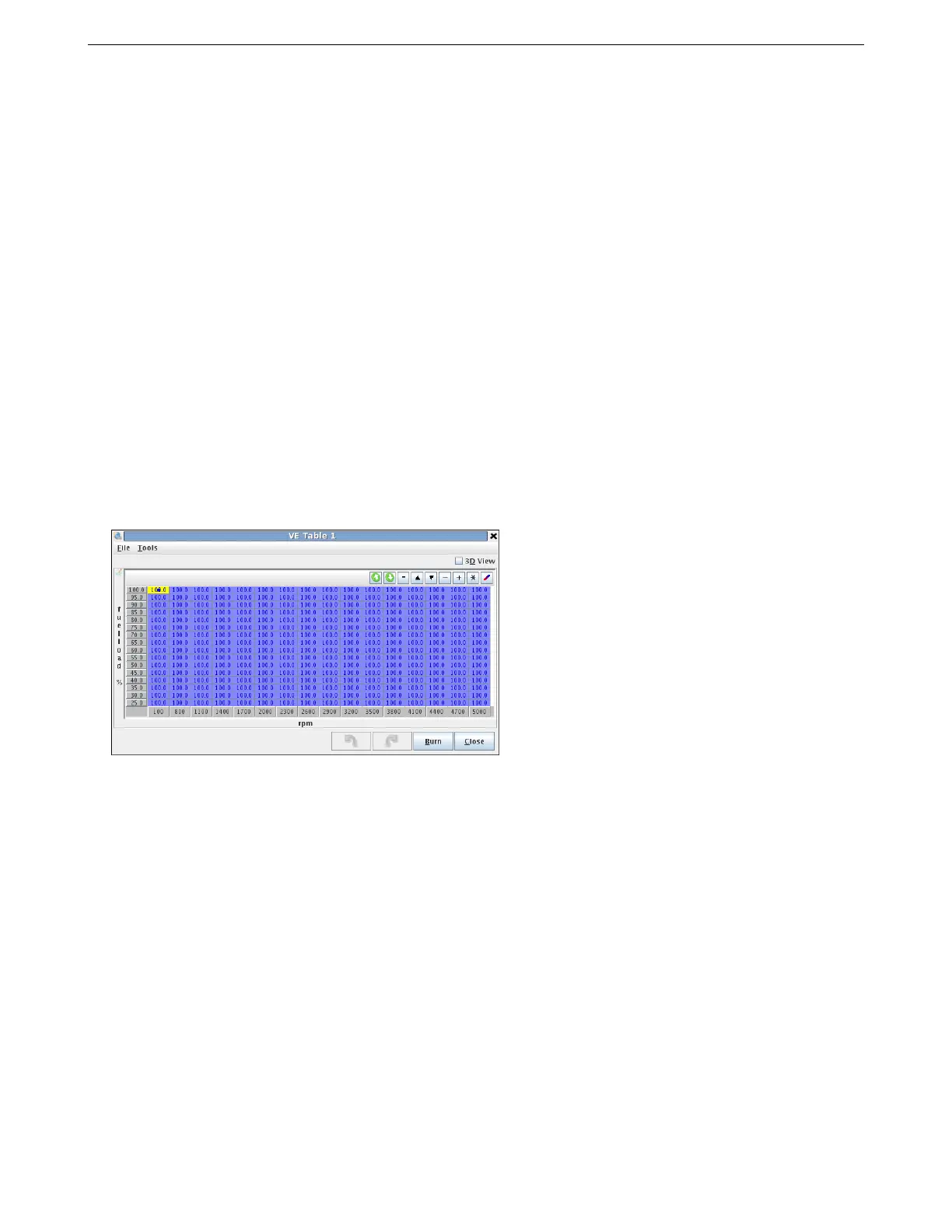
7.1.13.3 Using VE1 as a trim table If and only if you have exhausted tuning using the Flow curve alone, you
can enable VE1 as a trim table. This gives you a full trim table of MAF Load vs RPM. (VE3 is also available with
table switching.) When first enabling VE1 as a trim table you will need to fill it with 100%. Press CTRL-A, = and
then enter 100. The table should now look as follows:
Adjust the table as needed to hit your AFR targets.
7.1.14 MAF correction table (old)
When using the older MAF implementation, you will enter the MAF calibration curve under Tools -> Calibrate MAF
Table. This curve is a percentage trim to correct the curve loaded from the Tools menu.
AMP EFI MS3Pro manual version 1.202, firmware 1.5.0, 4/21/2017 Page 148



 To Next Page