7.1 Basic / Load Sections 7 ADDITIONAL ITEMS: BEYOND BASIC FUEL AND IGNITION CONTROL
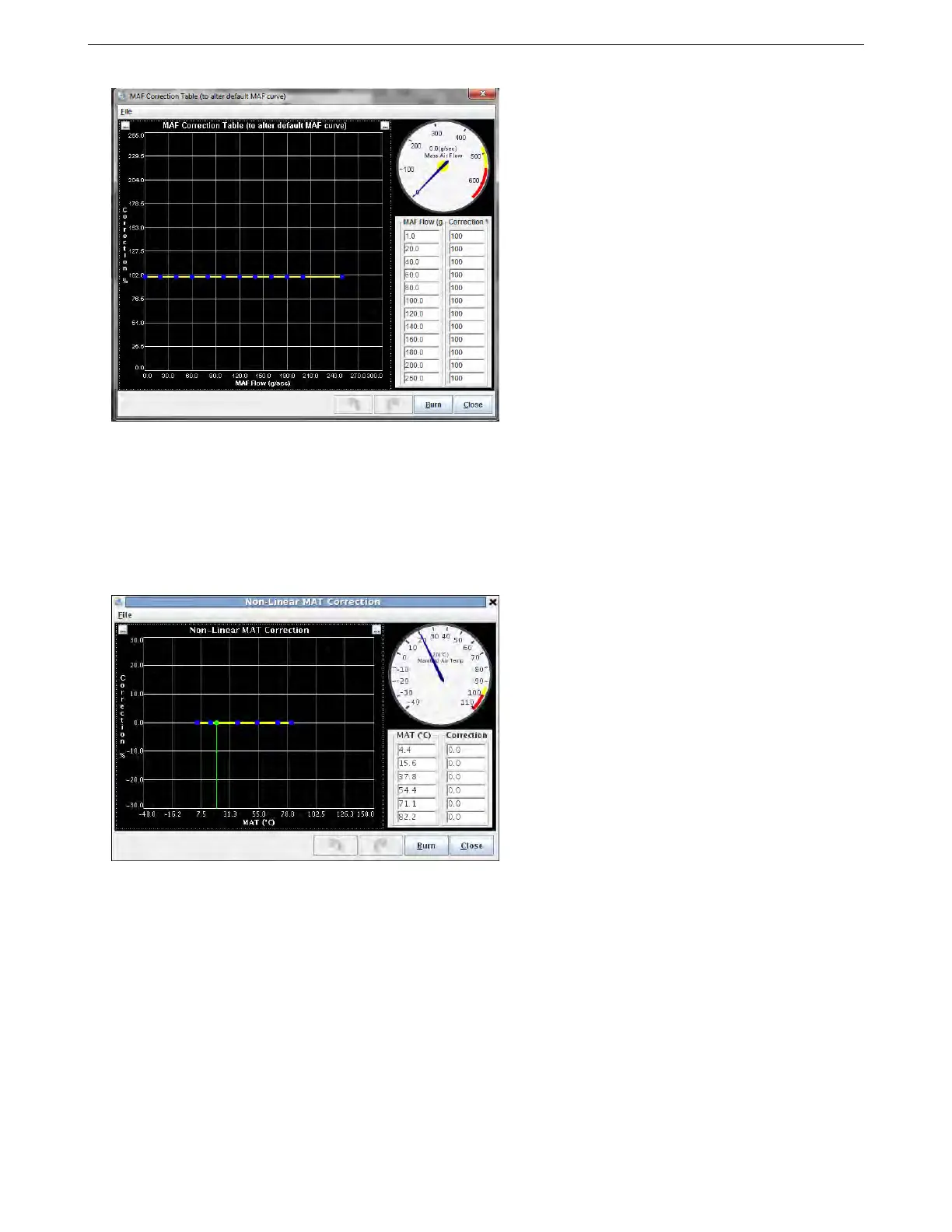
The MAF flow number is the number on the original calibration curve, and you apply a % correction to adjust
the curve.
7.1.15 MAF / MAT correction table
The MAF setup should automatically compensate for ambient air temperature as the mass flow is measured. If it is
found necessary to make small adjustments for air temperature, then an optional correction curve may be enabled.
Enabling this allows access to the MAT correction table on the Advanced menu. The default values of 0% mean
that no adjustment is made. Small +/- percentages can be used to tweak the fueling at these air temperatures.
Use this table if you are using MAF based fueling and you find your car runs differently under different weather
or temperature conditions.
7.1.16 Realtime Display
This tab allows you to monitor real time data from the ECU. The “Summary” tab gives line graphs over time of the
more commonly used channels, while All Output Channels gives a numerical readout of more channels.
AMP EFI MS3Pro manual version 1.202, firmware 1.5.0, 4/21/2017 Page 149



 To Next Page