7.10 CAN bus / Testmodes 7 ADDITIONAL ITEMS: BEYOND BASIC FUEL AND IGNITION CONTROL
• Table - the remote table number
• Enable input port - enable remote input port
• Offset - the offset number in the remote table
• Enable output port - enable remote output port
• Offset - the offset number in the remote table
7.10.1.4 PWM outputs MS3Pro can command PWM outputs on remote CAN devices. You will need to refer to
your CAN device’s documentation for the appropriate settings to use.
• Enable PWM outputs - Enables sending PWM/pulsed outputs to expansion board.
• Remote CAN ID - Enables sending PWM/pulsed outputs to expansion board.
• Table - Enables sending PWM/pulsed outputs to expansion board.
• Offset - Data offset on the expansion board used for PWM outputs.
• Force duty to 0-255 - Normally, PWM duty cycles read on a 0-100% scale. However, some remote devices
require an 8 bit, 0 to 255 scale. This setting enables the 8 bit scaling.
7.10.1.5 Analog (ADC) inputs over CAN This allows additional analogue inputs to be captured from remote
CAN devices and used with most MS3 features. The code allows up to 24 remote CAN ADCs. The dropdown
menus (e.g. EGT) allow you to select either a local ADC or a remote CANADC. Before attempting to use the chosen
CANADC, you need to enable it on this CAN settings menu. Due to data sizes, the CANADCs are configured in
groups of four. The exact table and offset numbers are specific to the configuration of the remote device.
• Enable ADC polling - enable or disable the feature
• CAN ADC 1-4 - enable or disable this group.
• CAN Id - the remote CANid to fetch from
• Table - the remote table number
• Offset - the offset number in the remote table
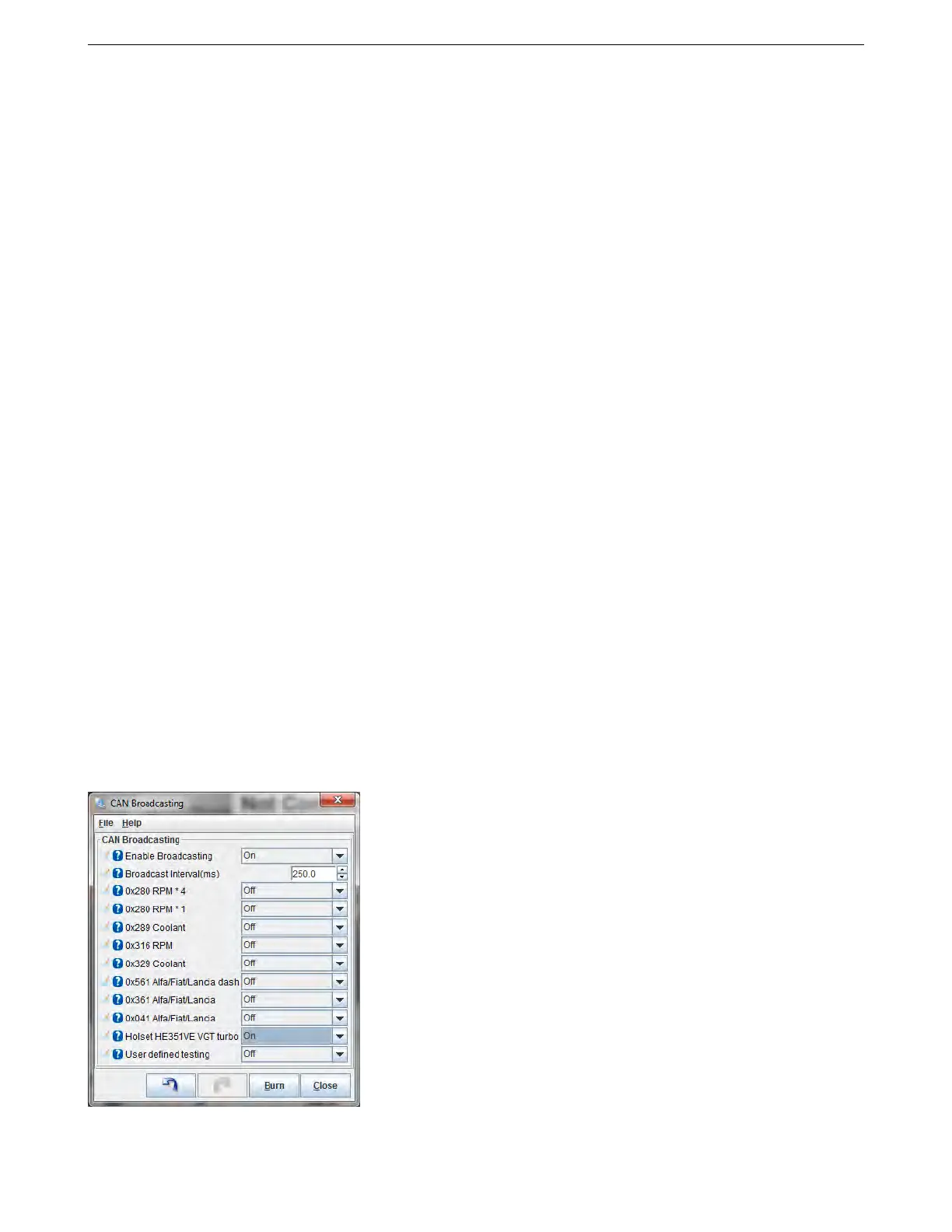
7.10.2 CAN broadcasting
This if for interfacing with simple gauge circuits that need the MS3Pro to actively send out information at regular
intervals. You can specify how often to transmit this information. Currently, the MS3Pro can broadcast RPM or
AMP EFI MS3Pro manual version 1.202, firmware 1.5.0, 4/21/2017 Page 262



 To Next Page