7.7 Table Choices 7 ADDITIONAL ITEMS: BEYOND BASIC FUEL AND IGNITION CONTROL
• Secondary outputs - You can either use the injector I and J in batch fire, or use the remaining outputs in the
injector A through H series.
• Secondary v3 alternate - If using injectors I and J in batch fire, this determines if they fire at the same time
or alternate.
• Input pin - Specifies what input is used to signal to switch to the secondary fuel.
• Alt parameters - allows switching the specified numbers when the dual fuel input pin is active. Note that this
will override other table switching options.
• Enable temperature adjustment - Allows you to turn on a curve to compensate for fuel temperature for
secondary fuel.
• Temperature on - Allows you to select the fuel temperature sensor. This must be defined in Generic Sensor
Inputs.
• Enable pressure adjustment - Allows you to use a curve to compensate for fuel pressure on the secondary
fuel.
• Gauge pressure in kPa on - Allows you to specify a pressure sensor for the secondary fuel. This also must
be defined in Generic Sensor Inputs.
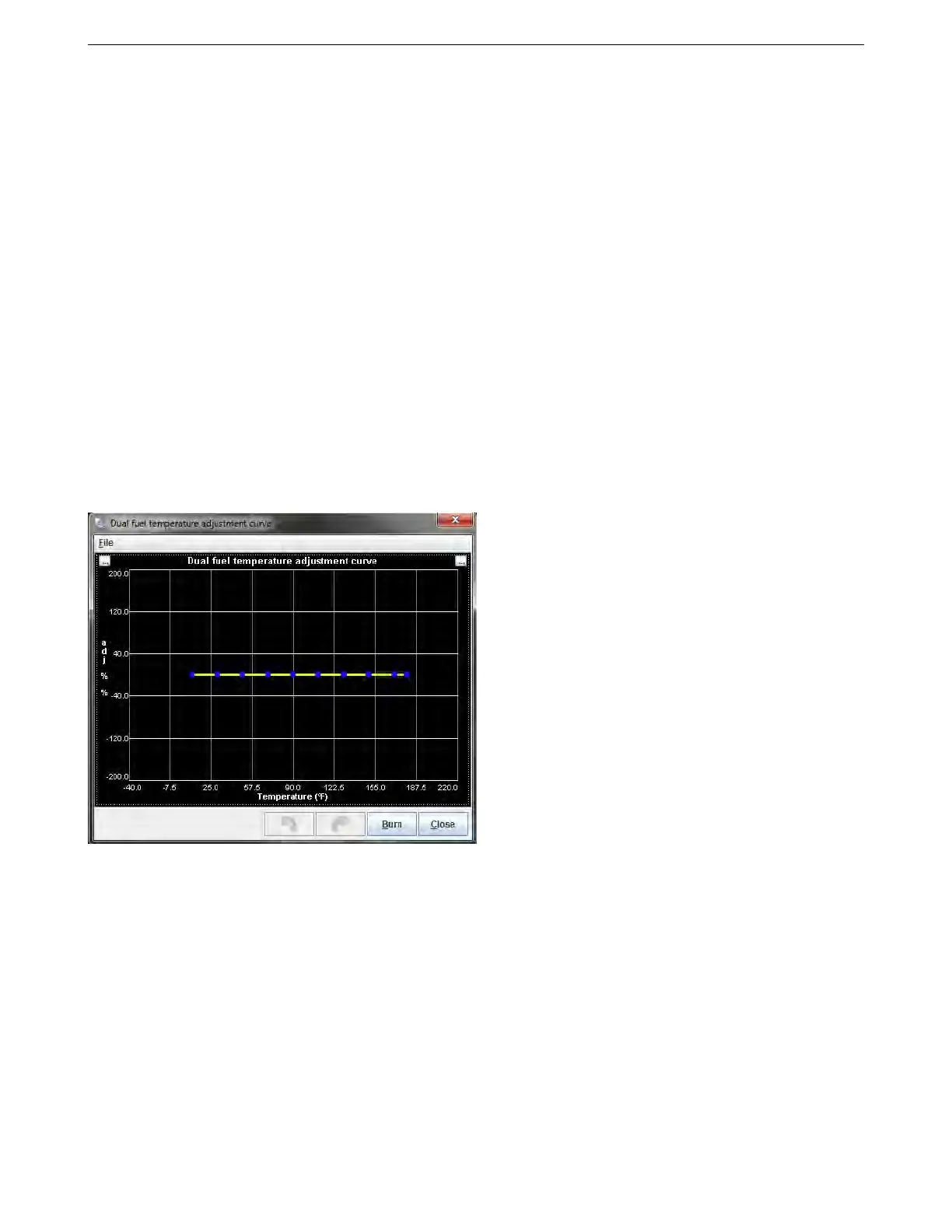
7.7.2 Temperature Adjustment
This screen is enabled for the secondary fuel in the dual fuel menu. This curve gives a percentage multiplier
that is applied to the fueling as a function of temperature.
AMP EFI MS3Pro manual version 1.202, firmware 1.5.0, 4/21/2017 Page 226



 To Next Page