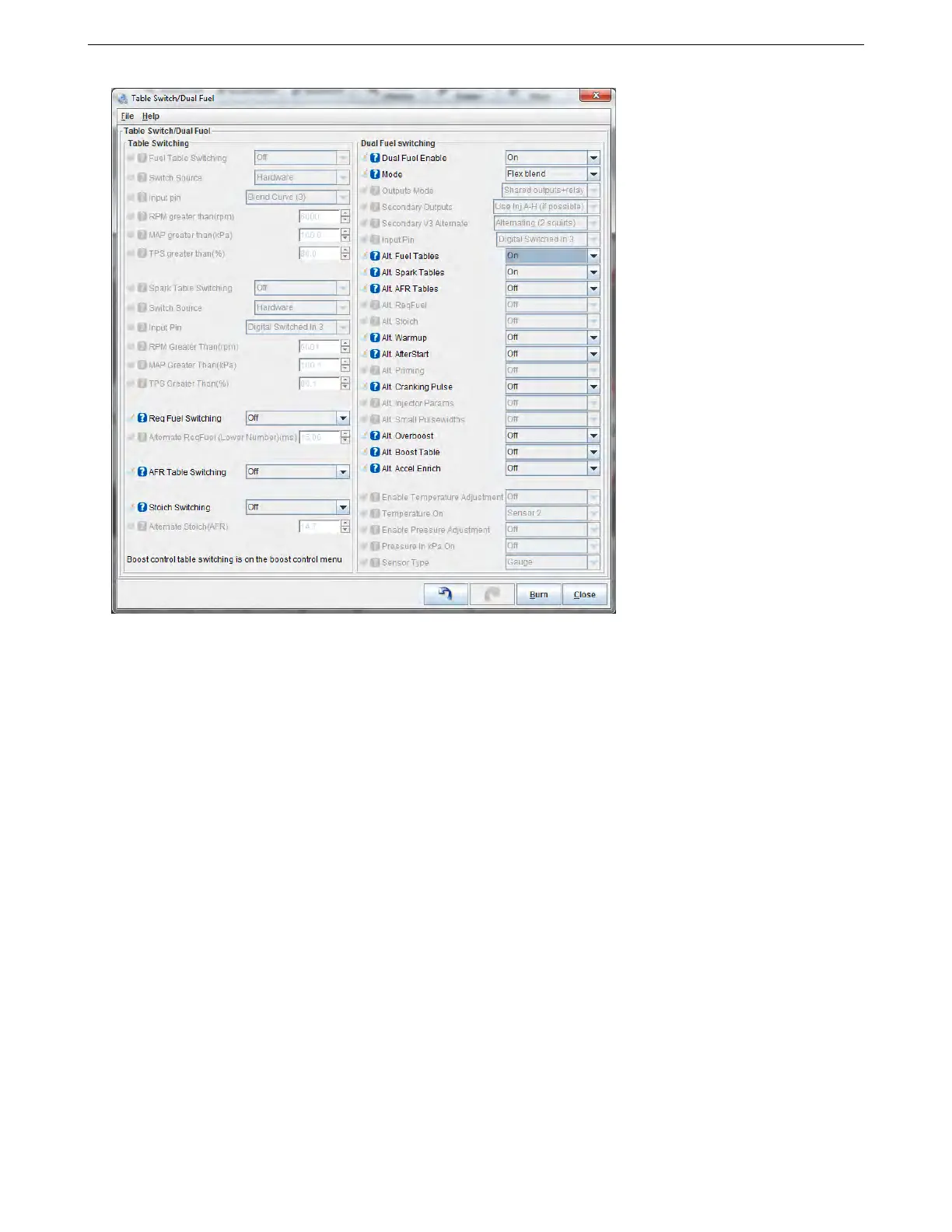
7.7 Table Choices 7 ADDITIONAL ITEMS: BEYOND BASIC FUEL AND IGNITION CONTROL
Several of the settings have been covered in the previous section; here, we’ll explain the settings we have not
yet covered.
• Req Fuel Switching - Allows you to use a hardware input to change the base pulse width number. The
MS3Pro will use the lower number when the switch is active and the higher number when the switch is off.
• Alternate ReqFuel - The number to be entered when the switch is active.
• Stoich Switching - Switch to the alternate stoichiometric ratio number (for purposes of using the “incorporate
AFR” into the fuel calculations) when the switch is active.
• Alternate Stoich - The air/fuel ratio used when the switch is active.
• Dual fuel enable - Enables modes that use multiple fuel types.
• Mode - MS3Pro allows several multifuel modes.
– Switching: Switches between separate fuel systems and separate fuel (and ignition) tables at the same
time. One fuel or the other is active.
– Dual table: Both fuel systems are active at the same time, each running off their own fuel table. For
example, a race car might have one set of injectors that spray gasoline and a second set that supplies
methanol. The system uses a single spark table and uses the primary fuel outputs for starting.
– Flex blend: The fuel system delivers a mixture of two separate fuels through one line and one set of
injectors. The MS3Pro blends between two sets of settings based on the percentage of separate fuels,
using a flex-fuel sensor input.
• Outputs mode - You can either use two sets of injectors wired to the same outputs and a relay to switch
between them, or a second set of outputs for the secondary fuel injectors. Note that the code assumes that
the same switch triggers the relay and the input pin - the MS3Pro does not trigger the relay.
AMP EFI MS3Pro manual version 1.202, firmware 1.5.0, 4/21/2017 Page 225



 To Next Page